Best Online Flashcard Generator Tools for Students


An online flashcard generator can turn course files into study material before you spend an evening writing cards by hand. The best fit depends on what you upload and how you want to practice. Here are six options, starting with Quizessa.
An analysis of 26 YouTube comments about online flashcard generators found that 31% mentioned automatic flashcard generation and export.
1. Quizessa
Quizessa is a web and iPhone study app that turns your own course material into flashcards, multiple-choice questions (MCQs), and answer explanations. Upload a PDF, lecture slides, notes, a photo, or a YouTube video, then start practicing from the material you already have.
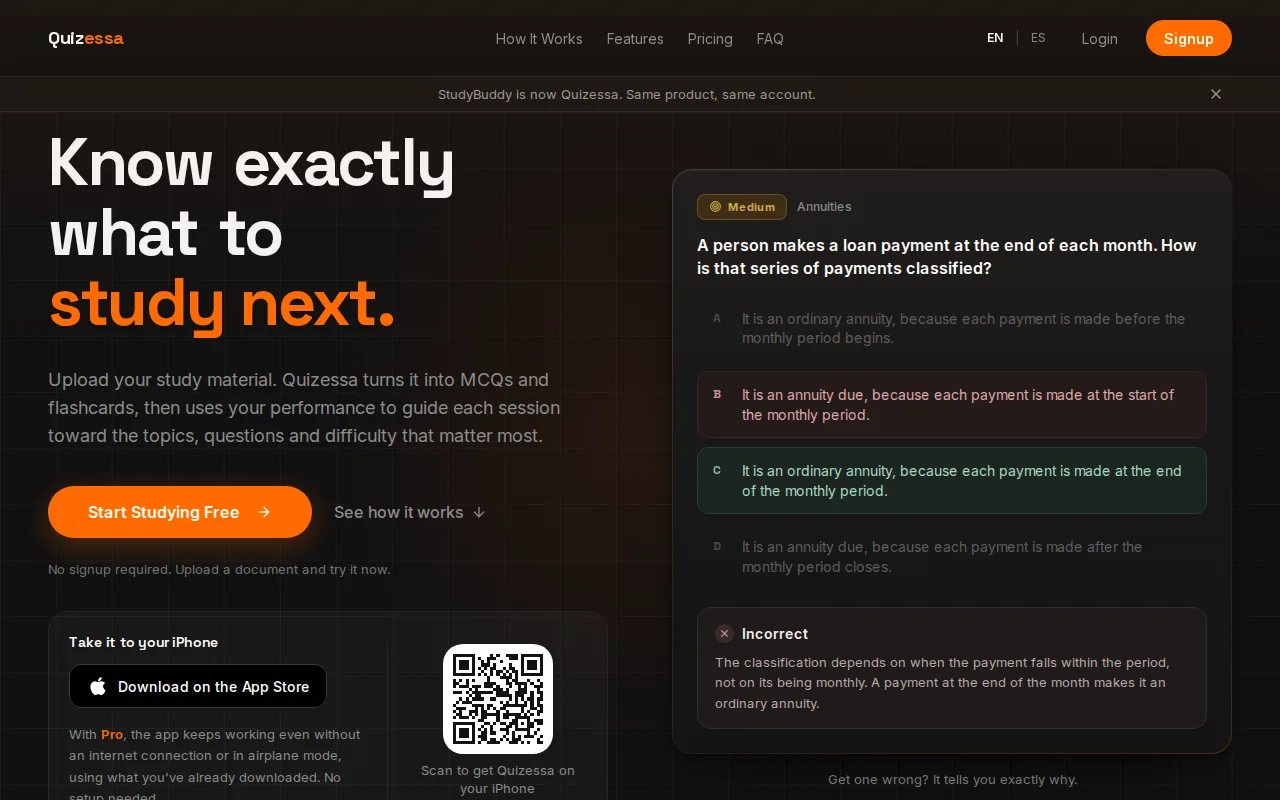
It suits university students and exam candidates who want more than a static card deck. Quizessa adapts practice to your answers and tracks topic mastery. Its Readiness Score can help you decide what to review next, but it can’t promise an exam result or guarantee that every answer is error-free.
You can try it in a browser guest session without signing up. It works in English and Spanish. Pro costs $8.99 per month or $89.90 per year, with 50 monthly credits and 30 active documents. For a course built around handouts, the process is simple: upload a file, check the generated practice, then use your results to pick a topic for another review. That workflow is useful when you want MCQs from your course material as well as cards.
Answering from memory before checking a card is a form of retrieval practice. The testing effect describes how recalling information can support later memory.
2. Quizlet: A familiar option with AI-assisted card creation
Quizlet is a long-running digital flashcard service with a large library of ready-made sets. It suits students who want to find existing study cards or turn their own notes into a set, then review on a phone or computer.
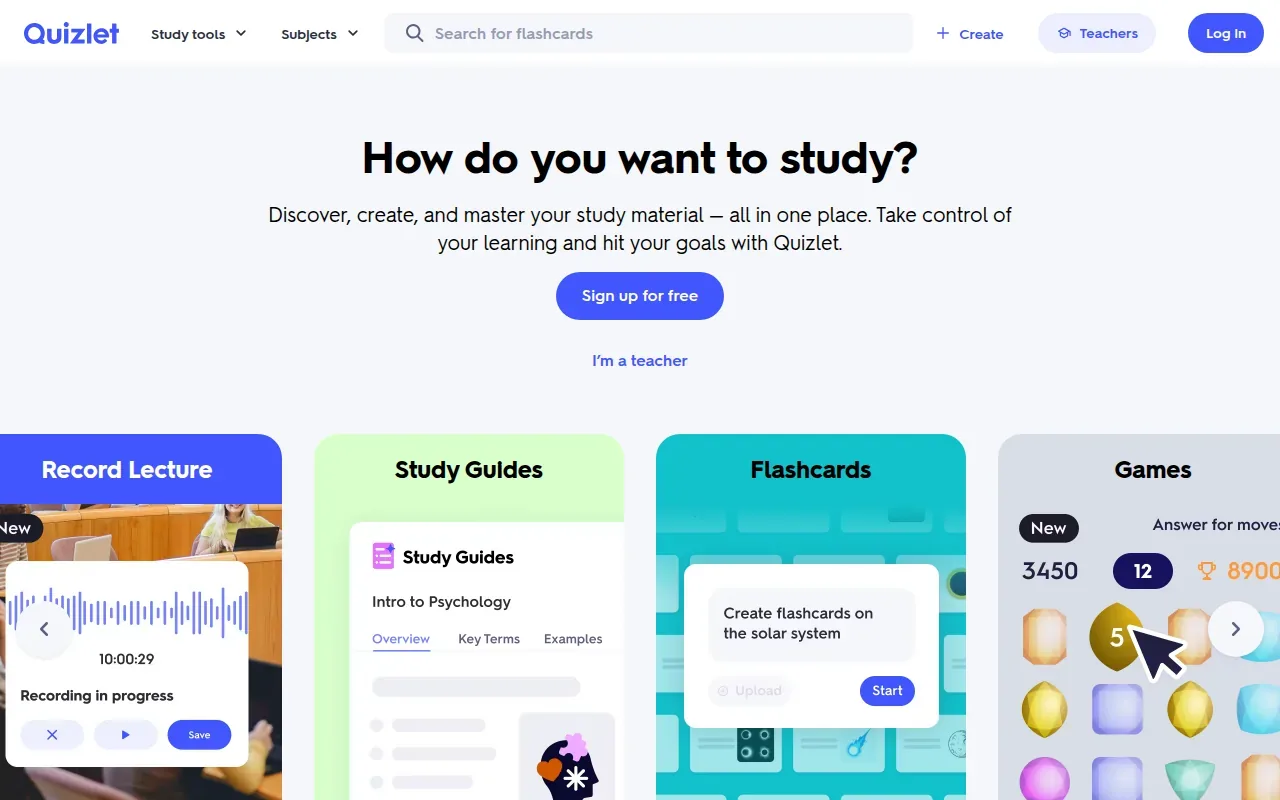
Its AI card tools can work from pasted text, uploaded files, or photos of handwritten notes. Quizlet also supports slide decks and PDFs. You can edit a generated set, which matters when a lecture uses a term in a narrower way than a general reference does.
Quizlet’s free plan lets you browse and make flashcards, while some study tools have monthly limits. Some AI features need a Quizlet Plus subscription. That makes it worth checking which study modes you’ll use before paying. If your main goal is to find a shared deck for a common course topic, the large library may be the draw. If you need questions tailored to one instructor’s slides, review the generated cards against your source.
Quizlet can shorten card setup, but its strongest fit is still often quick card review and community content. The gap between a broad shared set and your own class notes can matter when an exam follows a specific syllabus.
3. Knowt: AI flashcards from documents and recorded lectures
Knowt is a study platform with a free AI flashcard maker and study modes. It’s a good fit if you want to make cards from your own material, then move into quiz-style practice instead of only flipping through a deck.
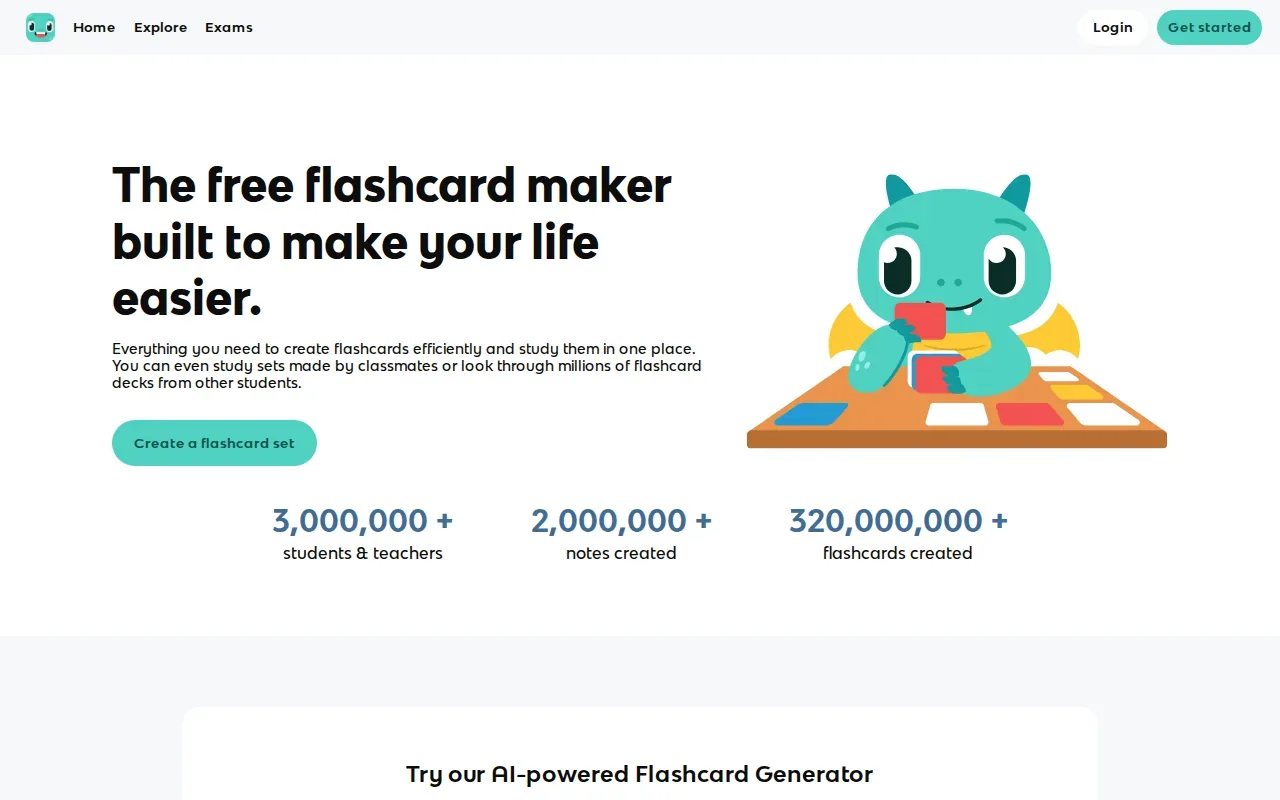
Knowt can generate flashcards from documents, videos, and recorded lectures. Its study features include Learn mode and practice tests. The Learn mode can use multiple choice, written answers, or true-or-false prompts, while practice tests give you a more test-like session. Knowt also has a mobile app, so you can continue studying away from your desk.
Spaced repetition is part of Knowt’s study options. That can help when you’re working through a large card set over time, rather than cramming every card into one sitting. If this kind of review is central to your routine, compare the spaced repetition flashcard tools that fit your study materials and schedule.
A recorded class can be a useful source when your notes are thin. Still, check the generated cards against the lecture and your course guide, especially for details your instructor stressed. Knowt is a strong match for students who want free access to AI card creation and more than one way to test recall.
4. Anki: A flexible choice for manual card building and repeated review
Anki is a flashcard program for people who want to build and manage their own decks. It’s often used by medical students and language learners who review many facts over a long period, though students in other fields can use it too.
Turn your notes into a practice exam
Upload a document and Quizessa builds questions, flashcards and explanations in minutes.
Try it free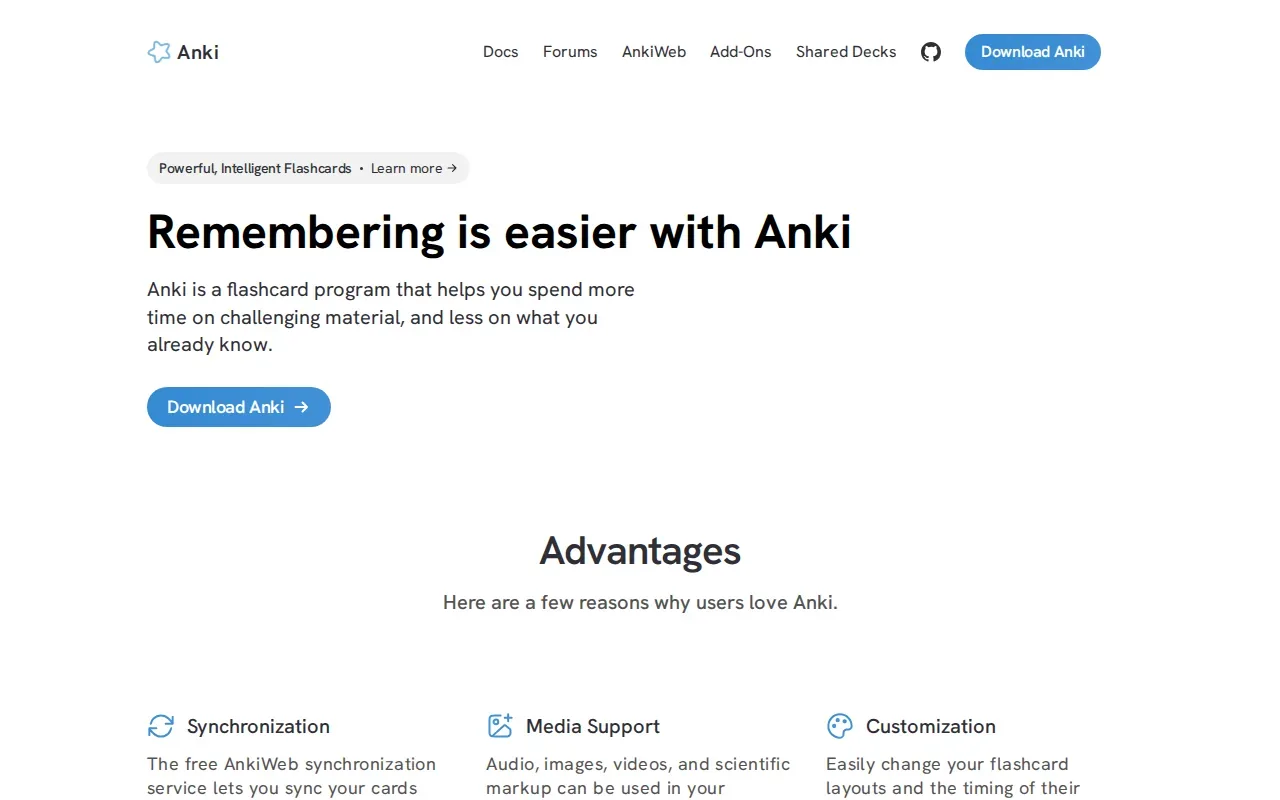
Anki doesn’t generate cards with AI. You write the prompts and answers yourself, or bring in cards from another source. That takes more setup than uploading a file to an AI tool, but it gives you control over wording and detail. You can also add images, audio, video, or scientific markup to cards.
Its scheduler changes when a card appears based on how well you recall it. Anki’s free AnkiWeb sync service can keep cards in step across devices. The computer version is free, and Anki can handle very large decks. Because the system has many settings, new users may need time to learn how to shape decks and review intervals.
Spaced repetition means reviewing information at planned intervals instead of repeating every card at the same pace. Anki suits you if you’re willing to build a deck carefully and want control over how review is scheduled.
5. RemNote: Flashcards built into a note-taking workspace
RemNote combines note-taking with flashcards and spaced repetition. It fits students who want to write and organize course notes, then make cards without moving the material into a separate study app.
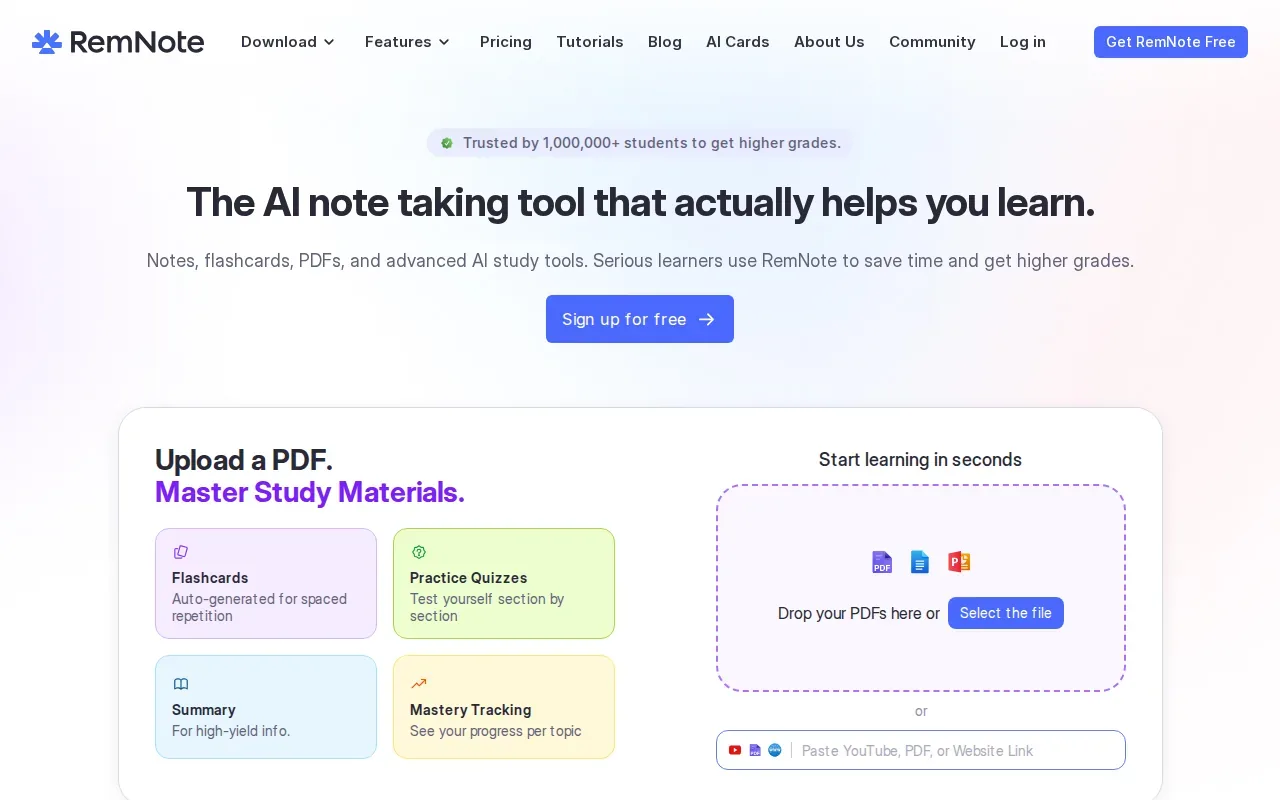
As you write, RemNote can create flashcards from notes. Its AI can also generate preview cards from typed or pasted study material. The product supports PDFs and slides, with tools to mark up those files alongside notes. That can help when your study process starts with highlighting a handout, then turns into questions about the terms or ideas you marked.
RemNote supports several card styles, including question-and-answer, fill-in-the-blank, and image occlusion cards. Its spaced-repetition schedule can be set around an exam date. Notes sync across devices, and the app supports offline access, which helps if you study somewhere with a weak connection.
There’s a free plan with note-taking, flashcards, spaced repetition, and PDF annotation. Advanced AI tools are part of paid upgrades. RemNote makes sense if you want notes and cards to live together. If you already keep course notes elsewhere and only want to generate a few practice sets, its wider workspace may be more than you need.
6. Flashcards World: PDF-based question-and-answer cards
Flashcards World can turn selected PDF passages into question-and-answer cards. It suits students who have a textbook chapter, lecture handout, or study guide in PDF form and want to choose which pages feed the draft.
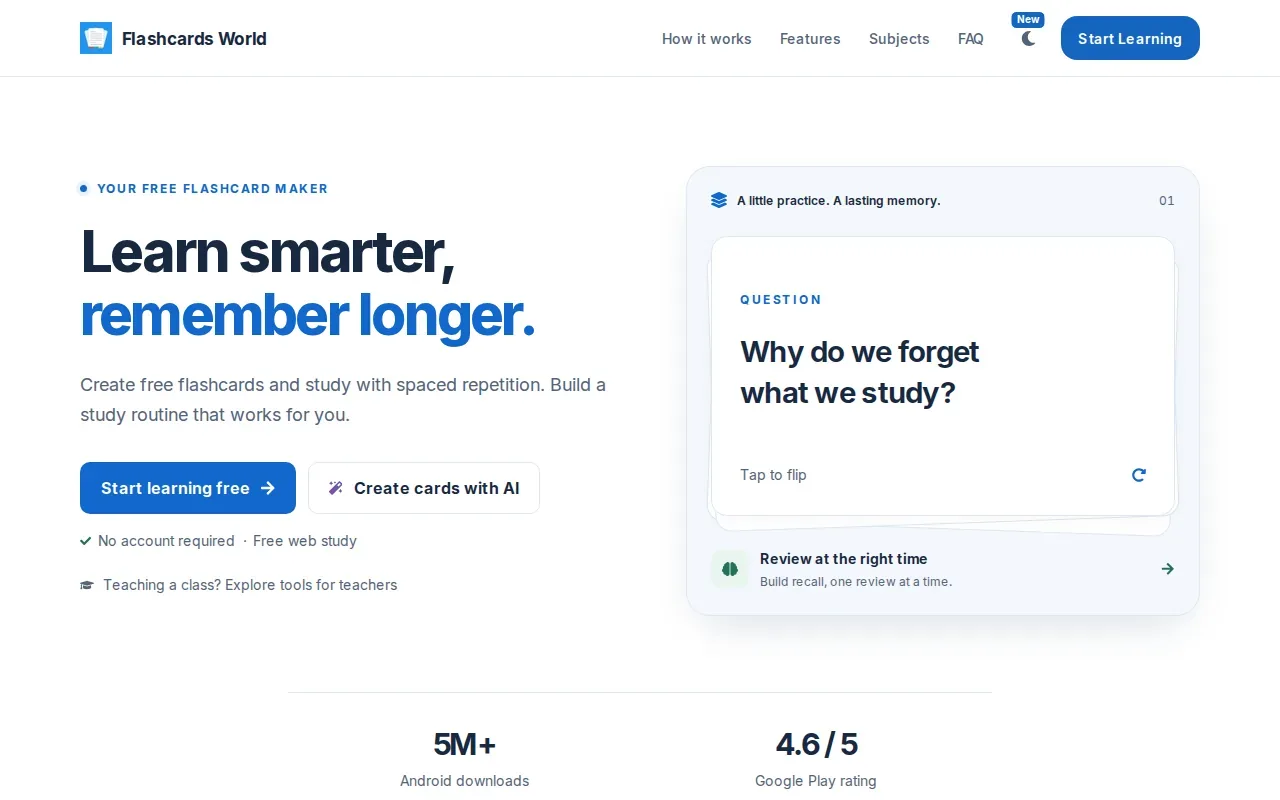
The PDF tool accepts files up to 5 MB and lets you select as many as 120 pages at a time. Before generation, you can review an excerpt of up to 12,000 characters. AI generation includes three free uses per day and requires sign-in. For a scanned or image-heavy handout, check that the text is selectable before you start.
Flashcards World also has a free web study option. You can make and review cards without an account, then sign in to sync cards and progress across devices. It supports spaced repetition, and you can bring in cards using CSV, Excel, or Anki formats. That import and sync setup is useful if you’re moving an existing deck rather than starting from scratch.
| Study need | Flashcards World fit | What to check |
|---|---|---|
| Make cards from a course PDF | Select pages and review the excerpt before generating | PDF text must be selectable |
| Keep AI generation free | Three free generations per day | AI generation requires sign-in |
| Study an existing deck | Import CSV, Excel, or Anki cards | Sign in to sync across devices |
| Review cards over time | Use spaced repetition and track review progress | Choose this for card-based review, not a full MCQ workflow |
Pick it when page selection matters. You can send a short section of a long PDF instead of treating the whole file as one study set.
FAQ
What is the best online flashcard generator for lecture slides?
Quizessa is a strong choice if you want lecture slides turned into flashcards, MCQs, and answer explanations. It adapts later practice to your performance and tracks topic mastery. Quizlet can also make cards from slide decks, while Knowt can create study material from uploaded documents and recorded lectures. Check each draft against your course content.
Can I turn a PDF into flashcards for free?
Quizessa is free to try in a browser guest session without signup. Flashcards World allows three free AI generations per day, with sign-in required for that feature. Limits and access rules differ, so check the tool’s terms before preparing a large batch of files.
Which flashcard apps use spaced repetition?
Anki, Knowt, RemNote, and Flashcards World include spaced-repetition features. Their workflows differ. Anki lets you shape a manual deck and its review settings, while RemNote places cards inside a notes workspace. Choose based on whether you want to build cards yourself or make them from course files.
Can I move flashcards between apps?
Some tools support moving cards with common file types. Flashcards World accepts CSV and Excel files, along with Anki deck formats. Anki can import cards made elsewhere when they’re prepared in a supported format. Check the destination app’s import rules first, since formatting and card fields may need changes during transfer.
Conclusion
If you want study practice based on your own course files, start with Quizessa: upload one lecture file, review its cards and MCQs, then use your results to choose what to study next.
Turn your notes into a practice exam
Upload a document and Quizessa builds questions, flashcards and explanations in minutes.
Try it freeRelated articles
-
Best Active Recall Study Techniques: 9 Ways to Practice
Closing your notes can feel risky: what if you can’t remember anything? That’s the point of active recall. These active recall study techniques help you practice pulling answers from memory, then use...
-
Best Active Recall Flashcards: 5 Tools for Students
Active recall flashcards make you pull an answer from memory instead of rereading it. The right tool can turn your course material into focused practice, then help you return to the topics you miss...
-
Best Spaced Repetition Flashcards: 6 Tools Compared
Spaced repetition flashcards bring facts back after a gap, so you have to recall them instead of only rereading them. The hard part is finding a tool that fits your material and leaves enough time...