Best Spaced Repetition Flashcards: 6 Tools Compared

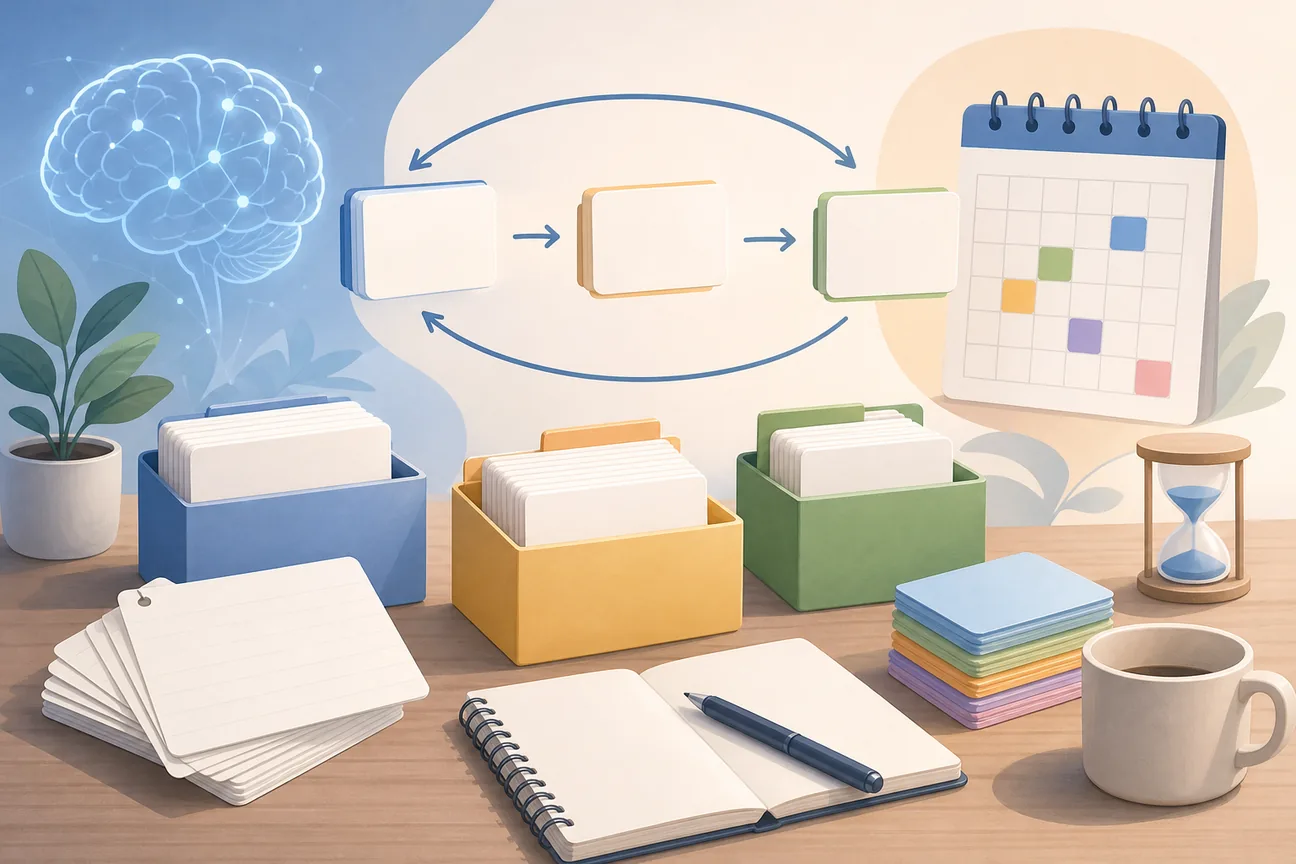
Spaced repetition flashcards bring facts back after a gap, so you have to recall them instead of only rereading them. The hard part is finding a tool that fits your material and leaves enough time for review. Here are six options, starting with Quizessa for students who want practice built from their own course files.
An analysis of 47 comments from YouTube and Reddit about spaced repetition flashcards found that 15% mentioned missing export and media features.
1. Quizessa
Quizessa is a web and iPhone study app that turns your PDFs, lecture slides, notes, photos, or YouTube videos into multiple-choice questions, flashcards, and answer explanations. It’s best for students who have a course source to study and don’t want to write every prompt by hand.
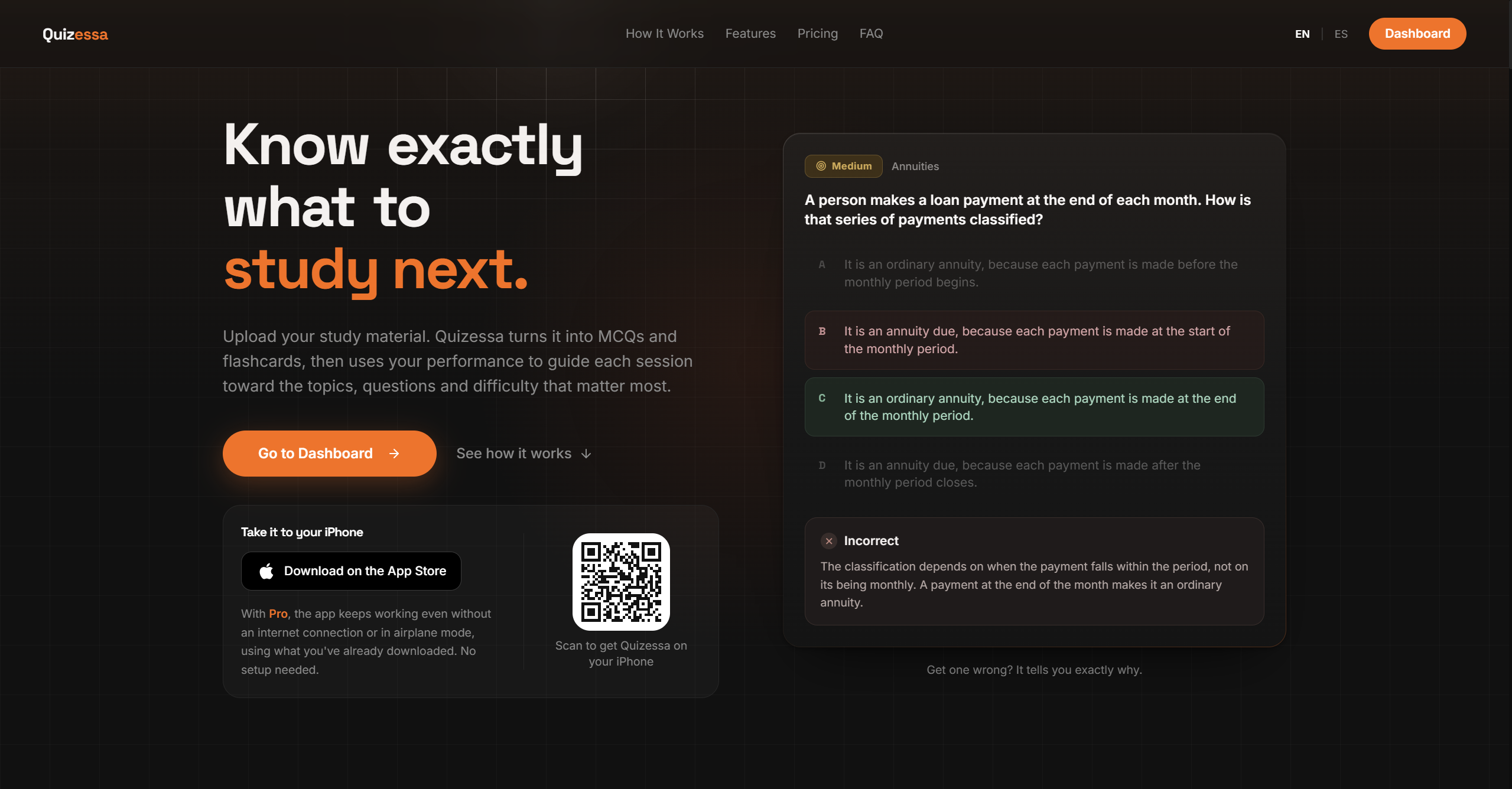
Upload a file, then practice with questions made from its content. The app adapts later practice to your answers. If you miss a question, the explanation can help you check the idea before it returns for another try. Topic mastery and the Readiness Score help you decide what to review next. They’re study signals, not promises about an exam result.
This is useful in a course where one lecture deck covers several topics. You can test a formula from accounting, a contract rule, or a biology term without first building a large deck by hand. Generated material still needs a check against your course source, especially when a question turns on a small detail.
Spaced review works by bringing learned material back after time has passed. The spaced repetition method is built around that timing, while active recall asks you to produce an answer before you see it. Quizessa combines generated practice with review adapted to your performance.
Quizessa is free to try. Pro costs $8.99 per month or $89.90 per year. If your main bottleneck is turning course material into practice, you can also compare options for making flashcards from a PDF.
2. RemNote: linked notes with spaced-repetition reviews
RemNote connects note-taking with spaced-repetition reviews. It may suit you if you want to keep study notes close to the facts you turn into review prompts, rather than treating notes and cards as separate tasks.
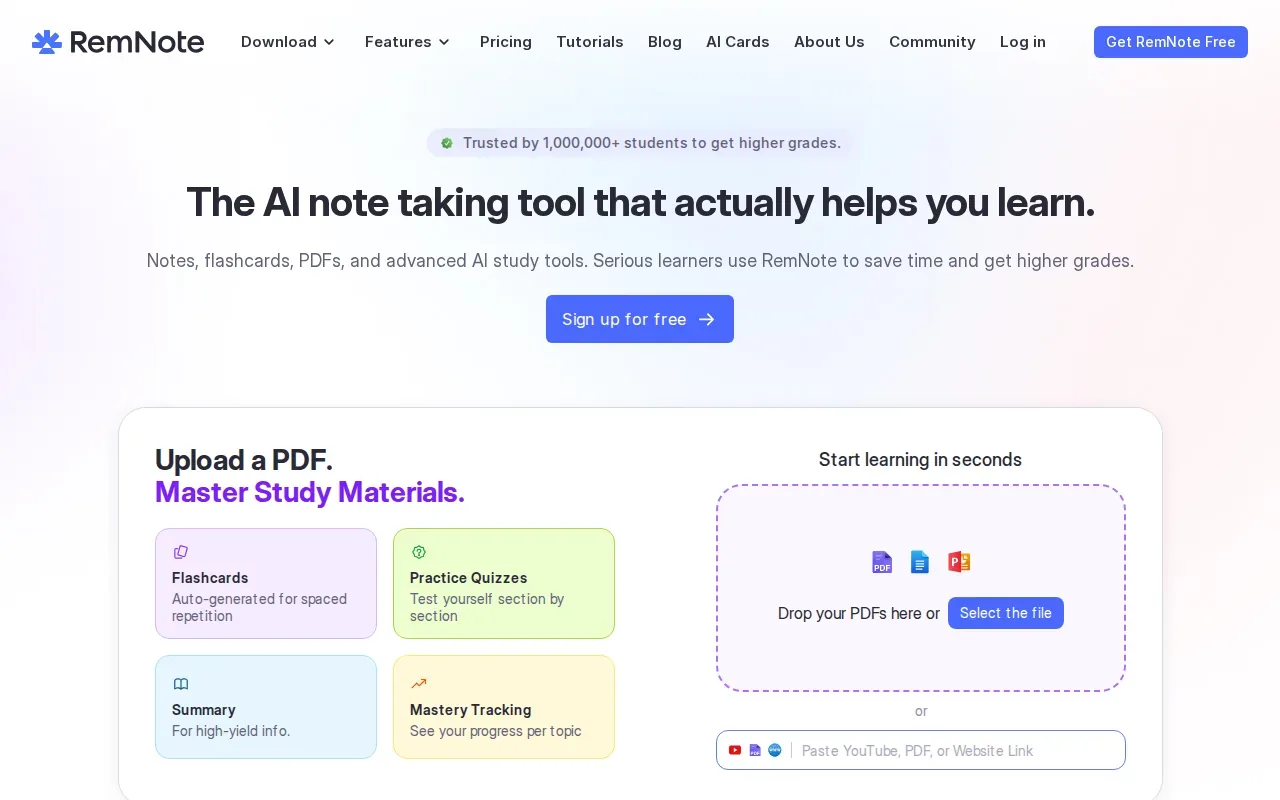
Its free plan includes spaced-repetition reviews, while more AI credits, advanced PDF tools, and exam scheduling sit on paid plans. If automatic card drafts from a course PDF are your main need, check what each paid plan covers.
Think of a history lecture with a set of causes and effects. Notes can preserve the bigger picture, while a focused review prompt tests one link at a time. The card should still ask you to recall the link before you reveal the answer. Simply rereading a linked note can feel familiar without showing whether you can explain it.
Review timing can vary with the system and your recall. A physical Leitner box uses a simple version of this idea: put cards you know into a box reviewed less often, and return missed cards to the frequent-review box. Digital scheduling can handle those dates for you, while a paper system may be enough for a small deck.
The forgetting curve describes how recall can fade after learning. It’s a useful way to understand why a later retrieval attempt can reveal a gap that rereading right away might hide.
3. Brainscape: confidence-based flashcard review
Brainscape is a flashcard tool built around spaced review and rating your confidence in each answer. It suits learners who want to judge their recall as they study, then give weaker cards more attention.
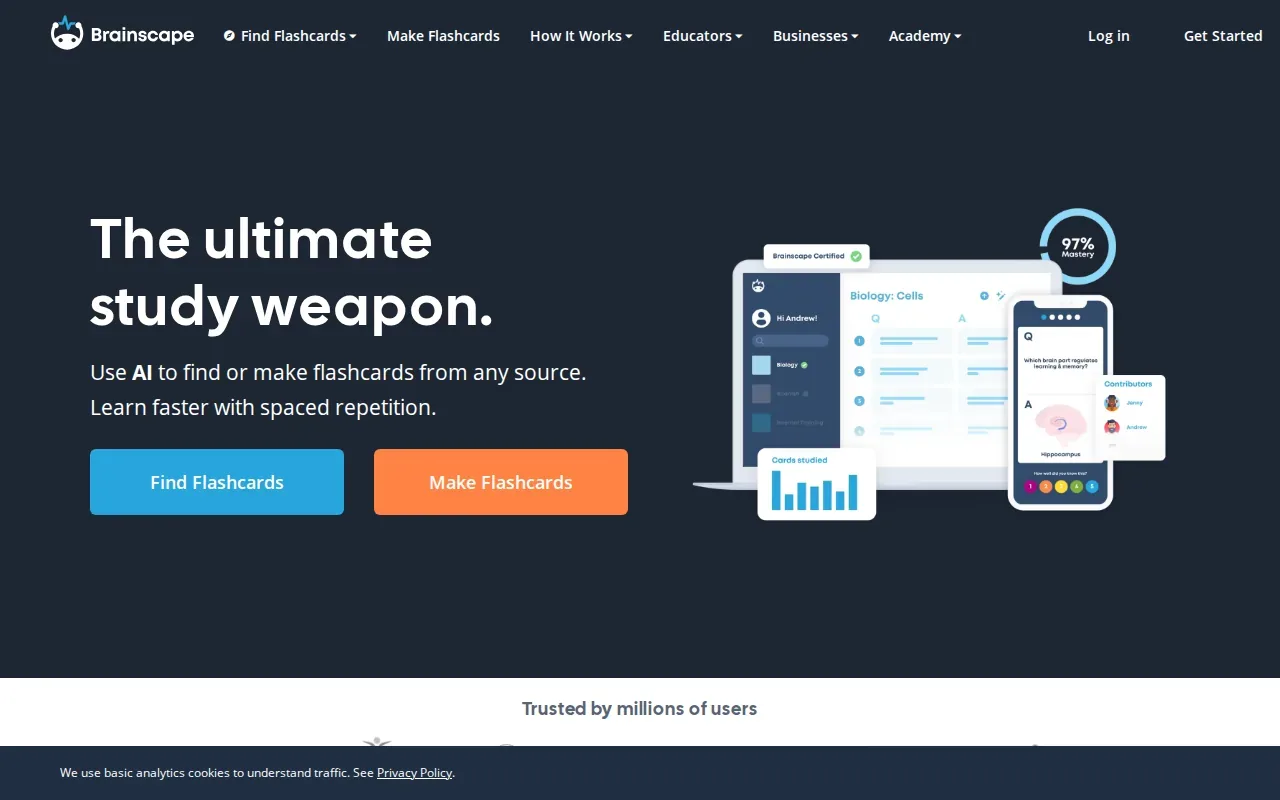
A confidence rating asks you to be honest about more than whether an answer looked familiar. If you could only recall part of a definition, treat that card as unfinished. That gives you a clearer cue to revisit it than a quick “I’ve seen this before” feeling.
Brainscape’s free tier lets you make or import flashcards and study with spaced repetition. It can also make flashcards with AI from your own material. If your priority is to build a deck from your own lecture files automatically, test that workflow on one file before choosing.
A confidence rating can be useful in a language course. You might know a word when you see it but struggle to recall it from its meaning. Rate that card based on whether you produced the word, not whether the answer felt familiar after it appeared.
Good cards keep one prompt focused on one idea. For ways to make each card test retrieval rather than recognition, see how to make effective flashcards.
Brainscape makes more sense when you already have a deck or want to build one and track your confidence as you review. Your rating is only useful if it matches what you actually recalled.
4. Knowt: free-plan flashcard reviews
Knowt is a study tool with a free plan for spaced-repetition reviews. It can fit students who want to review flashcards without paying just to use a spaced schedule.
Turn your notes into a practice exam
Upload a document and Quizessa builds questions, flashcards and explanations in minutes.
Try it free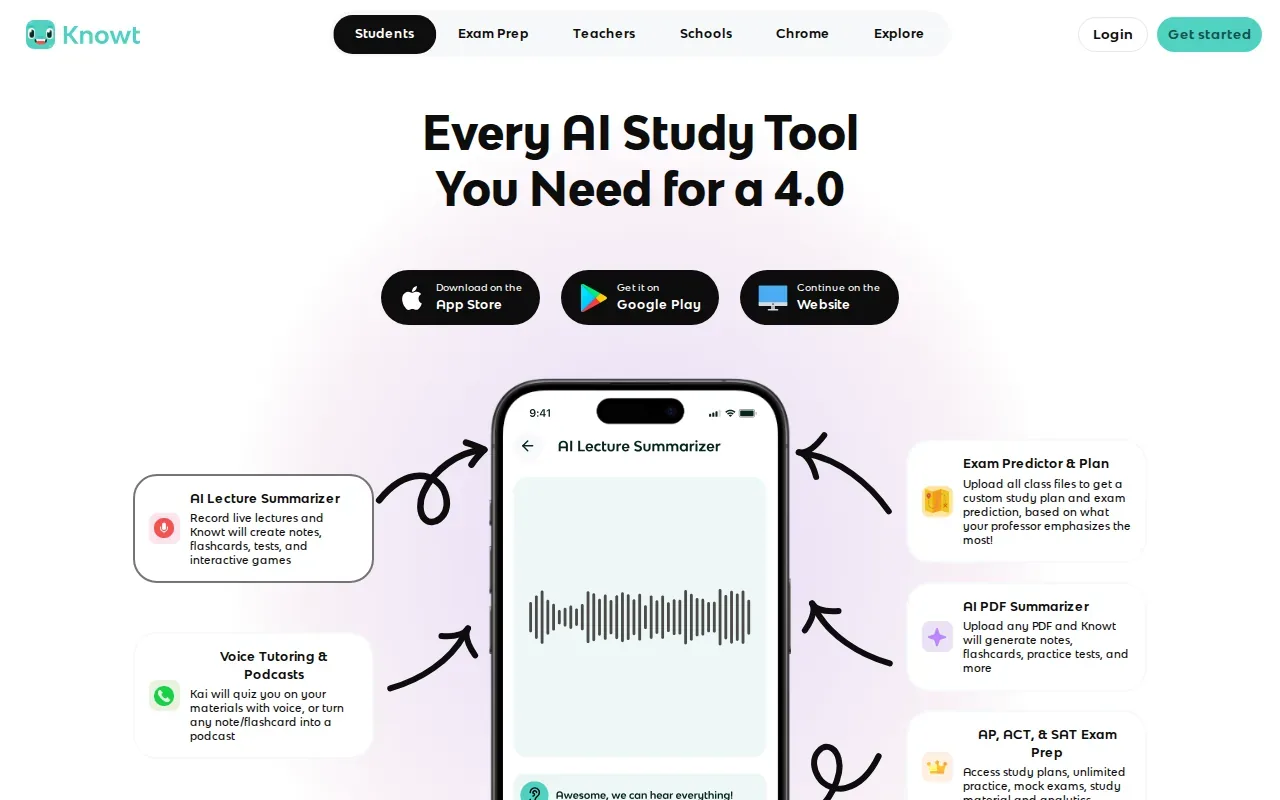
Knowt offers free reviews and a range of AI study tools, such as a PDF summarizer and lecture summaries, though some features may require payment. Check which AI tools are on the free plan before relying on them for your own files.
Spacing helps when you start before the last few days of a course. After a lecture on statistics, for example, make a short card about what a confidence interval means. Try to answer before checking. Bring missed ideas back sooner, and give cards you recall correctly more time before the next review.
One challenge with a large deck is keeping card quality high. A single card that asks for five facts can hide the one fact you forgot. Split it into smaller prompts so each review tells you what you know and what still needs work.
Knowt’s free review access may suit a student who already has a deck and wants a review routine. If your main need is generating questions and explanations from your own source material, Quizessa is designed for that separate workflow.
5. SuperMemo: advanced scheduling for committed reviewers
SuperMemo is a Windows study program for spaced-repetition enthusiasts who want advanced scheduling and incremental reading. It suits you if you’re ready to spend time learning a detailed review system and plan to return to it over the long term.
Its scheduling is built on successive generations of the SuperMemo algorithm, which gives dedicated users fine control over review timing. A named algorithm is useful context, but it doesn’t make a poor card clear or replace the effort of answering from memory.
SuperMemo 19 for Windows costs $34 and SuperMemo 20 costs $68, each as a one-time payment. Card creation remains mostly your own work. For a small language deck, writing a few short prompts may be manageable. For a course with many lecture files, making every card manually can take time away from review.
A workable schedule beats a complex one you stop using. Choose a regular study window, answer before revealing each card, and use missed answers to decide what to revisit. The interval should reflect both how well you recalled the idea and how soon you need it for an exam.
6. Noji: a polished interface with AI card generation
Noji is a spaced-repetition app with a modern interface and AI card generation. It may fit you if you want to start reviewing quickly and prefer a polished app experience.
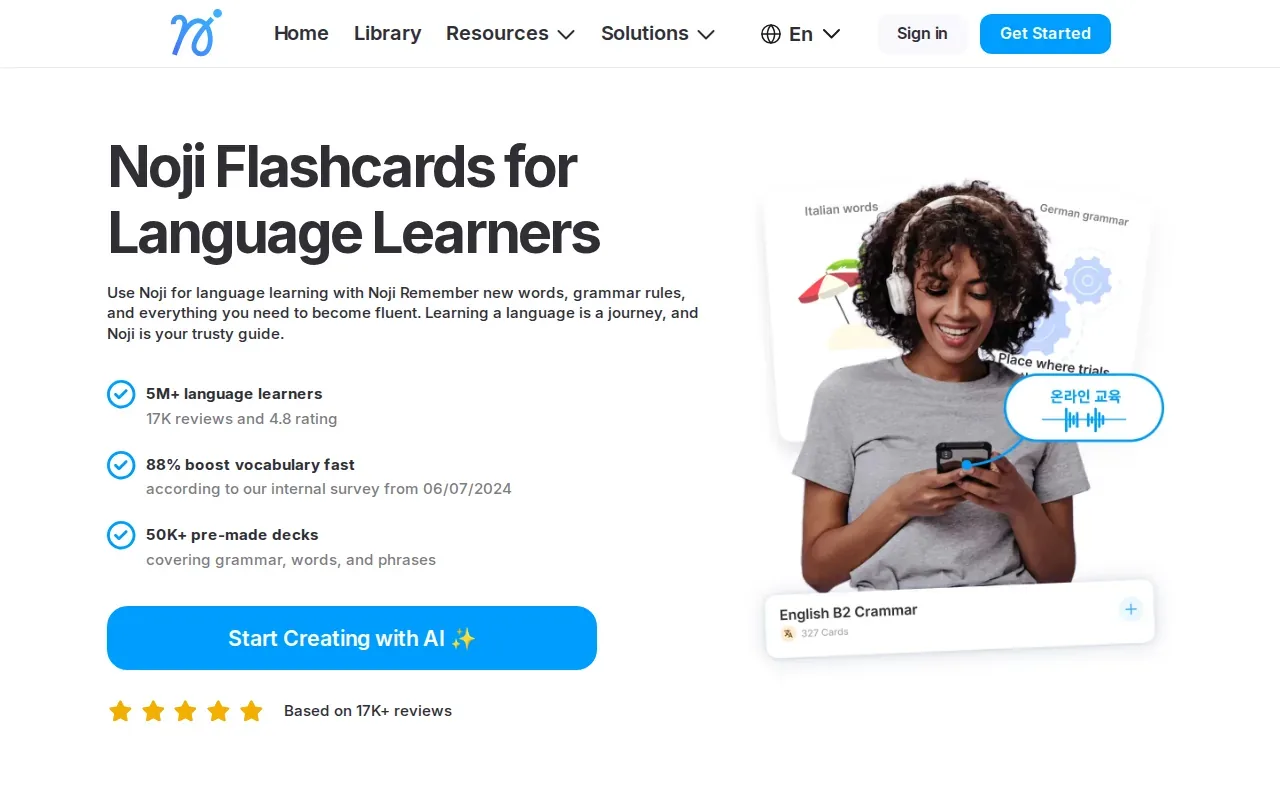
Noji offers AI card generation. Check its current workflow before assuming it can turn a particular course PDF or lecture deck into cards. Quizessa’s workflow is different: it turns your uploaded course material into MCQs, flashcards, and explanations, then adapts practice to your performance.
Use this comparison to match the tool to the work you need to do first. The table focuses on card creation and review, rather than claiming that one schedule fits every student.
| Tool | AI-generated cards | Review approach | Good fit when |
|---|---|---|---|
| Quizessa | From uploaded course material | Adapts to performance | You want file-based practice and explanations |
| RemNote | Yes, on paid plans | Spaced repetition | You want notes linked with reviews |
| Brainscape | Yes | Spaced repetition with confidence ratings | You want to rate how well you recalled each card |
| Knowt | Yes | Free spaced-repetition reviews | You already have cards to review |
| SuperMemo | Mostly manual | Advanced scheduling choices | You want detailed scheduling on Windows |
| Noji | Yes, sources unspecified | Spaced repetition | You value a polished interface and quick setup |
For any AI-generated card, check the question and answer against the source before relying on it. A short review of the card can catch a missing condition or a question that asks too much at once.
Frequently Asked Questions
How do spaced repetition flashcards work?
Spaced repetition flashcards bring a question back after time has passed, rather than asking you to review every card in one sitting. You try to recall the answer before checking it. Cards you miss can return sooner, while cards you know can wait longer, depending on the tool’s schedule.
How often should I review flashcards?
Review often enough to keep returning to material before your exam, but don’t treat one calendar as right for every subject. A simple start is to review the next day, then after a few days, then later in the week. If you miss a card, revisit it sooner. Adjust the gaps to your workload and exam date.
What makes a good flashcard?
A good flashcard tests one clear idea and gives you room to answer from memory. Keep the prompt focused, then compare your answer with the key point on the back. If a card asks for several facts at once, split it. That way, one forgotten detail won’t hide behind the facts you remembered.
Can I make flashcards from lecture slides or PDFs?
Yes. Quizessa turns uploaded lecture slides and PDFs into MCQs, flashcards, and answer explanations, then adapts practice to your performance. Check generated material against the course file before studying it. If you use a tool whose card-generation sources aren’t clear for your needs, confirm that it accepts your file type first.
Conclusion
If you want to turn your own course files into practice, start with Quizessa. Upload one lecture PDF or slide deck, check the generated cards and explanations, then use your results to choose what to review next.
Turn your notes into a practice exam
Upload a document and Quizessa builds questions, flashcards and explanations in minutes.
Try it freeRelated articles
-
Best Apps for Studying: 6 Picks for Your Courses
The best apps for studying should help you do more than sort your notes. If your course material is spread across PDFs and lecture slides, the right tool can turn it into practice you can use. Here...
-
How to Study for the MCAT: A Step-by-Step Plan
The MCAT can feel like a long race with no clear training plan. If you're figuring out how to study for the MCAT, start with a diagnostic, then build a routine that mixes review and practice from the...
-
Best AI Study Guide Maker Tools for Students
A pile of lecture slides or a long course PDF can take hours to turn into study material. An AI study guide maker can turn your own files into practice, but the tools differ in what they make and how...