Best AI Study Guide Maker Tools for Students


A pile of lecture slides or a long course PDF can take hours to turn into study material. An AI study guide maker can turn your own files into practice, but the tools differ in what they make and how they help you review. Here are five options, plus Quizessa, and the kind of study routine each one suits.
An analysis of 34 comments and questions from YouTube and Quora about AI study guide makers found that 24% mentioned fast automatic note creation.
1. Quizessa
Quizessa is a web and iPhone study app that turns your course material into multiple-choice questions, flashcards, and answer explanations. Upload a PDF, lecture slides, notes, a photo, or a YouTube video, then practice from the material you already have.

It suits university students and exam candidates who want questions based on their own course content. You can use it for accounting formulas, contract law terms, statistics concepts, history topics, or professional exam prep. The app works in English and Spanish, and you can try it in a browser guest session without signing up.
When you answer, Quizessa adapts later practice to your performance. Topic mastery and Readiness Score help you decide what to review next. They’re study signals, not a promise that you’ll pass or that every AI explanation will be error-free. Check generated questions against your course materials, especially when a detail or formula matters.
This type of question practice puts the focus on retrieving what you know instead of rereading the same page. The testing effect describes how testing yourself can support later recall. Quizessa makes that practice from your own files, then uses your answers to guide what comes next.
Quizessa’s Pro plan costs $8.99 per month or $89.90 per year. Both include 50 monthly credits, 30 active documents, and image analysis. Free access is a way to try the app, not unlimited processing. For a closer look at how uploaded course material becomes practice, see the AI quiz generator for notes and PDFs.
Use Quizessa when your main need is a study loop: upload material, answer questions, read explanations, then review the topics that need more work. Its study guide generator workflow can also help you scope uploads by exam unit.
2. Knowt
Knowt is a study tool for turning notes, PDFs, slides, and videos into study sets and quizzes. Its free Basic plan allows unlimited sets and live collaboration, though it shows ads.
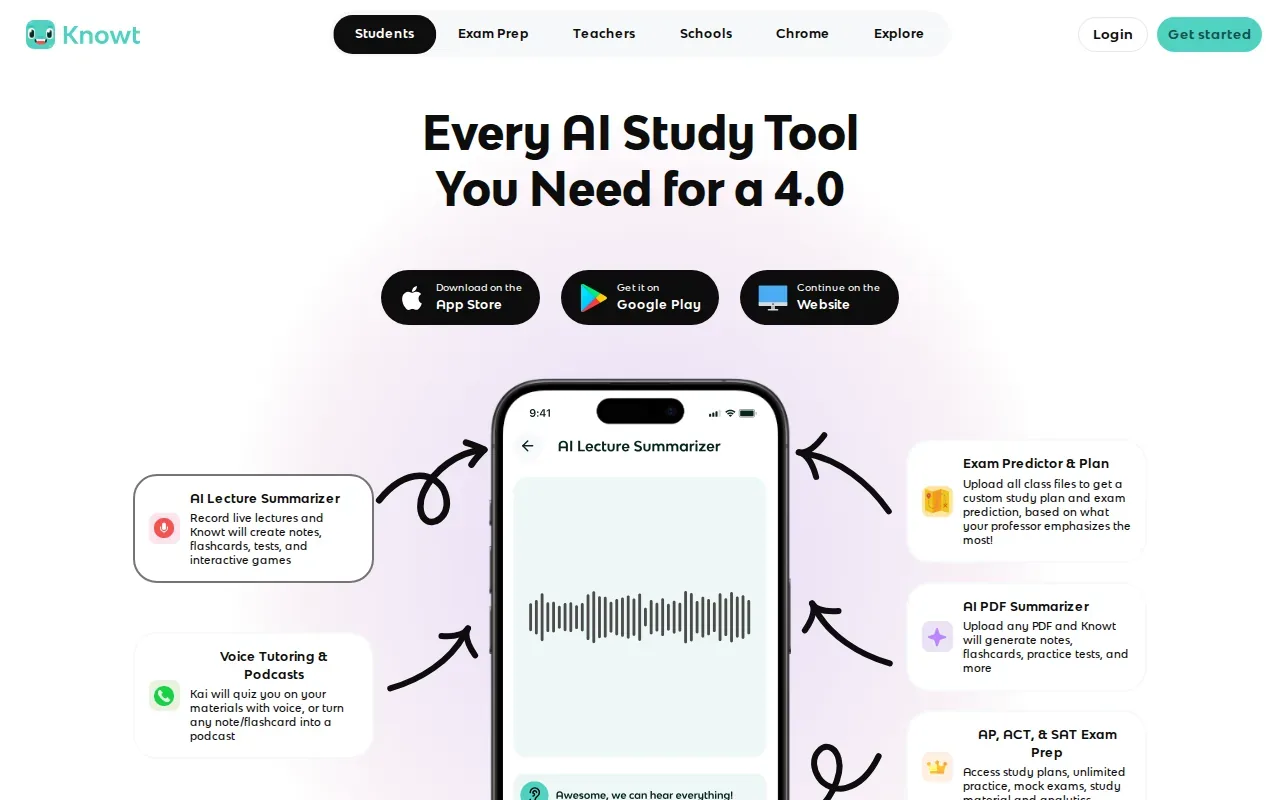
That makes Knowt a fit if you want to build or share sets with classmates without making each card from scratch. You can create a quiz from uploaded material, then use the set as a shared base for group review. For example, a study group can divide a lecture unit into topics, build one set, and work through the same terms together.
Knowt generates quizzes, including multiple-choice questions, and has a learn mode for working through a set. Question generation helps you test recall, while performance-based review can help pick what to revisit.
If collaboration is the main need, unlimited sets and live work with others are useful points to weigh. If you’re preparing alone and want the next session shaped by past answers, look for a tool that explicitly adapts practice rather than assuming all learners need the same review.
3. StudyFetch
StudyFetch turns PowerPoints, lectures, class notes, and study guides into flashcards, quizzes, and tests. It also has an AI tutor, which makes it a good fit if you want help working through class resources as well as practice materials.
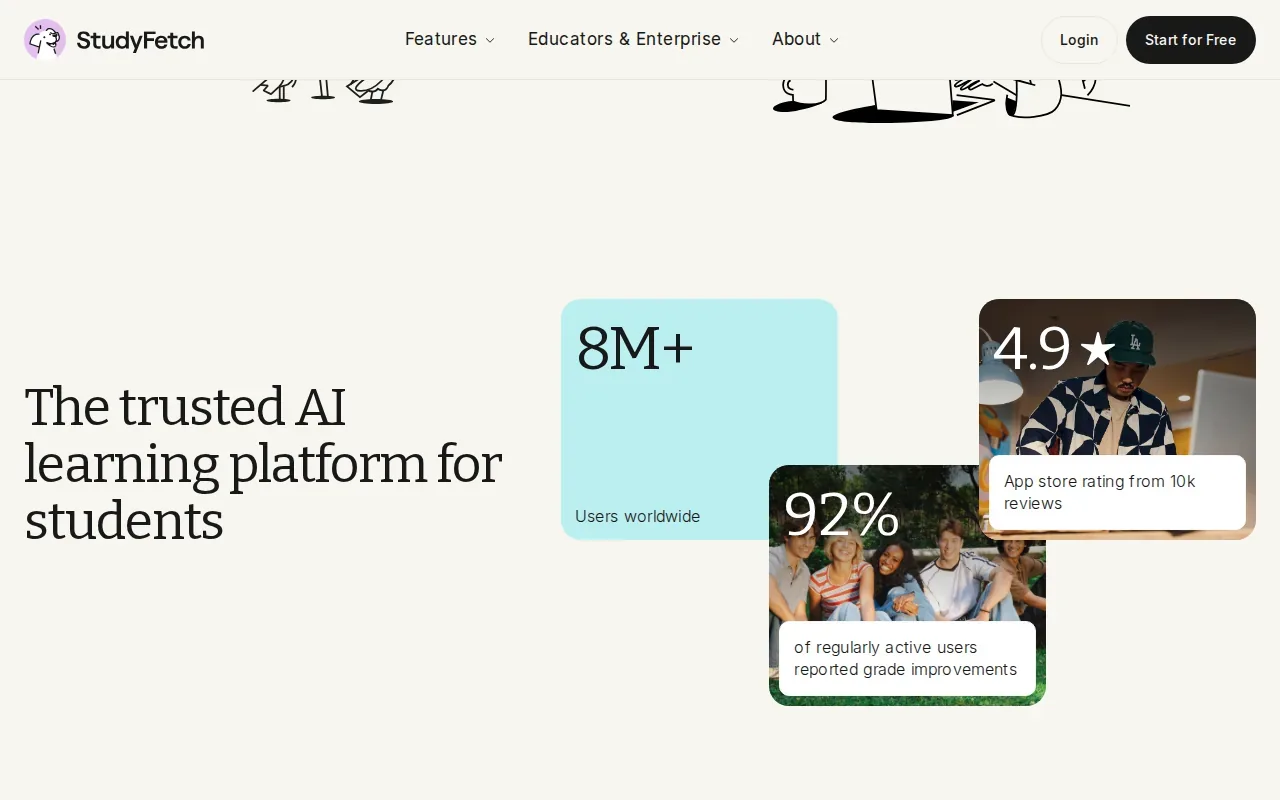
Its range of study outputs can help when one course uses several kinds of material. You might upload lecture slides for a quiz, then use the tutor to ask about a concept you still find confusing. For a class with regular tests, generated quizzes and tests give you another way to check what you can recall without rebuilding every question by hand.
StudyFetch may suit students who like to move between self-testing and tutor support in the same study routine. Before a session, choose a clear chunk of course content. A full term’s material can be hard to review in one sitting; focusing on a unit makes it easier to check whether generated questions match what you need to learn.
When AI helps explain a topic, keep your lecture notes or assigned reading nearby. A fluent explanation can still miss a course-specific definition or emphasis. Use the tutor to clarify, then confirm important points in the source your instructor provided.
4. Mindgrasp
Mindgrasp turns mixed course sources into a study session. Its supported inputs include PDFs, Word files, slides, audio files, video files, YouTube links, and articles.
Turn your notes into a practice exam
Upload a document and StudyBuddy builds questions, flashcards and explanations in minutes.
Try it free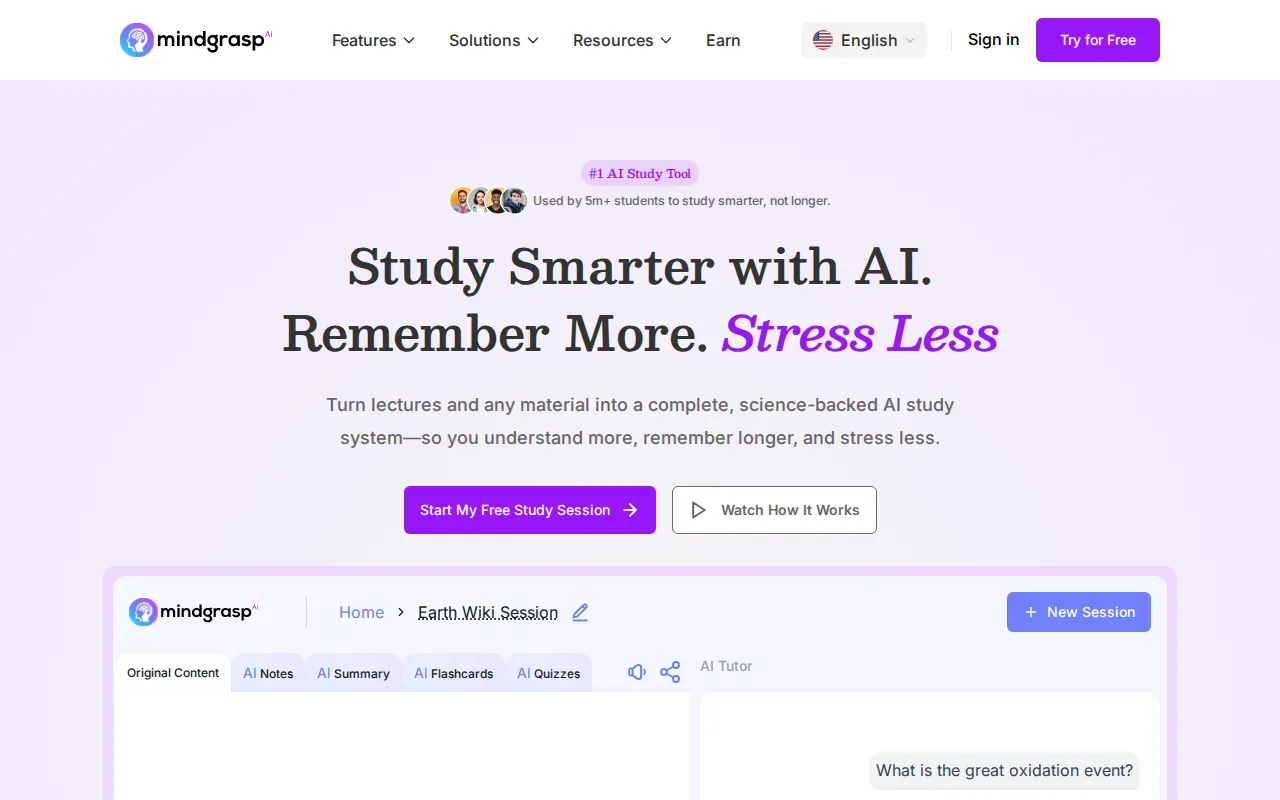
That range is useful when you’re studying from more than a textbook or slide deck. You could use a course PDF for one topic, then bring in a recorded lecture or a relevant video for another. Mindgrasp can build study materials from these sources, including quizzes and flashcards, so you can move from reading or listening into active practice.
Mindgrasp offers a free trial. Its study guide tools can organize key concepts and definitions, then turn the material into practice questions. That may help when a long reading feels hard to break into review sections. A chapter guide can keep the focus on one reading, while a unit guide can draw together material from several course sessions.
Mixed inputs can save you from switching between separate workflows, but your source still matters. If a recording is hard to hear or a slide image is blurry, review the generated output against the original. For exam prep, use the course’s own terms and examples as the final check.
5. Jungle
Jungle turns slides, documents, and YouTube videos into flashcards and quiz questions. It is a focused choice if you want to make active practice from lecture materials or online video lessons.
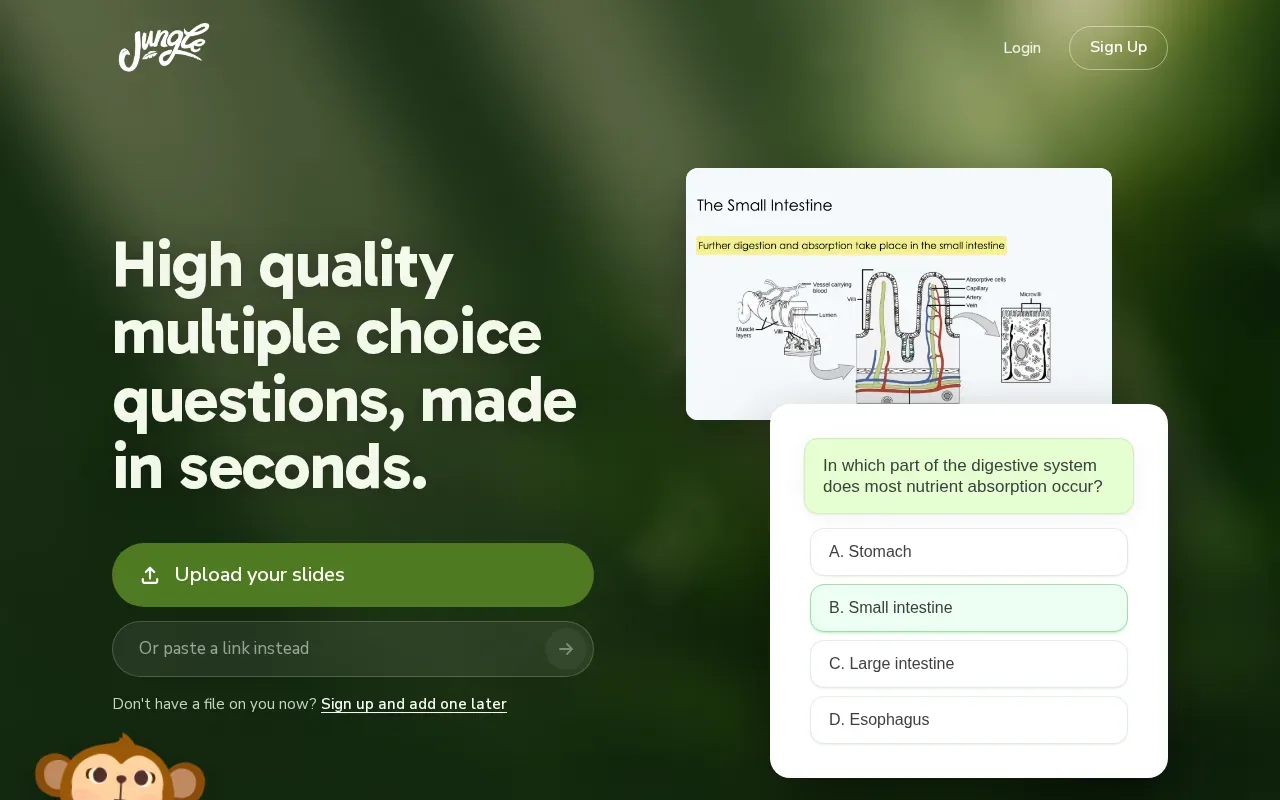
For example, if a lecture slide deck has key terms and short explanations, Jungle can turn those into a starting flashcard set. If you’re reviewing a video lesson, questions from the video can give you a way to check what you remember after watching. That can be more useful than replaying the whole video when you only need to test one section.
Jungle’s flashcards give personalized feedback as you learn, and it can generate multiple-choice questions. Keep an eye on whether each card asks for one clear idea. A card that combines several definitions can be hard to answer and hard to review. Split broad cards into smaller prompts when you need to recall separate facts.
Choose Jungle when slides, documents, and YouTube videos are the sources you want to turn into cards or quiz questions. If your study material includes other file types, confirm that the tool fits those sources before building your routine around it.
6. Gizmo
Gizmo makes AI flashcards from what you’re learning, then lets you quiz yourself in a gamified format. It uses spaced repetition and active recall for review.
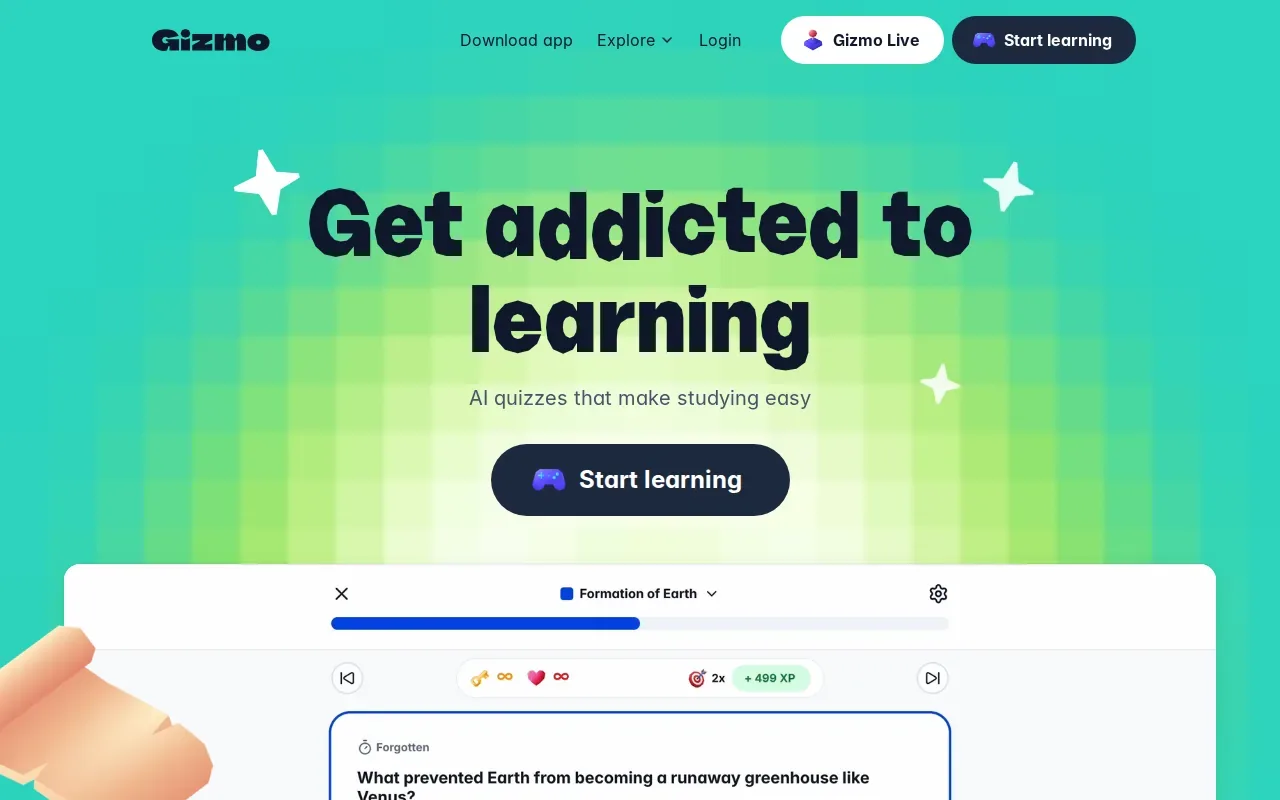
This can suit students who want their card practice to feel more interactive. Enter what you’re learning, use the generated flashcards, then quiz yourself rather than only scanning the answers. Spaced repetition brings review back over time, while active recall asks you to produce an answer from memory. The spaced repetition method is built around reviewing information at spaced intervals.
Gizmo’s emphasis is flashcards and quiz-based practice. Here’s a simple way to judge whether that matches your needs:
| Study need | What Gizmo brings | What to check in your routine |
|---|---|---|
| Recall key terms | AI flashcards | Can you answer before looking at the card? |
| Review over time | Spaced repetition | Does the review rhythm fit your exam date? |
| Stay engaged while practicing | Gamified quizzing | Are you learning the answer, not only chasing a score? |
Gizmo’s spaced review is distinct from Quizessa’s performance-adapted practice. If you want a game-like way to review cards, Gizmo may fit. If you want later practice shaped by how you answer, compare that specific workflow before choosing.
FAQ
Can AI make a study guide from a PDF?
Yes, many AI study tools can turn a PDF into study material. Depending on the tool, that may include flashcards, quizzes, or a structured guide. Start with a focused course PDF, then check the generated content against the source. This helps catch a missed definition or a question that doesn’t match your instructor’s wording.
Are AI-generated study questions accurate?
They can be useful, but you should check them against your class material. AI may misread a diagram, skip an exception, or phrase a question in a way your course doesn’t use. Review explanations for formulas and key terms. If an answer seems wrong, use your lecture slides or assigned reading as the final reference.
Can students use AI study tools without cheating?
Yes, using AI to make practice questions or flashcards from your own notes can support studying. It doesn’t replace doing assigned work or following your school’s rules. Use the tool to test recall and clarify topics, not to submit generated work as your own. Check your course policy if you’re unsure what’s allowed.
What should I check before uploading class files?
Check how the tool handles uploaded files and account data before adding material you’d consider private. Avoid uploading personal details or content you don’t have permission to share. For ordinary study files, choose the specific lecture or unit you need, and keep the original nearby so you can verify the generated guide and answers.
Which tool adapts study practice to my answers?
Quizessa adapts later practice to your performance and tracks topic mastery and exam readiness. Other tools in this shortlist focus on different workflows, such as flashcards, quizzes, mixed media inputs, or tutor support. Match the tool to the kind of review you need most.
Conclusion
If you want practice built from your own course files and adjusted to your answers, start with Quizessa. Upload one lecture or exam unit, try the generated MCQs and flashcards, then use your results to choose what to review next.
Turn your notes into a practice exam
Upload a document and StudyBuddy builds questions, flashcards and explanations in minutes.
Try it freeRelated articles
-
How to Study for the LSAT: A Step-by-Step Plan
Figuring out how to study for the LSAT can feel hard when you’re not sure what to practice first. Start with an official timed test, learn the current question types, then build a steady routine...
-
How to Study for the SAT: A Step-by-Step Plan
If you’re working out how to study for the SAT, start with evidence, not a stack of review books. A full-length diagnostic shows what to work on; focused practice helps you fix it. Use this five-step...
-
Best Free Flashcard Generators for Students
A free flashcard generator can save you from typing every card by hand, but the right pick depends on what you need to study. Quizessa is first on this list for turning your own course materials...