Best Free Flashcard Generators for Students


A free flashcard generator can save you from typing every card by hand, but the right pick depends on what you need to study. Quizessa is first on this list for turning your own course materials into flashcards and MCQs, while four other tools suit different study habits.
An analysis of 36 comments and questions from Reddit, YouTube and Quora about free flashcard generators found that 19% mentioned a steep learning curve and time-consuming creation.
1. Quizessa
Quizessa is a web and iPhone study app that turns your course materials into MCQs, flashcards, and answer explanations. It’s a good fit if you want to study from your own lecture slides, PDFs, notes, photos, or YouTube videos instead of starting with a blank deck.
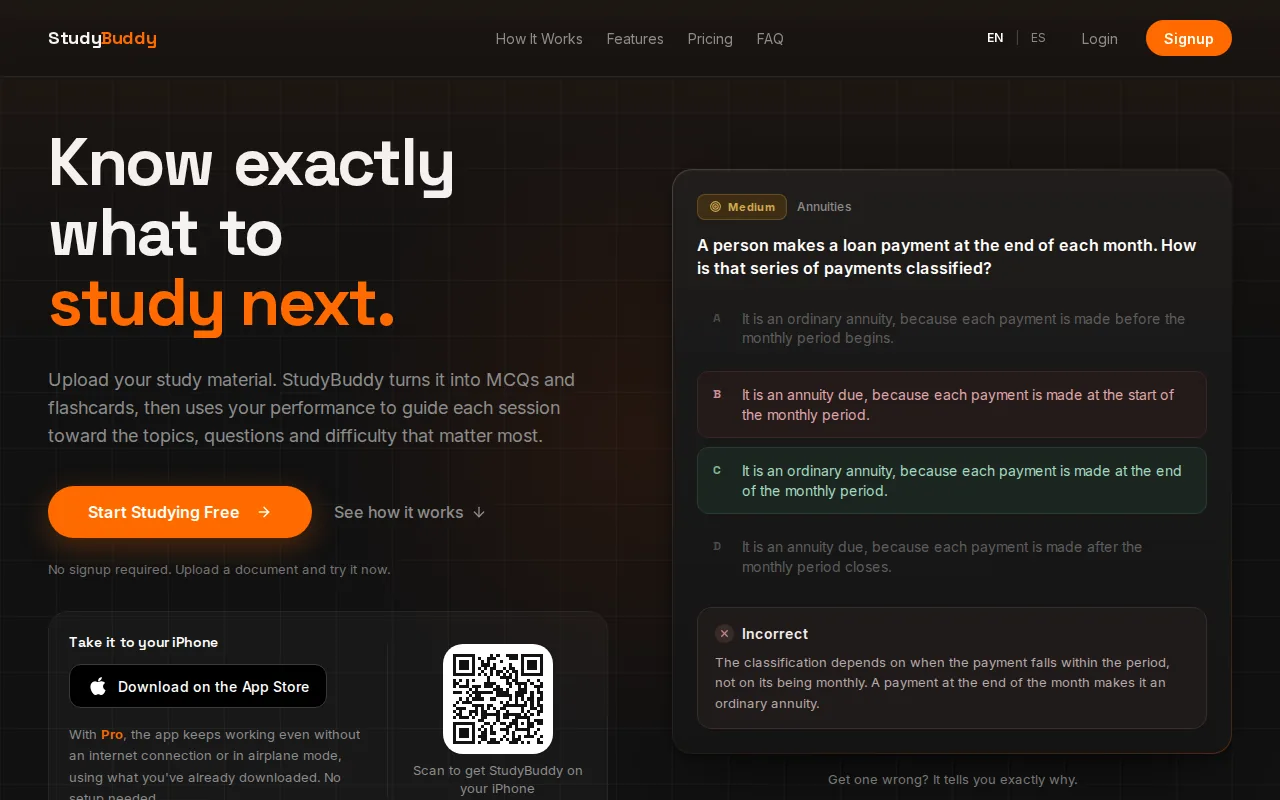
Upload a source, then use the generated questions and cards to practice recall. Quizessa adapts practice to your answers and tracks topic mastery and exam readiness. Those signals can help you decide what to review next. They’re study tools, not a promise of an exam result or a guarantee that every generated answer is correct.
If your main source is a class PDF, the PDF-to-flashcards tool can turn it into cards and practice quizzes. You can try Quizessa without signup in a browser guest session. Free access is limited, so it isn’t unlimited use. Pro costs $8.99 per month or $89.90 per year.
Quizessa works in English and Spanish. For example, a business student could upload accounting slides, then use flashcards for terms and MCQs to check how well they can apply a formula. The same workflow can help with contract law, history, statistics, or other subjects.
Choose it when your course files are the source of truth and you want more than a deck of cards. Start with one lecture file, then check the generated content against your class material before studying it.
2. Knowt: a free option for creating and studying large card sets
Knowt is a flashcard and study app with unlimited flashcard creation on its free account. It suits students who want to make large sets, use AI to draft cards from class material, and keep studying with built-in practice modes.
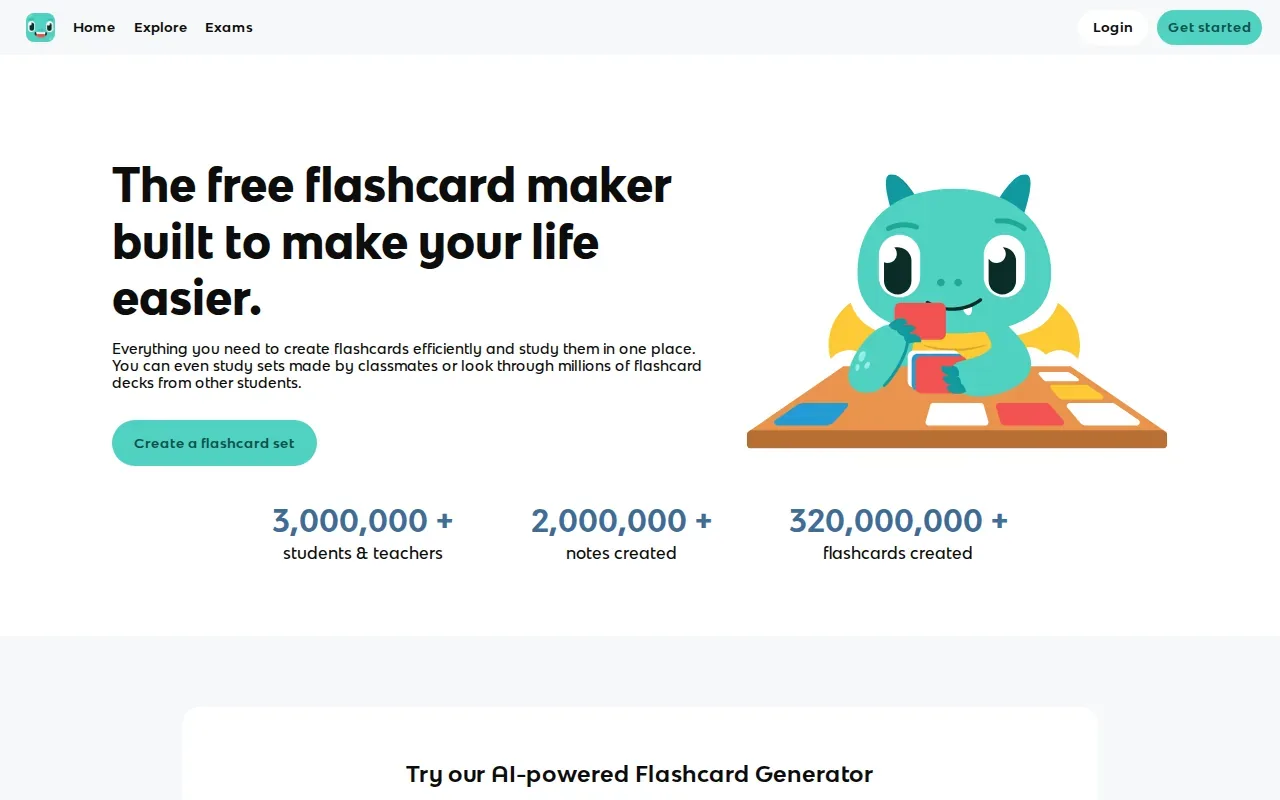
Its Kai assistant can make flashcards from notes and PDFs. Knowt also supports lecture recordings, videos, and existing Quizlet sets as study inputs. If you already have a set on Quizlet, the import option may save you from retyping its terms and definitions.
There’s more than card flipping. Knowt’s free account includes study modes, practice quizzes, AI summaries, and cross-device sync. Its Learn mode can ask multiple-choice, written, or true-or-false questions. Practice test mode turns a card set into a test-style session.
Knowt also has spaced repetition for working through larger sets over time. Spaced review means returning to information across separate sessions rather than trying to learn it all at once. The spaced-repetition method is useful when a deck needs ongoing review, not just a quick pass before tomorrow’s quiz.
Knowt is a strong fit if you want a broad set of study modes without paying to make cards. When AI drafts a card from a dense lecture note, read it before relying on it. A short edit can make a vague prompt easier to answer from memory.
3. Anki: a free review system for customizable flashcards
Anki is a flashcard review system for students who want to write their own cards and control how they review them. Its free options include desktop, Android, and web apps, with support for Windows, macOS, Linux, Android, and the web.
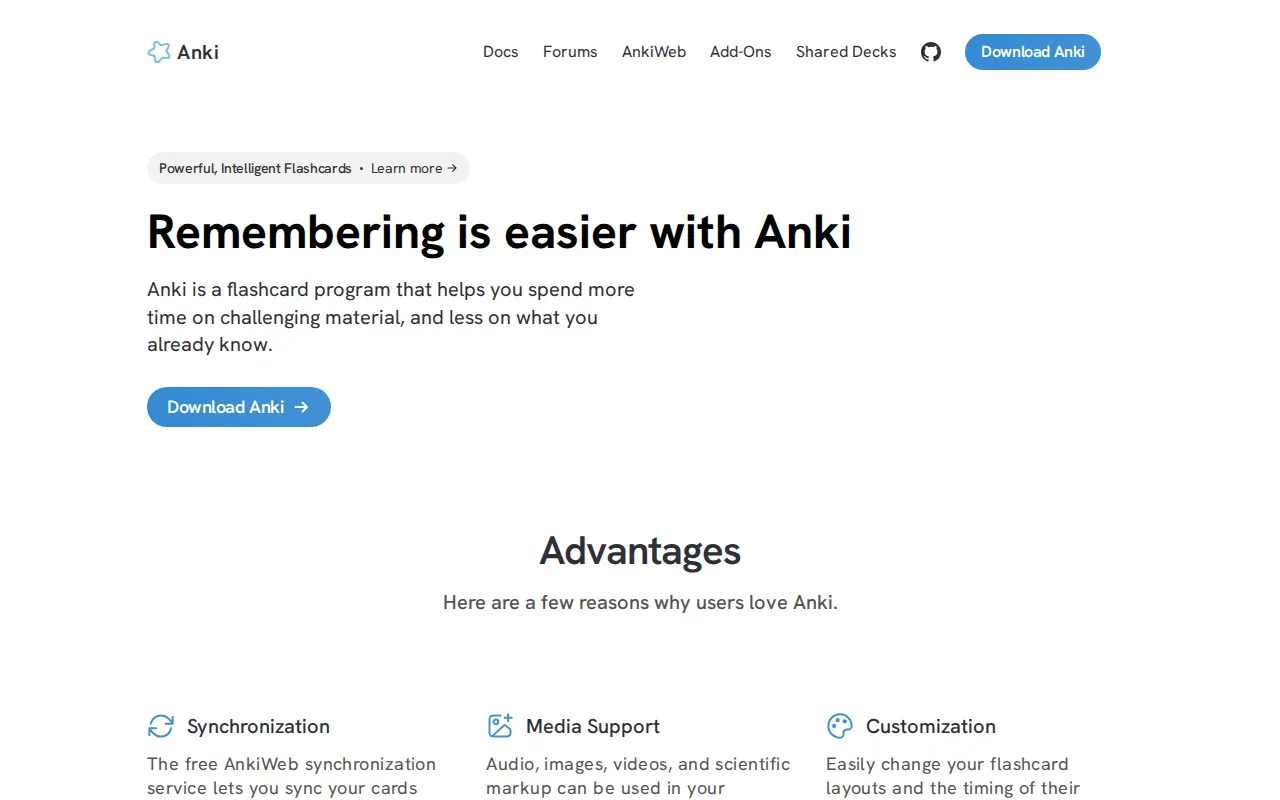
Anki doesn’t generate cards with AI. You create them by hand or prepare material to import. That extra work can make sense if you want to choose the exact prompt and answer for each card, especially for a course where small wording changes matter.
Anki’s optional FSRS scheduler aims to reach the same retention with fewer reviews. That can matter when a deck grows and review time becomes hard to manage. The testing effect describes how retrieving information from memory can support learning, which is why answering before revealing a card’s back is a useful habit.
Because Anki’s cards are manual, it’s less direct than uploading a PDF and getting a draft deck. You can still use it for material from a lecture, but you’ll need to pick the facts and write each prompt yourself. That gives you control over the final wording.
Pick Anki if spaced review and card-level control matter more to you than AI generation. It’s also worth a look if you already have a set of cards ready to study.
4. Gizmo: quick flashcards from PDFs, notes, and recordings
Gizmo uses Magic Import to generate flashcards from PDFs, recordings, notes, photos, PowerPoints, Quizlet sets, Anki decks, spreadsheets, websites, and YouTube links. It suits students who have course content in different formats and want to turn that material into cards.

You can also make cards by hand. The editor supports question-and-answer cards, with options to add text, pictures, or LaTeX. After importing or writing a card, you can edit its content and organize it into a deck.
Turn your notes into a practice exam
Upload a document and StudyBuddy builds questions, flashcards and explanations in minutes.
Try it freeGizmo’s free iOS and Android apps let you study on a phone. Free accounts can keep using Magic Import, with a 20-minute wait per import. The app also has a Memorise mode with spaced repetition, so cards can return for later review.
For a student who wants to import varied source files and study on a phone, the import options may be the main draw.
Try a representative file first. Check that the cards capture the key points you need, especially if your material relies on diagrams, formulas, or details that are easy to misread.
5. RemNote: flashcards that grow from your notes
RemNote connects note-taking with flashcards, so you can make cards as part of writing and organizing study notes. It suits students who want their notes and review materials in one place rather than treating card creation as a separate task.
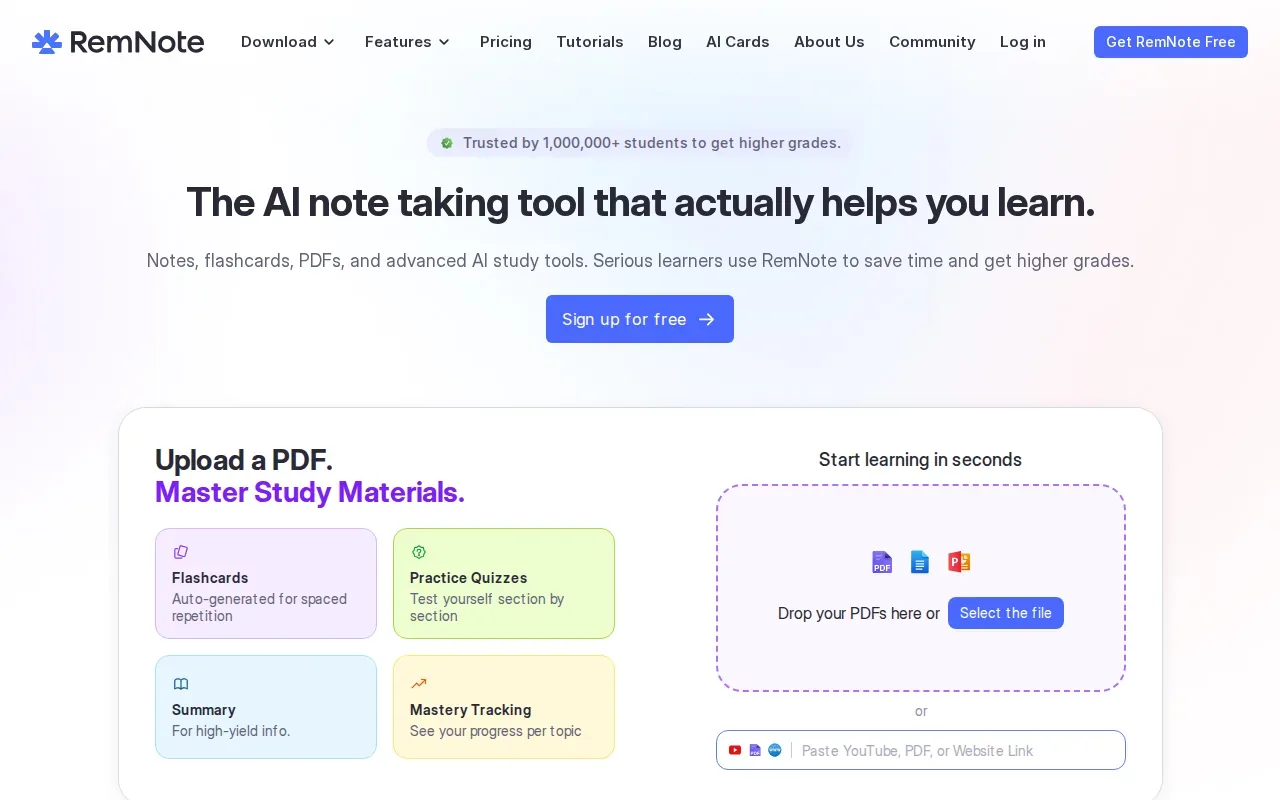
Its free tier includes AI-generated flashcards, quizzes, and explanations. You can also use one-press image occlusion to hide parts of a diagram and test yourself on what belongs there. That can help with a labeled figure in biology or a process diagram in engineering.
RemNote’s note integration changes the card-making workflow. As you write a definition or explain a concept, you can turn that information into a card. Later, the card remains connected to the notes around it, which can make it easier to revisit the original context when an answer feels unclear.
The app supports web, desktop, iOS, and Android. It also supports export to Anki, which is useful if you want to move your cards into Anki’s review system. That gives you a way to keep writing notes in RemNote while using a separate app for review.
RemNote makes sense if you’re building notes throughout a course and want cards to grow from that work. If you only need to turn one file into a quick deck, its note-centered workflow may be more than you need.
Compare these free flashcard generator options
Start with your source material and the kind of review you want. Some students need AI to draft cards from a PDF. Others already have cards and want a scheduler. This table compares the main use case for each option, rather than treating every tool as a match for every course.
| Option | Best fit | Card source | Review focus | Free access detail |
|---|---|---|---|---|
| Quizessa | Course-specific practice | PDFs, slides, notes, photos, YouTube videos | MCQs, flashcards, explanations, adaptive practice | Free to try; access is limited |
| Knowt | Large sets and several study modes | Notes, PDFs, lecture recordings, videos, Quizlet sets | Learn, practice tests, spaced repetition | Unlimited card creation and listed study tools on free account |
| Anki | Manual cards and scheduled review | Cards you write or prepare to import | Spaced review with optional FSRS | Free desktop, Android, and web apps |
| Gizmo | Cards from varied file types | PDFs, recordings, notes, photos, PowerPoints, and more | Memorise mode with spaced repetition | Free apps; 20-minute wait per Magic Import |
| RemNote | Notes and cards kept together | Notes and study sources | AI cards, quizzes, explanations, image occlusion | Free tier includes AI study features |
For your own lecture slides, Quizessa or Knowt can draft cards from course material. If you want MCQs and answer explanations along with flashcards, Quizessa covers that workflow. Knowt is a fit when you also want to use its multiple study modes and cross-device sync.
For a deck you’ll review over a long stretch, compare Anki’s scheduler with RemNote’s notes-first setup. Gizmo is a useful match when your materials include formats such as recordings or photos. With any AI-generated deck, review the cards against the source before you start memorizing them.
Card quality also depends on the prompt. One card should usually test one idea. For example, split a long accounting definition into a term card and a separate card that asks when the rule applies. Keep diagrams in the study flow when the image itself carries information.
Frequently Asked Questions About Free Flashcard Generators
What is the best free flashcard generator for students?
The best fit depends on how you study. Quizessa is a good choice when you want to turn your own course files into flashcards, MCQs, and answer explanations, then get practice that adapts to your performance. Knowt suits students who want a free account with unlimited card creation and several study modes. Anki fits manual card-making and scheduled review.
Can I make flashcards from a PDF for free?
Yes, some tools let you make cards from PDFs without paying. Quizessa is free to try, with limited access, and Knowt includes AI card generation from PDFs on its free account. Check the cards against your source before studying them. A PDF can contain dense wording, diagrams, or formulas that need a closer look.
Which flashcard app has spaced repetition?
Anki, Knowt, Gizmo, and RemNote include spaced-repetition review features. Quizessa adapts practice to your answers and tracks topic mastery and exam readiness. These tools use different workflows, so consider whether you want to write cards yourself, generate them from files, or connect them to notes.
Can I use a flashcard generator on my phone?
Yes. Quizessa is available on the web and iPhone, while Knowt supports cross-device sync. Gizmo has free iOS and Android apps. RemNote supports web, desktop, iOS, and Android. Anki is free on Android and through its web app as well as on desktop, so your best fit depends on the device you use most.
Should I check AI-generated flashcards before studying?
Yes. Treat generated cards as drafts, then compare them with your course material. Fix a card if it asks two things at once, leaves out a key condition, or changes a formula or term. This quick review helps you catch errors before you repeat a card during study sessions.
Conclusion
If you want practice based on your own lecture slides or course PDFs, start with Quizessa and try one file. Review its cards against the source, then use the flashcard study routine that fits your next exam.
Turn your notes into a practice exam
Upload a document and StudyBuddy builds questions, flashcards and explanations in minutes.
Try it freeRelated articles
-
Best AI Study Guide Maker Tools for Students
A pile of lecture slides or a long course PDF can take hours to turn into study material. An AI study guide maker can turn your own files into practice, but the tools differ in what they make and how...
-
How to Study for the LSAT: A Step-by-Step Plan
Figuring out how to study for the LSAT can feel hard when you’re not sure what to practice first. Start with an official timed test, learn the current question types, then build a steady routine...
-
How to Study for the SAT: A Step-by-Step Plan
If you’re working out how to study for the SAT, start with evidence, not a stack of review books. A full-length diagnostic shows what to work on; focused practice helps you fix it. Use this five-step...