Best Apps for Studying: 6 Picks for Your Courses


The best apps for studying should help you do more than sort your notes. If your course material is spread across PDFs and lecture slides, the right tool can turn it into practice you can use. Here are six options, each suited to a different study routine.
An analysis of 76 reviews, comments and questions from the App Store, YouTube and Quora about study apps found that 21% mentioned unstable performance and syncing problems.
1. Quizessa
Quizessa is a web and iPhone app that turns your own course material into practice. Upload PDFs, lecture slides, notes, photos, or YouTube videos. The app creates multiple-choice questions, flashcards, and answer explanations, then adapts later practice to your performance.
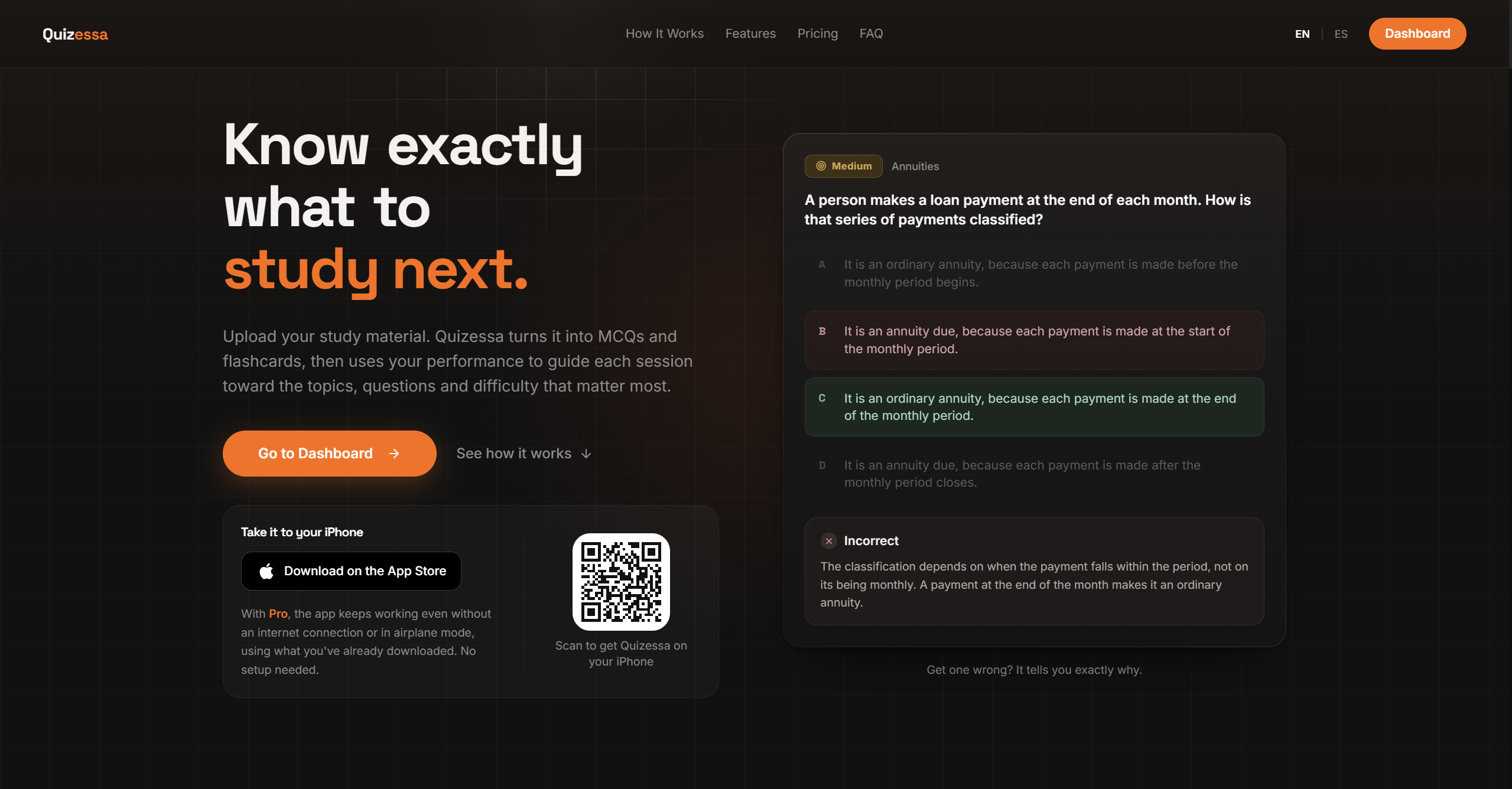
That workflow helps when you have a pile of class files but aren't sure what to review first. Get a question wrong? Read the explanation, then keep practicing. Adaptive Study adjusts later questions based on your answers. Topic mastery and the Readiness Score help you spot what may need more review. They’re study signals, not a promise of an exam result.
If you’re comparing tools for a specific exam, this roundup of exam preparation apps for students looks at how different study workflows fit course material.
Quizessa works in English and Spanish. Browser guest sessions don’t require signup. Pro costs $8.99 per month or $89.90 per year. Pro includes 50 monthly credits, 30 active documents, image analysis, and unlimited use of Sabi, the AI tutor.
For a class in accounting, you might upload slides on financial statements and practice questions on the terms you missed. For contract law, use course notes to review key ideas before you return to the assigned reading.
2. NotebookLM by Google: For reading-heavy classes and source-based study
NotebookLM by Google is suited to reading-heavy courses and source-based study. It’s a useful fit when your main task is making sense of professor PDFs or other assigned readings, especially before an essay or a final that tests understanding.
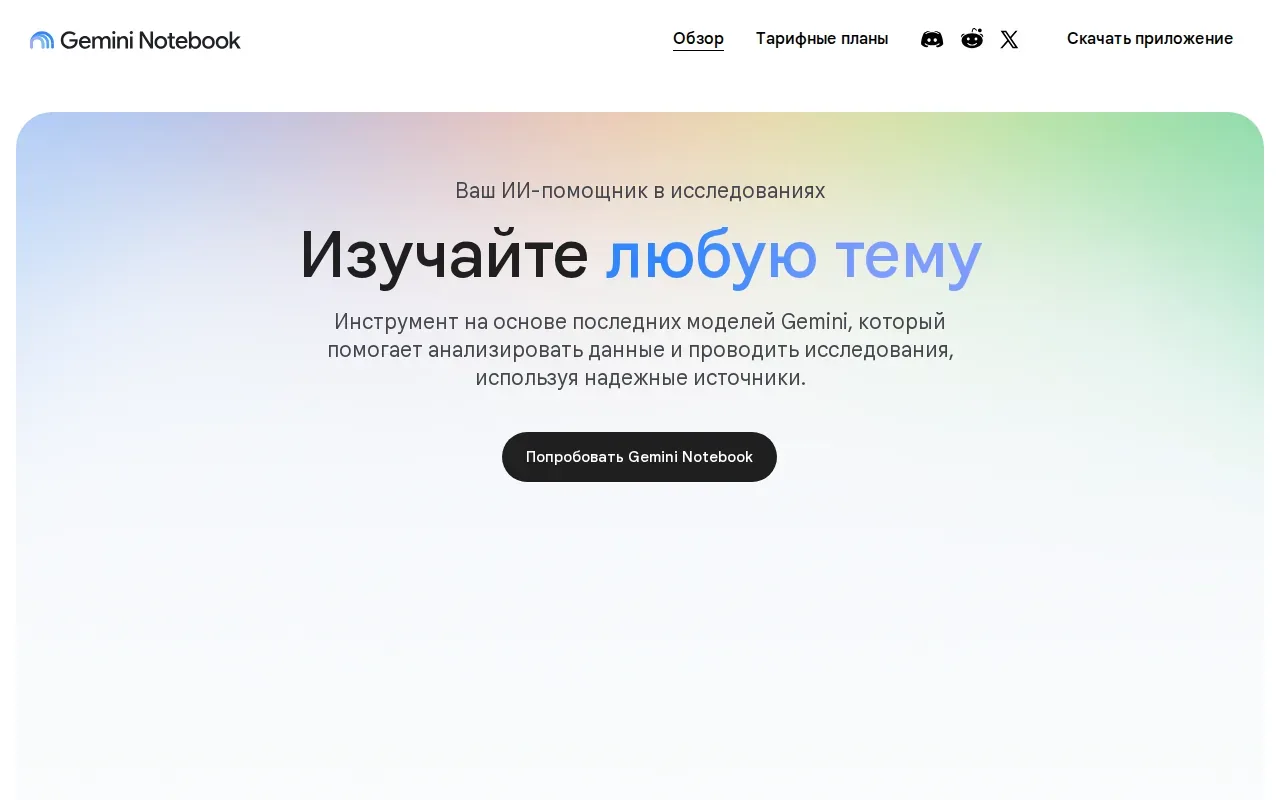
Think of it as a reading companion rather than a flashcard-first app. You can use it to work through source material and prepare for written assignments. That makes it a different kind of study aid from an app built around repeated card review.
NotebookLM is built around your sources first, so it may not match a study routine built mainly around drilling cards. If your course exam leans on recall of specific facts, you may want to pair it with a separate practice method. For a reading-heavy class, start with the assigned PDFs and use the app to support your work with those sources.
Active recall means trying to bring information to mind rather than simply rereading it. You can use this approach alongside reading tools by closing your notes and trying to explain a concept in your own words.
Pick NotebookLM when your first task is understanding the reading. Choose a different app when drilling practice questions from your files is the main job.
3. StudyFetch: For turning notes, slides, and some videos into study materials
StudyFetch converts uploaded notes, slides, and some video-based material into study aids. It creates flashcards, quizzes, and notes, and its AI tutor is designed to work with your class content.
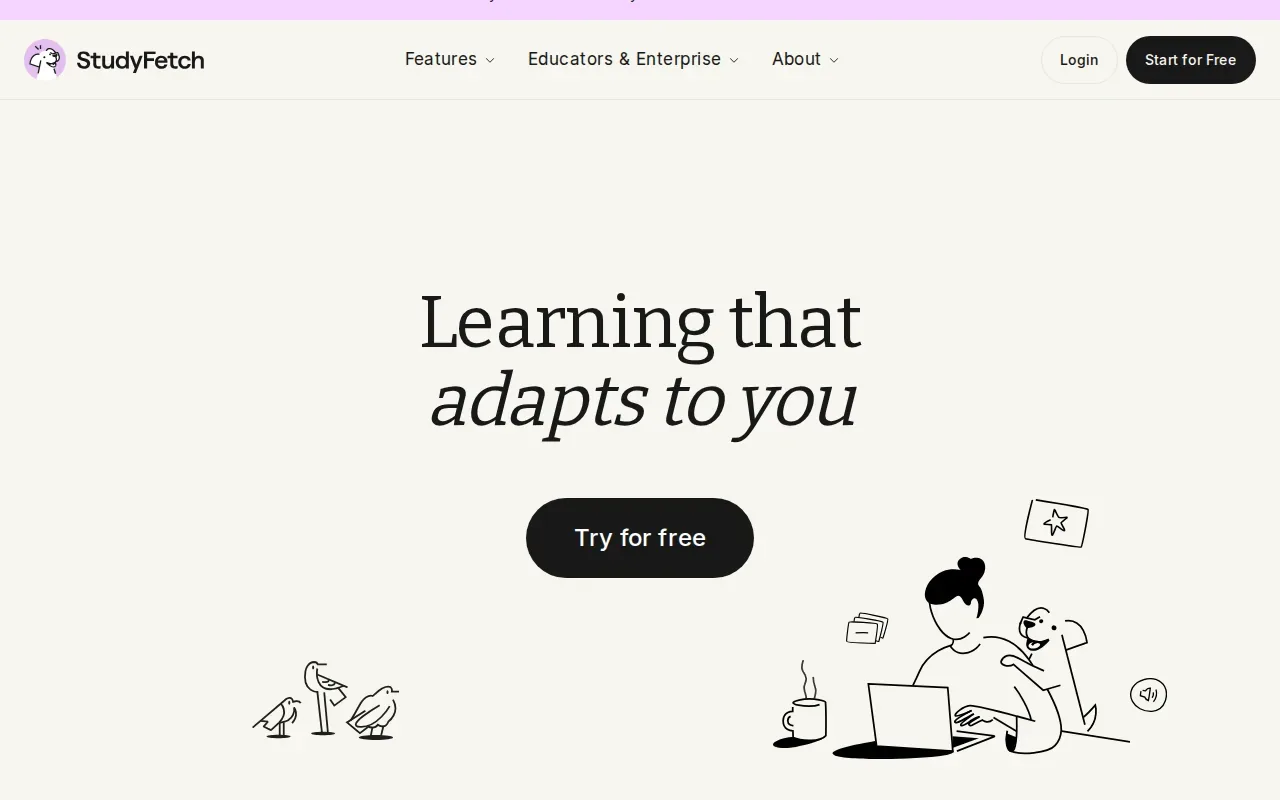
This can help when you’re studying from more than one type of course file. A lecture slide deck can become a set of quiz questions, while material from a supported video can feed into flashcards. Instead of writing every card by hand, you can begin with generated material and review it against your own notes.
The main decision is whether you want a tutor alongside your study materials or prefer a simpler question-and-review flow. If a generated card seems vague, compare it with the original slide before memorizing it. Keep your source material nearby, especially for terms that sound alike.
StudyFetch is worth a look if your class content includes slides and some video material, and you want those sources turned into study aids.
4. Quizlet: For familiar flashcard study and ready-made decks
Quizlet is a familiar option for flashcards and ready-made decks. Its simple appeal is easy to grasp: search a topic, find a deck, and start reviewing.
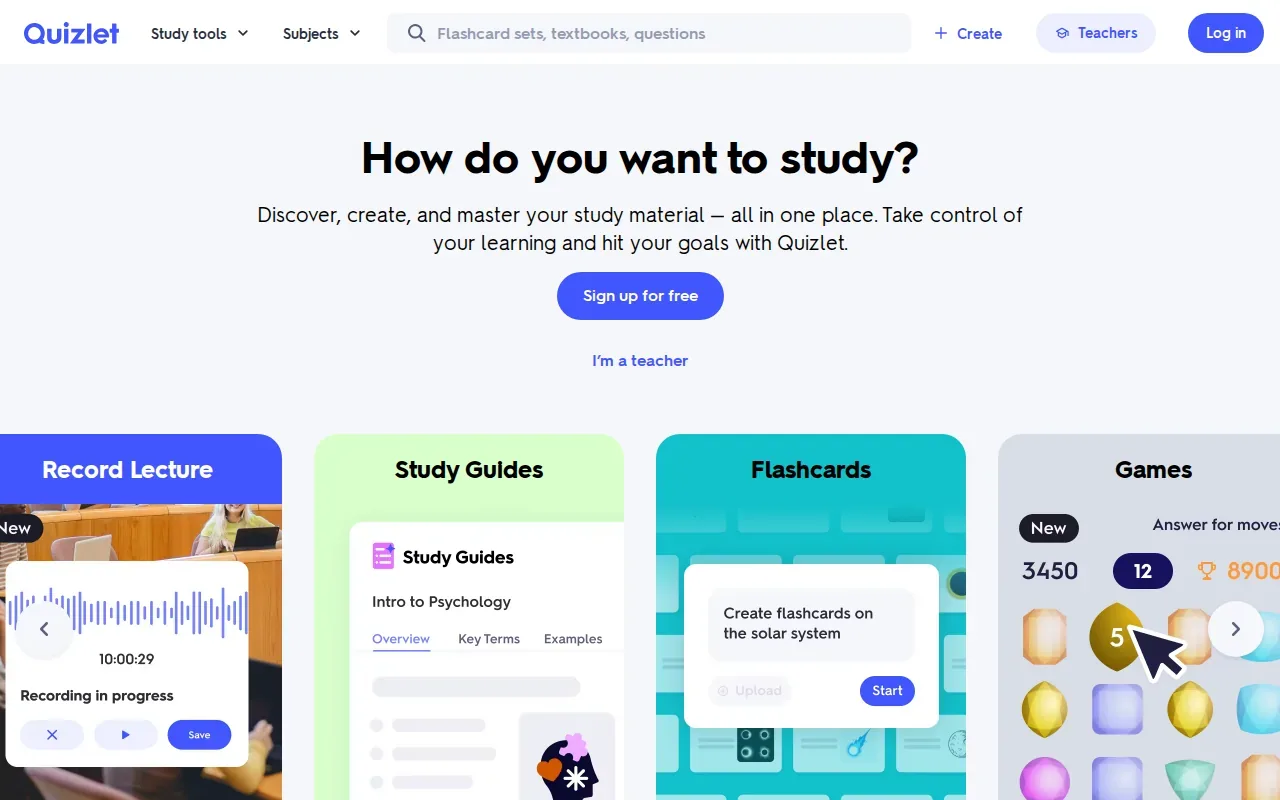
That shared-deck approach can save time when a useful set already covers your subject. Quizlet also has AI features that can generate quizzes from user-uploaded images, audio, or files. Its free tier is available for basic decks.
Turn your notes into a practice exam
Upload a document and Quizessa builds questions, flashcards and explanations in minutes.
Try it freeQuizlet’s strength is a quick path into card-based review. But a shared deck may not match the terms or examples your instructor uses. Before relying on one for a test, compare its cards with your lecture slides and course outline. And if you need detailed explanations for why an answer is wrong, keep your class materials open while you review.
Students who want to make flashcards from their own uploaded content can compare that workflow with other flashcard apps for students. Quizlet fits best when a ready-made deck suits your course or when you already use its card format.
Choose it for familiar flashcard review and shared decks. For course-specific practice, check that the cards match what your class actually covers.
5. Knowt: For converting notes into repetition practice
Knowt is a study app for students who want to turn course material into flashcards and quiz practice. It can automatically create flashcards from uploaded material and generate practice questions or quizzes from notes, PDFs, or video links.
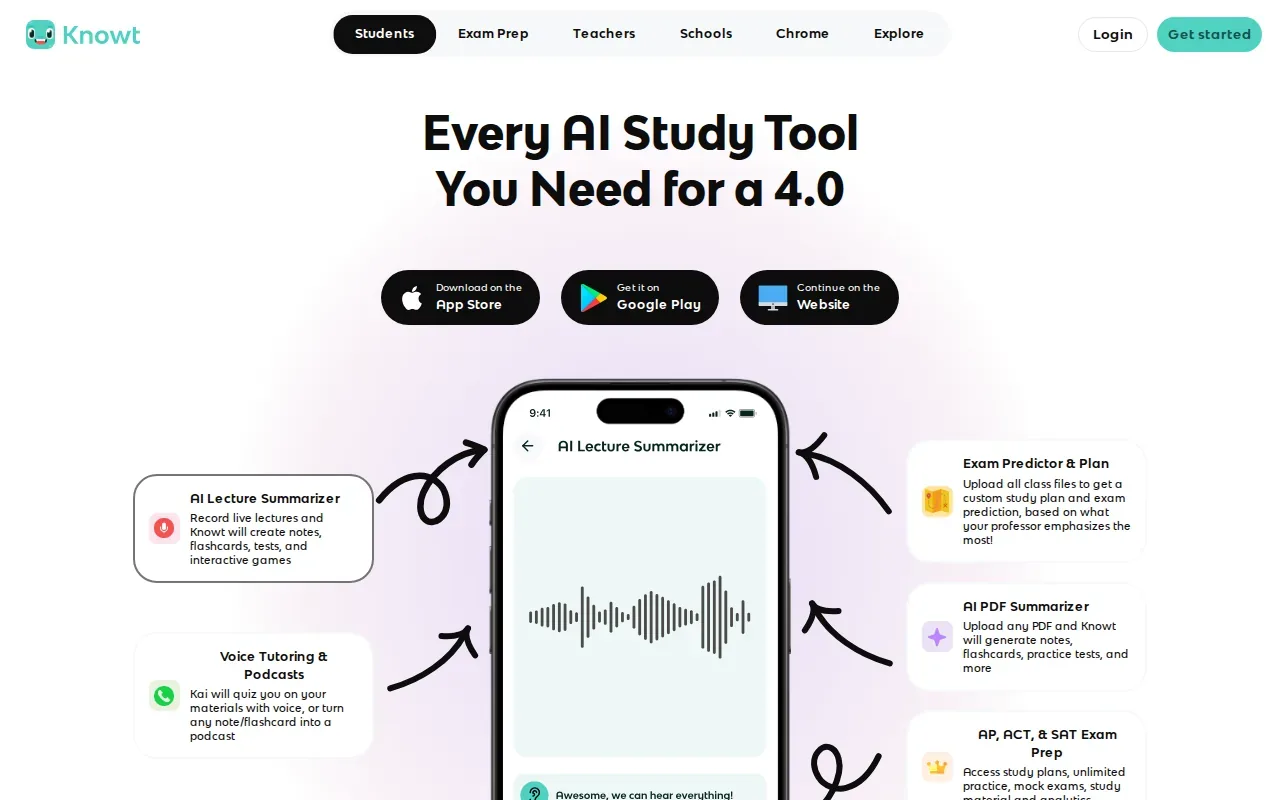
That makes Knowt a natural fit when your workflow starts with a file, then moves straight into repetition. For example, you could upload notes from a history lecture and review the resulting cards before testing yourself with questions from the same material.
Knowt starts free. As with any generated study set, read through the output before you depend on it. A short or unclear prompt can make a card hard to answer, while an answer that leaves out context may not match the way your instructor frames the topic.
Knowt’s appeal is the conversion step: it can make cards and quiz questions from your files. If you’d rather begin with a shared deck or prefer a more configurable card scheduler, another option may suit you better.
Choose Knowt when you want to move from notes or PDFs into repetition practice without building each flashcard by hand.
6. Anki: For customizable spaced-repetition flashcards
Anki is an open-source spaced-repetition app with configurable scheduling, a large add-on ecosystem, and a free desktop app. It suits students who want control over how they review flashcards over time.
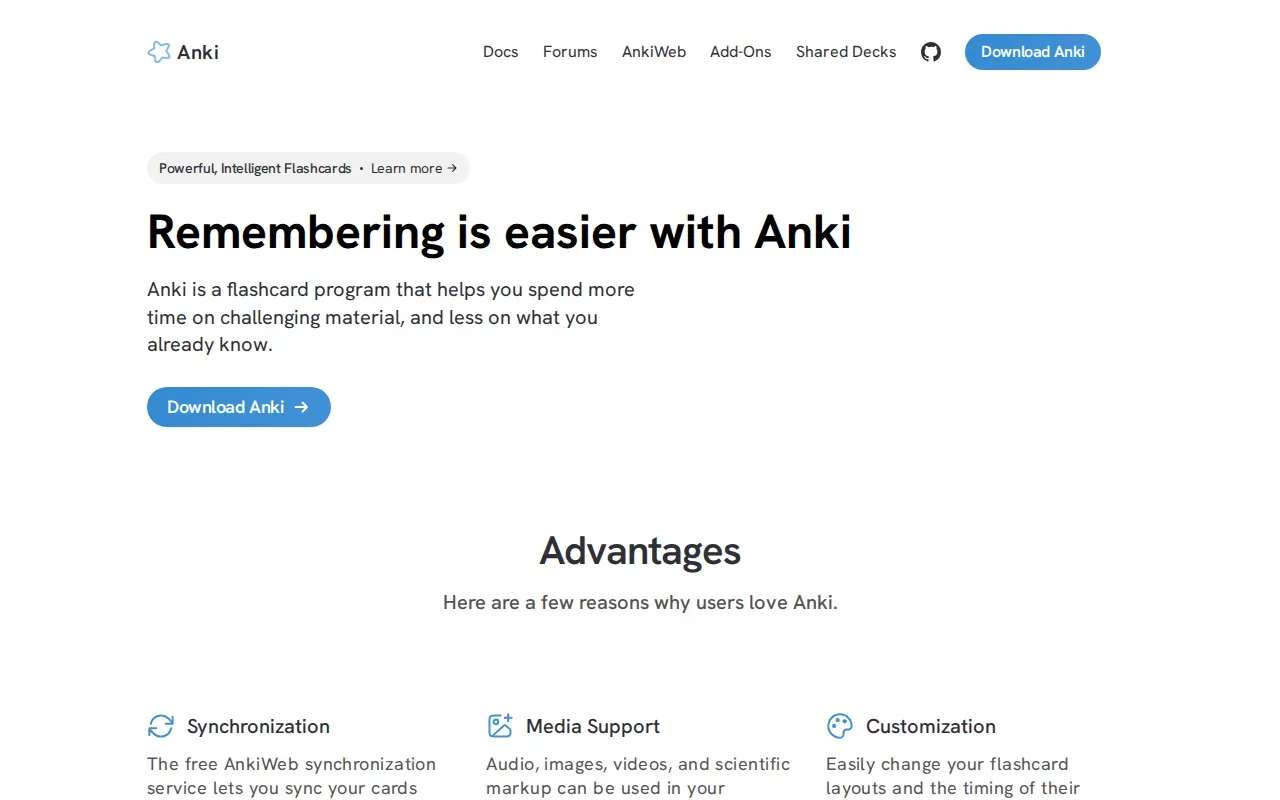
Anki is a strong fit when you want to build or import cards and set up a review routine around them. It does not generate AI quizzes or automatically create flashcards, so you’ll need to bring your own cards. That can be a good match if you already have a deck or want to write each prompt yourself.
Spaced repetition means reviewing information at intervals rather than trying to study it all in one sitting. In day-to-day use, the value comes from returning to cards over time and paying attention to the ones you can’t recall yet.
Anki’s scheduling controls and add-ons may appeal to students who want to shape their own system. If you’re starting with a stack of lecture slides and don’t want to make cards manually, a tool that generates study material from uploads may be a better first step.
Pick Anki when the review schedule and control over your cards matter more than automatic question or card creation.
How These Study Apps Compare
The best fit depends on where your study session begins. If you start with course files, look at apps that turn uploads into practice. If you already have a deck, a flashcard app may be enough. And if the hardest part is reading, choose a tool built around source material.
| App | Best fit | Starts with | Practice style |
|---|---|---|---|
| Quizessa | Course-based exam practice | PDFs, slides, notes, photos, or YouTube videos | MCQs, flashcards, explanations, and practice adapted to performance |
| NotebookLM by Google | Reading-heavy courses | Professor PDFs and other source material | Source-based study and summaries |
| StudyFetch | Students who want an AI tutor with study aids | Notes, slides, and some video-based material | Quizzes, flashcards, notes, and an AI tutor |
| Quizlet | Ready-made deck review | Shared decks or uploaded images, audio, and files | Flashcards and AI-generated quizzes |
| Knowt | Turning course material into repetition practice | Notes, PDFs, or video links | Generated flashcards and quiz practice |
| Anki | Students who want control over card scheduling | Cards you make or bring in | Configurable spaced-repetition review |
Most students don’t need every kind of tool. Start with the one that matches where your study session begins.
FAQs About the Best Apps for Studying
What is the best app for studying from PDFs?
Quizessa is a good fit if you want to turn your own PDFs into multiple-choice questions, flashcards, and answer explanations. It adapts later practice to your performance, so your results can help you decide what to review again. If you mainly want help working through assigned readings, NotebookLM by Google may fit better.
Which study app can make flashcards from notes?
Quizessa, StudyFetch, and Knowt can make flashcards from uploaded course material. Knowt can create cards from uploaded material, while StudyFetch handles notes, slides, and some video-based material. Quizessa also creates MCQs and answer explanations, then adapts later practice to your performance.
Is Quizlet free to use?
Quizlet has a free tier for basic decks. It may work well if you want to review a shared deck or use familiar flashcards. Its AI features can also generate quizzes from uploaded images, audio, or files. Check that any deck you choose matches your course content before you use it as your main review source.
Is Anki better than Quizlet for studying?
Anki may suit you better if you want configurable spaced-repetition scheduling and control over your own cards. Quizlet may suit you better if you want to find and review shared decks. Neither choice is right for every class. Think about whether your study routine starts with a deck you already have or with material you need to turn into cards.
Conclusion
If you study from your own lecture slides, PDFs, or notes, start with Quizessa and try one course file. Review the generated questions against your material, then use your results to decide what to study next.
Turn your notes into a practice exam
Upload a document and Quizessa builds questions, flashcards and explanations in minutes.
Try it freeRelated articles
-
How to Study for the MCAT: A Step-by-Step Plan
The MCAT can feel like a long race with no clear training plan. If you're figuring out how to study for the MCAT, start with a diagnostic, then build a routine that mixes review and practice from the...
-
Best AI Study Guide Maker Tools for Students
A pile of lecture slides or a long course PDF can take hours to turn into study material. An AI study guide maker can turn your own files into practice, but the tools differ in what they make and how...
-
How to Study for the LSAT: A Step-by-Step Plan
Figuring out how to study for the LSAT can feel hard when you’re not sure what to practice first. Start with an official timed test, learn the current question types, then build a steady routine...