Best Active Recall Flashcards: 5 Tools for Students


Active recall flashcards make you pull an answer from memory instead of rereading it. The right tool can turn your course material into focused practice, then help you return to the topics you miss. Here are five options, starting with Quizessa for students who want practice built from their own files.
An analysis of 50 YouTube comments about active recall Flashcards found that 34% mentioned integration with other study techniques.
1. Quizessa: Turn your course materials into practice
Quizessa is a web and iPhone study app that turns your own course material into MCQs, flashcards, and answer explanations. Upload a PDF, lecture slides, notes, a photo, or a YouTube video. The app builds practice from those materials, then adapts it to your answers.
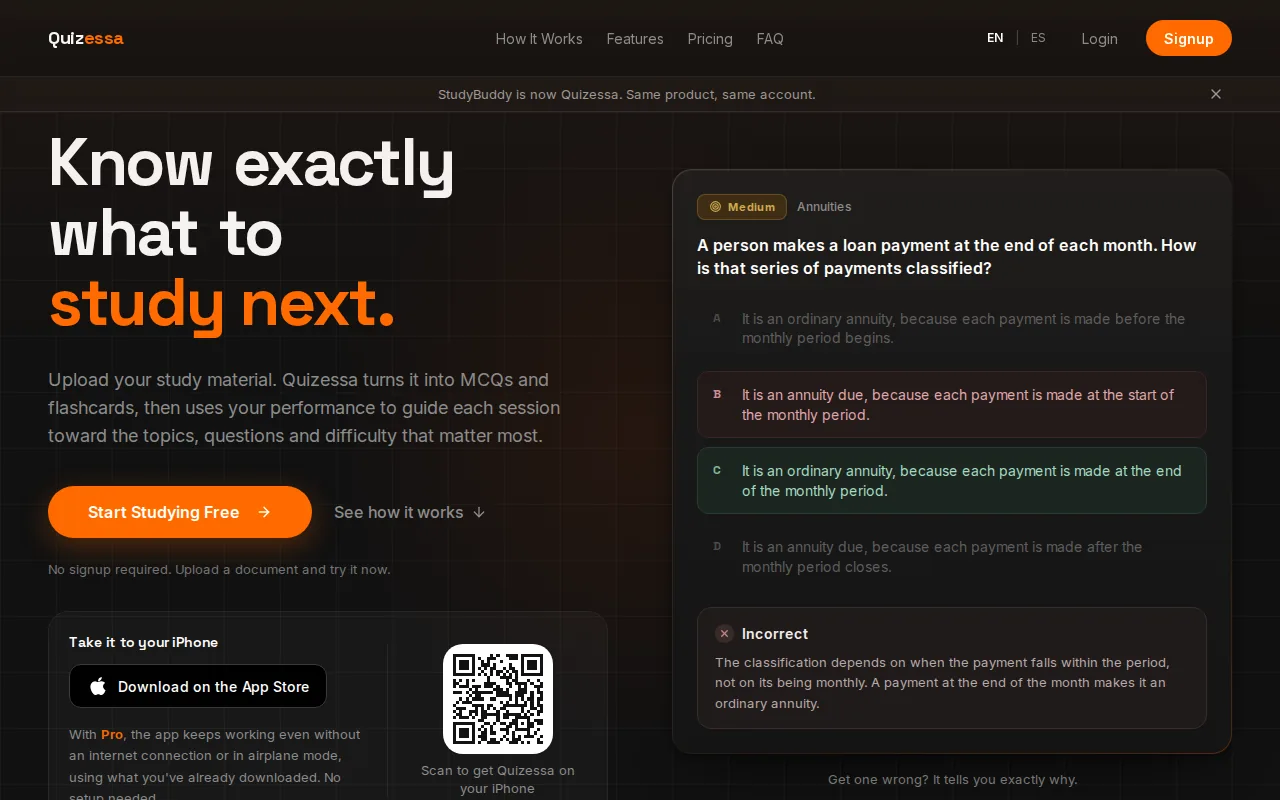
That workflow suits students who have plenty to study but little time to make cards by hand. A business student can upload slides on accounting rules, then test recall with cards and questions. A history student can use lecture notes to practice dates and causes. Quizessa also tracks topic mastery and a Readiness Score, which can help you decide what to review next. Neither is a promise of exam results.
For a quick overview of the app’s study workflow, visit Quizessa’s official site. Pro costs $8.99 per month or $89.90 per year. Guest sessions with no signup are different from paid access.
When a question is wrong, the explanation gives you a chance to check the idea against your course source. Then practice can put more attention on areas that need work. Quizessa is a useful fit when you want more than a deck of terms.
2. Anki: Customizable spaced repetition
Anki is a flashcard app built around customizable spaced repetition. It suits students who want control over card design and review settings, or who already have Anki decks. Its desktop versions and Android app are free.
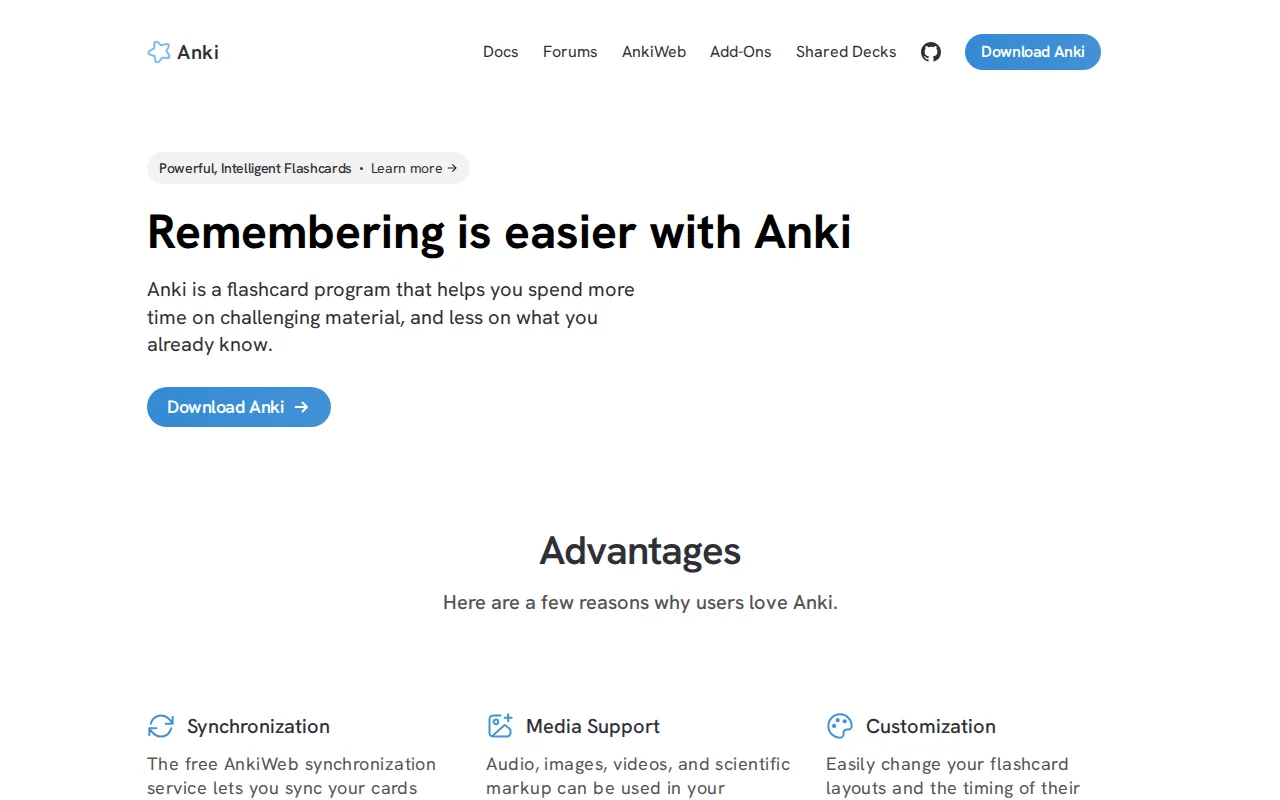
With spaced repetition, cards return at intervals rather than all at once. Anki supports FSRS or SM-2 scheduling, so you can shape how review works. The app also accepts Anki deck files in .apkg and .colpkg formats, which helps if you already have cards in those formats.
Keep the cards narrow. One prompt should test one fact or idea. For example, instead of asking for every step in a long accounting process, make separate cards for the key rules or decisions. That makes it easier to spot the exact detail you forgot.
Anki is strongest when you’re willing to set up and manage a deck-based routine. It focuses on flashcard drilling, rather than multiple-choice practice that simulates an exam. If you’re weighing card review against a broader recall routine, these flashcard study tips can help you plan focused sessions.
For many students, the choice isn’t either-or. Use a deck for repeated fact recall, then use course-specific questions to check whether you can apply the material.
3. Quizlet: Familiar digital flashcard practice
Quizlet is a digital flashcard platform with a large library of community-made sets. It fits students who want to look for an existing deck or make and review their own cards. Quizlet can also generate flashcards from uploaded notes through Magic Notes.
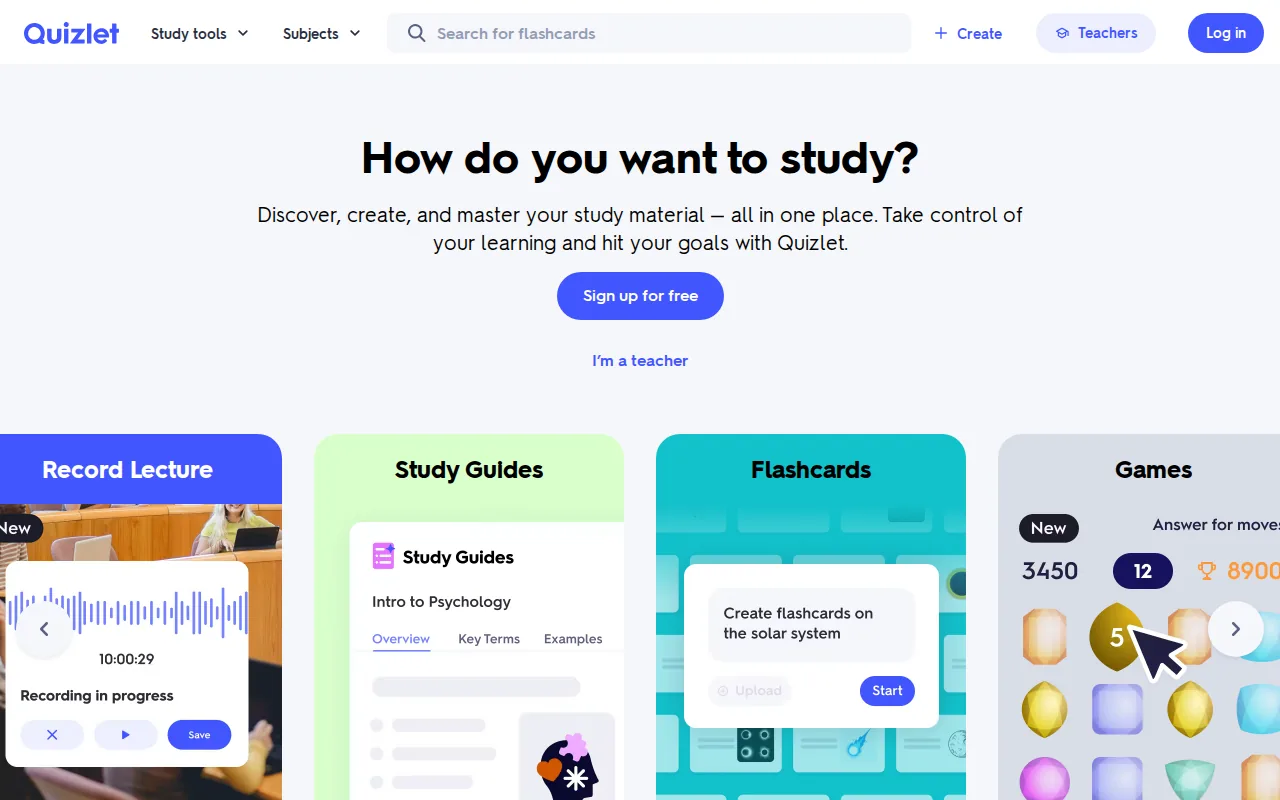
That shared library can save time when a useful set already exists for a common subject. But a pre-made deck may not match your instructor’s terms or the way your course frames a topic. Check the cards against your notes before relying on them for a test.
Quizlet’s free plan lets you browse and create flashcards, with limits on some study features. Its Learn mode has a monthly round limit, as do practice tests and Q&A solutions. Paid Quizlet Plus plans lift more of those limits.
Flashcards are one way to practice active recall: you try to retrieve information before checking the answer. This involves actively stimulating memory, rather than focusing only on taking information in. That distinction matters when a familiar-looking card tempts you to flip before you answer.
Quizlet’s Learn mode shows the correct answer after a miss. If you need to understand a mistake, check your lecture notes or another source after the practice round.
4. Brainscape: Confidence-based card review
Brainscape is a flashcard app that asks you to rate your confidence after each card. It suits students who want a clear self-rating step as they review. You choose a confidence score from 1 to 5, and the system uses that rating to set review timing.
Turn your notes into a practice exam
Upload a document and Quizessa builds questions, flashcards and explanations in minutes.
Try it free
Brainscape supports AI flashcard creation from notes, PDFs, images, and text. It also has expert-made and community-created card sets. That can be useful when you want to start with an existing deck, or when you’re building cards from your own course documents.
The confidence rating gives you a moment to judge your recall honestly. If you know a definition but can’t explain it without looking, give the card a lower score. That helps separate firm knowledge from recognition, where an answer seems familiar only after you see it.
For a course with detailed diagrams or long arguments, review the generated cards before studying them. Split any card that asks for too much at once. Brainscape is centered on flashcard review, so use your course’s practice problems as well when you need to work through an application or a longer explanation.
Choose this option if rating your confidence feels like a helpful part of your routine. It keeps the review decision in your hands.
5. StudyGlen: AI flashcards from PDFs and other files
StudyGlen generates flashcards from study material such as PDFs, text, images, and YouTube links. It suits students who want AI-made cards and spaced repetition in one flashcard workflow. StudyGlen supports Anki deck files, which may help if you’re bringing an existing deck over.
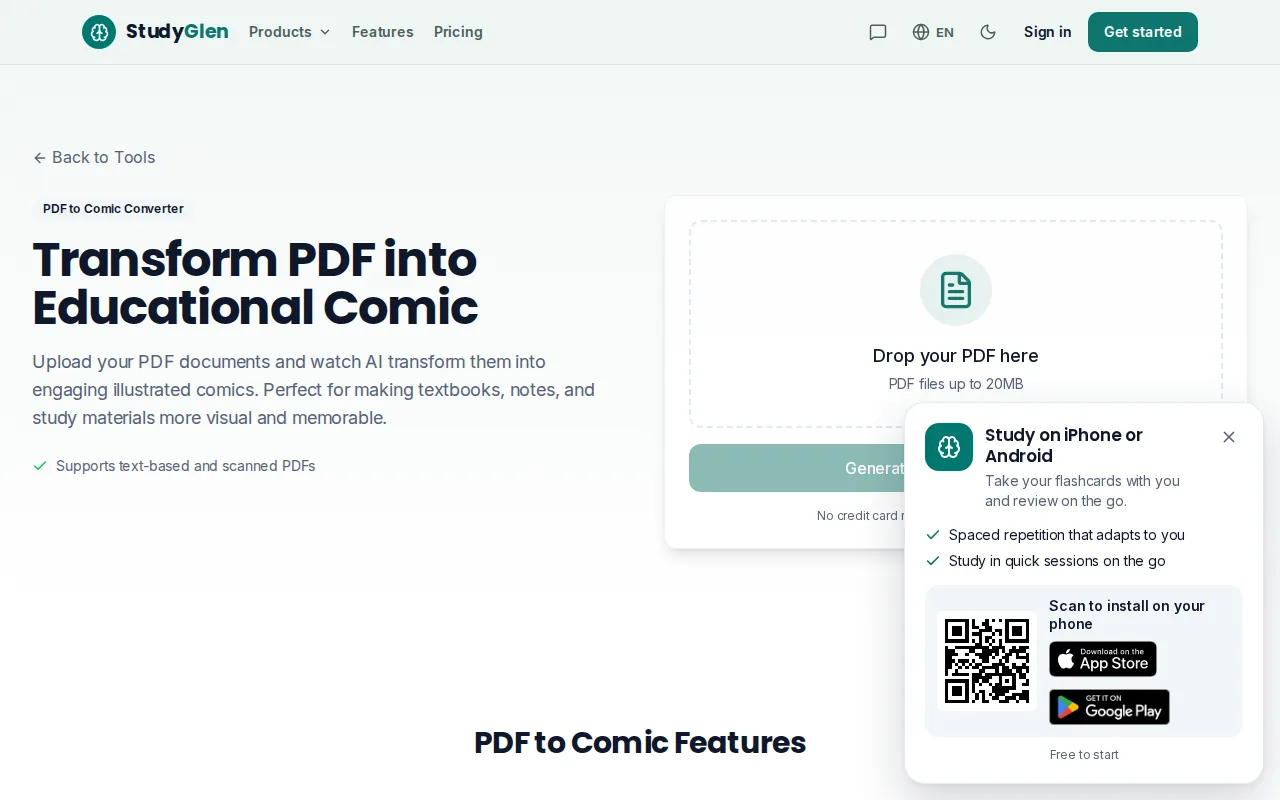
StudyGlen uses FSRS spaced repetition. It can generate basic question-and-answer cards or cloze cards, where a key word is hidden in a sentence. Some cards can include AI-generated images. A visual card may help you study a labeled anatomy diagram or connect a science term to an illustration, but check the image and answer against your course source.
The best fit depends on what you need from the deck. Use this quick comparison to decide whether StudyGlen’s workflow matches your study material.
| Your study need | StudyGlen fit | What to check |
|---|---|---|
| Review PDFs or text | Generates flashcards from PDFs and text | Confirm each card matches the source |
| Recall a term in context | Supports cloze cards | Make sure the missing word tests the point you need |
| Use visual prompts | Can generate card images | Check labels and details against class materials |
| Schedule card review | Uses FSRS spaced repetition | Keep longer explanations in your notes or course text |
StudyGlen has a free tier, so you can try its workflow before you rely on it for a large batch of course material. If your goal is also to answer exam-style questions and get explanations, compare that card-first approach with Quizessa’s MCQ practice.
How to pick a tool for your study routine
Pick the option that matches the work you need to do, not the longest feature list. Flashcards are strongest for terms, short facts, and focused concepts. They’re less useful as the only way to learn a complex argument or a multi-step problem.
- Use one idea per card. A clear question and concise answer make it easier to tell whether you recalled the point.
- Answer before you reveal. Say the answer aloud or write it down. Then compare it with the back of the card.
- Return to missed cards. Spaced repetition can schedule reviews over time. Change intervals or ratings based on how well you recall the answer.
- Mix formats when needed. Use cards for definitions, then try practice questions for applying a rule or solving a problem.
Audio cards can help during a walk or commute, but only if they pause for you to answer before giving the solution. Listening straight through is closer to a recap than retrieval practice. For diagrams, draw or label the idea from memory, then check it against your notes.
If you’re studying from your own lecture files, Quizessa can generate the practice set first, so your review starts with the material you need to know.
FAQ
What are active recall flashcards?
Active recall flashcards ask you to retrieve an answer before you look at it. The question goes on one side, and the answer goes on the other. This makes you practice bringing information to mind instead of only recognizing it in your notes. Keep each card focused on one fact or idea so you can judge your answer clearly.
How do I make flashcards that help me remember?
Write a clear question with one main point, then keep the answer short enough to check quickly. Avoid yes-or-no prompts and cards that ask for a whole chapter. If a topic has several parts, split it into separate questions. Try answering aloud or in writing before you flip the card.
What’s the difference between active recall and spaced repetition?
Active recall is the act of trying to remember information before checking the answer. Spaced repetition is a way to schedule later reviews over time. They work well together: answer a card from memory, then use a review schedule to return to it. A missed card may need to come back sooner than one you recalled easily.
Are audio flashcards useful for studying?
Yes, audio flashcards can help with short facts, definitions, and vocabulary when they leave time for you to answer before revealing the solution. Try them during a walk or commute, and say your answer out loud when you can. They’re less suited to long explanations or complex diagrams, which need more focused study.
Conclusion
If you want flashcards and exam-style practice made from your own course materials, start with Quizessa. Upload one lecture file, try a short round, then use your results to choose what to review next.
Turn your notes into a practice exam
Upload a document and Quizessa builds questions, flashcards and explanations in minutes.
Try it freeRelated articles
-
Best Spaced Repetition Flashcards: 6 Tools Compared
Spaced repetition flashcards bring facts back after a gap, so you have to recall them instead of only rereading them. The hard part is finding a tool that fits your material and leaves enough time...
-
Best Apps for Studying: 6 Picks for Your Courses
The best apps for studying should help you do more than sort your notes. If your course material is spread across PDFs and lecture slides, the right tool can turn it into practice you can use. Here...
-
How to Study for the MCAT: A Step-by-Step Plan
The MCAT can feel like a long race with no clear training plan. If you're figuring out how to study for the MCAT, start with a diagnostic, then build a routine that mixes review and practice from the...