Best Multiple Choice Test Maker Tools for Students


Need practice questions from a course PDF or lecture slides? The right multiple choice test maker can turn your study material into a test you can work through, not another stack of notes to format. Here are ten tools, with Quizessa first for students who want practice that adapts to their results.
1. Quizessa
Quizessa is a web and iPhone study app that turns your course material into multiple-choice questions, flashcards, and answer explanations. It suits university students and exam candidates who want to study from their own files rather than start with a blank test.
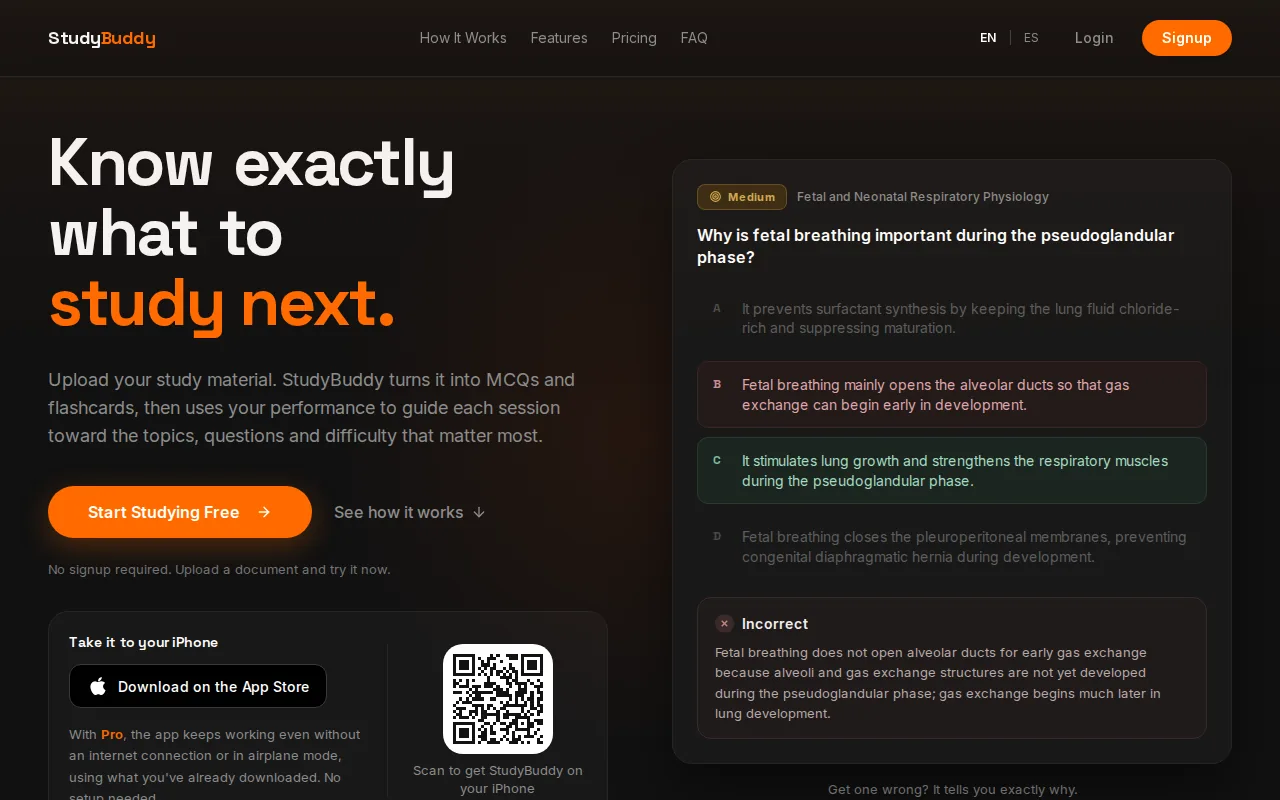
Upload a PDF, lecture slides, notes, or a photo of study material. You can also use YouTube videos. The app generates practice from what you provide, then adapts question practice to your performance. Get a question wrong? Use the explanation to review the idea, then let the app bring attention back to topics that need more work.
Topic mastery and Readiness Score give you a way to decide what to review next. They’re study signals, not a promise that you’ll pass an exam or that every explanation is error-free. Check generated questions against your course materials, especially when a detail or definition matters.
Quizessa works in English and Spanish and is free to try. Pro pricing is $8.99 per month or $89.90 per year. For MCQs drawn from course files, the multiple-choice question generator for uploaded study material explains the practice workflow.
It’s the strongest fit here when your main need is active practice from your own material. If you only need a basic quiz to distribute to a class, a teacher-focused test builder may be a better match.
2. Edcafe: quiz creation and grading for teachers
Edcafe is an AI toolkit for teachers that can generate quizzes. It suits instructors who want to prepare and organize teaching materials, rather than students looking only for a personal practice set.

Its focus is broader than quiz writing. Teachers can build a quiz from a topic, text, webpage or document, and the same toolkit makes flashcards, slide decks, lesson plans and AI feedback on student work. That makes it a classroom workflow first, rather than a personal study system that tracks your weak topics.
For a student, the key question is who will use and manage the quiz. If your instructor is assigning quizzes, a teacher-oriented tool may suit that classroom process. If you’re studying alone from your own lecture slides, look for a tool that clearly supports your file types and shows how practice responds to your answers.
Edcafe is the more relevant pick for teacher-led quiz preparation. Check whether it offers automatic grading, reporting, or sharing options before building a class workflow around it.
3. NoteGPT: PDF-based quiz question generation
NoteGPT generates quiz questions from PDFs. It may suit students whose course content is already saved as PDF files and who want questions based on that source.
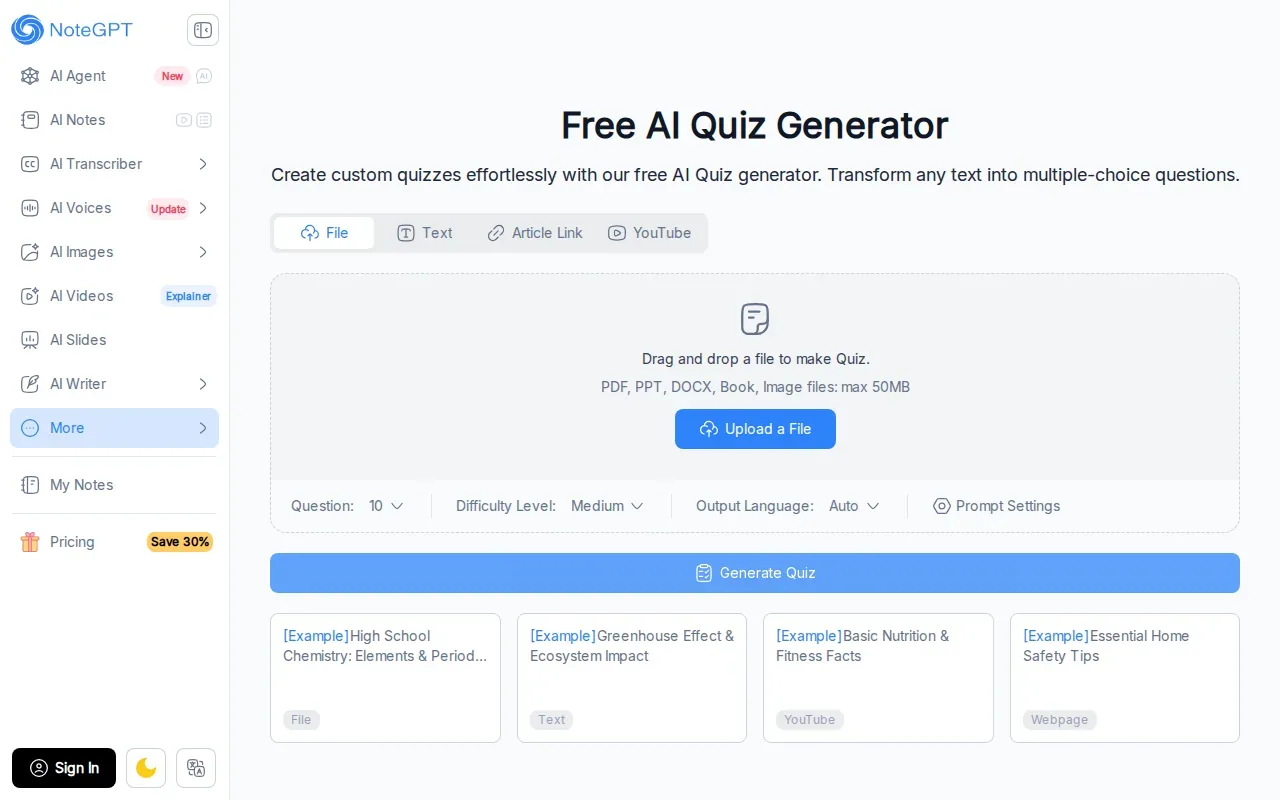
That PDF-first focus can be useful when a course reader or study guide is the main thing you need to review. You can start with the document rather than copy its content into a test by hand, then set the number of questions and the difficulty before you generate.
NoteGPT also accepts PowerPoint, Word and image files, plus web pages and YouTube videos, and it can set the output language automatically. That helps if your class material is not in English.
Before relying on any generated set, compare its questions and answer choices with the source PDF. A question can sound plausible while missing a course-specific term or putting too much weight on a small detail. NoteGPT also shows learning insights after each quiz to help you spot weak areas.
4. Knowt: quizzes paired with spaced repetition
Knowt pairs quizzes with flashcards and spaced repetition. It suits students who want to move between testing themselves and reviewing cards over time.

Spaced repetition brings back material for review instead of keeping every card in one long, unchanged run. That gives Knowt a study angle beyond generating a one-time quiz.
Knowt can make flashcards and quizzes from PDFs, PowerPoint slides, notes and lecture videos, so a slide deck or a recorded class can both become practice.
Knowt is a reasonable fit if flashcards and spaced review are central to your routine.
5. TestPortal: quiz questions from text and PDFs
TestPortal is an online assessment tool that can generate questions from text, PDFs, and other files. It suits students or instructors who want to build a quiz from more than one kind of source material.
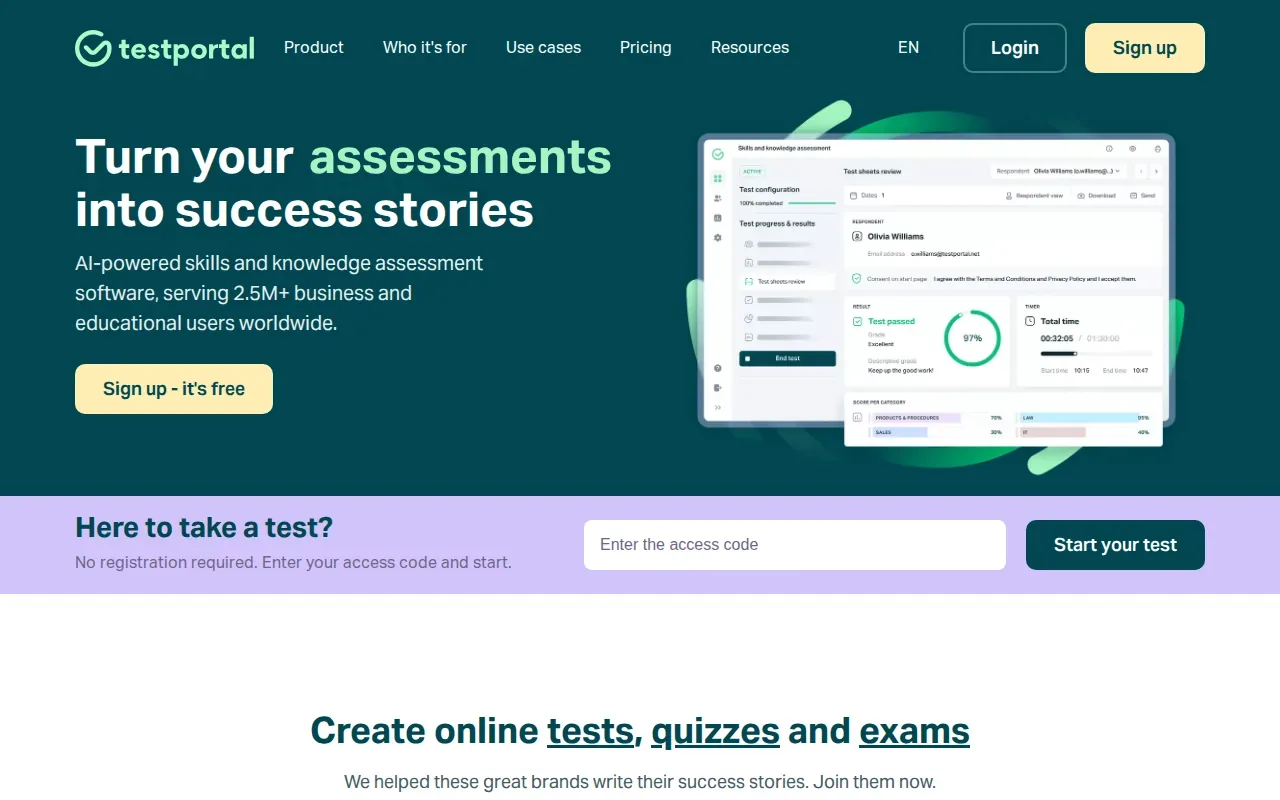
It can generate multiple-choice and single-choice questions and full quizzes from your content. It is built as an assessment platform, so think of it first as a question and test builder rather than a flashcard or adaptive study app.
For a useful practice test, review the generated wording and choices before you take it. Check that each item tests a course idea and that the correct answer matches your notes. If you’re making an exam for others, make sure the instructions tell test takers what to expect. A quiz link alone doesn’t explain grading rules or how results will be used.
TestPortal’s support for text and files may help when your material isn’t kept in one PDF. It also grades tests automatically and reports results, which is useful when you build an assessment for a class.
6. QuizWhiz: a freemium quiz maker from PDFs
QuizWhiz is a freemium quiz maker that generates multiple-choice questions from PDFs. It suits students who want to try PDF-based question generation before choosing a paid option.
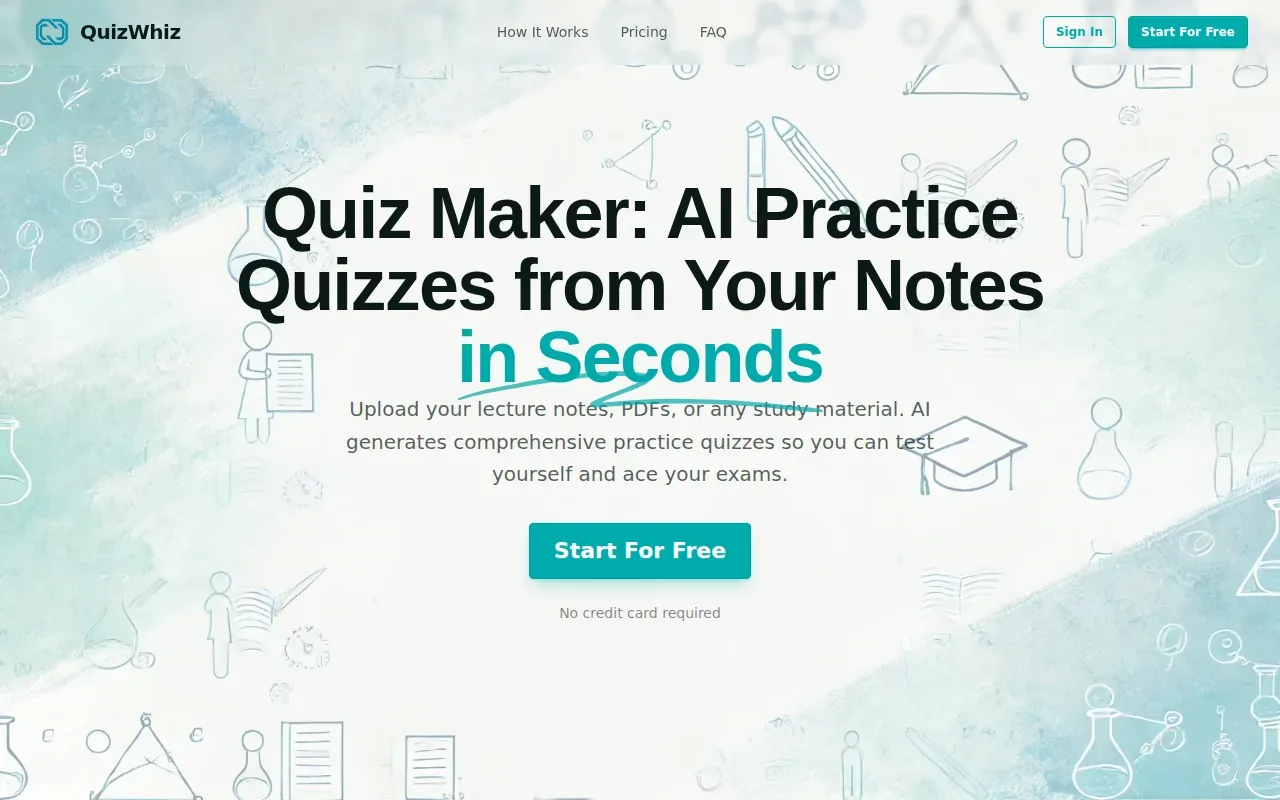
QuizWhiz has a free plan with 10 credits, all question types and unlimited practice. Paid plans add more credits, so check how far the free credits go before you upload a long course reading.
Turn your notes into a practice exam
Upload a document and StudyBuddy builds questions, flashcards and explanations in minutes.
Try it freeQuizWhiz can export quizzes as PDF, DOCX, TXT, Markdown or JSON. That may help if you need to keep a copy of generated questions outside the quiz tool.
Review each question against the source before you use it for exam prep. Test a short, focused excerpt first, then decide whether the generated format works for your material. Don’t upload a long file until you know how many credits it will use.
7. Coursebox: AI quiz generation for course content
Coursebox is an AI course builder with an AI Quiz Generator. You can type a topic, paste a URL or upload a document, and it builds a quiz with multiple-choice and short-answer questions that you can edit before publishing.
Quizzes can be made in over 100 languages and delivered inside Coursebox or exported to another learning platform. That makes it a better fit for someone building a course for others than for a student working alone.
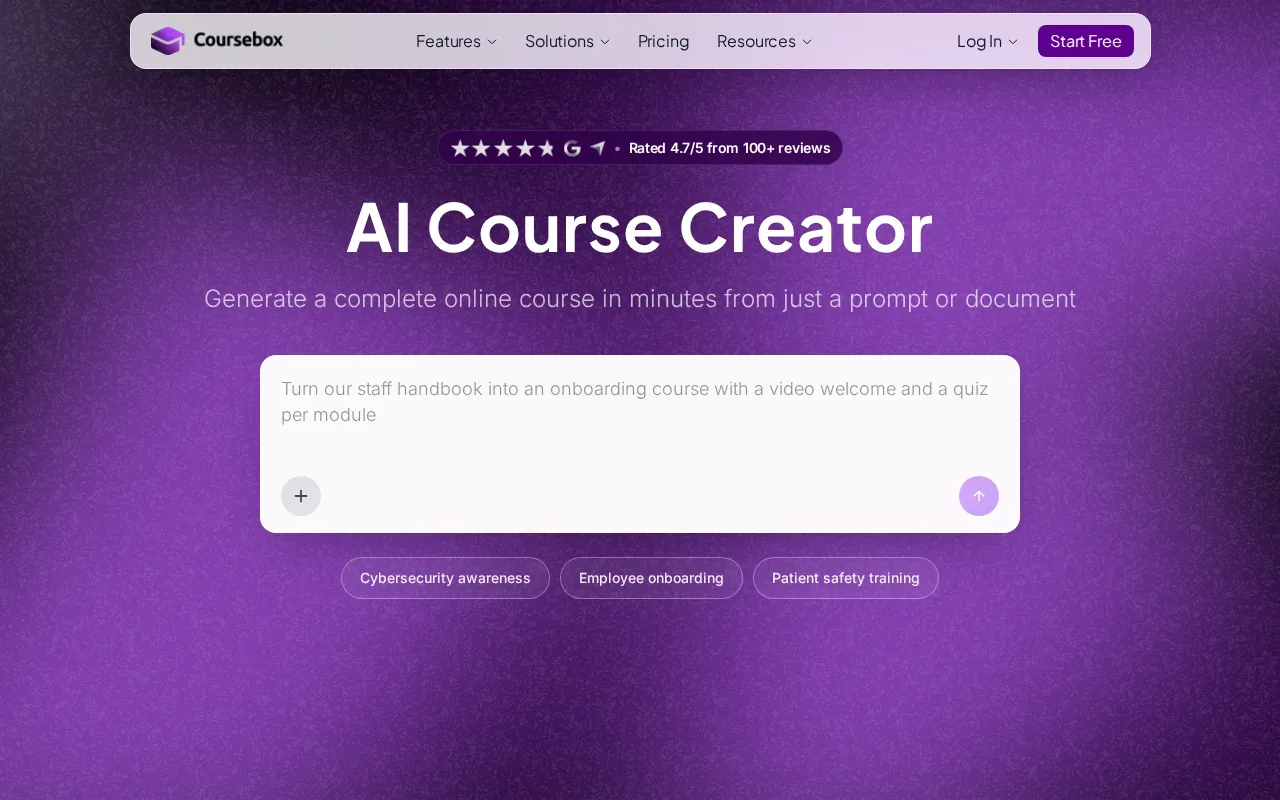
Also check what happens after a quiz is made. If you want to study alone, the ability to make a quiz may not be enough; you may also want feedback that helps you see what to review next.
Coursebox belongs on a shortlist if you’re building course content and want AI quizzes and grading in the same place.
8. Flippity: a free option for basic quiz activities
Flippity is a free option for creating quiz activities. It suits students or instructors who need a no-cost starting point for a basic quiz and don’t need adaptive study features.
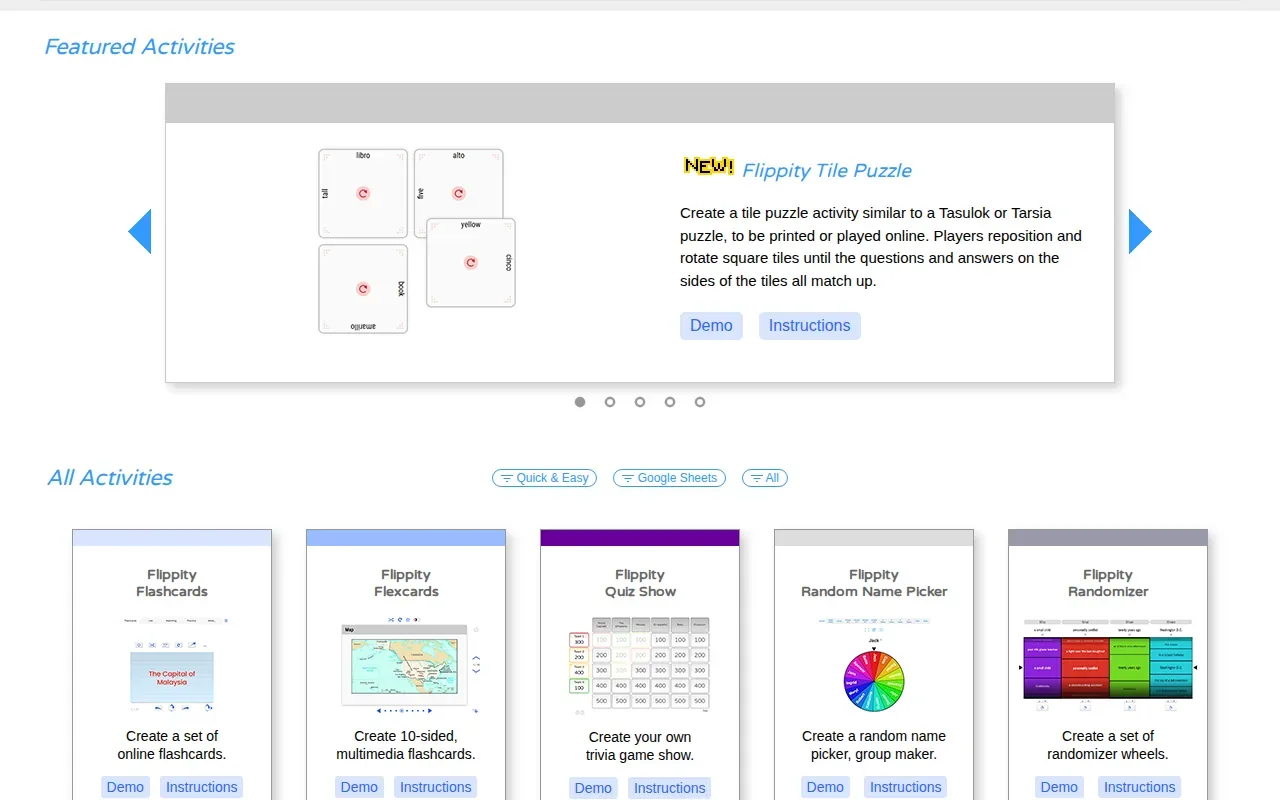
Flippity is free to use and turns a set of questions you write into quiz activities such as a quiz show or a self-assessment. If you already have a set of questions, a basic quiz activity may still be useful. If you want AI to turn your course file into new MCQs, check that this workflow is supported before you begin.
Free access can be a good fit for a quick self-check, but price isn’t the only decision. Consider how you’ll enter questions, whether you need explanations, and how you’ll review mistakes later.
Choose it for a simple, free quiz activity. If your study plan depends on questions drawn from a specific source document, prioritize a tool that clearly names that input format.
9. EasyTestMaker: multiple question formats for test builders
EasyTestMaker is an online test builder with several question formats. It suits students or instructors who want to assemble a test by hand and may need more than multiple choice.

Its formats include multiple choice, fill-in-the-blank, matching, short answer, and true or false. Online tests are automatically graded, and the tool can show or print student results. It also supports reports on which questions test takers answered correctly or incorrectly. These features make it a fit for a prepared test bank, rather than a tool built to generate questions from a PDF.
EasyTestMaker also offers alternate test versions and answer sheets. It can present a random set of questions from a larger question bank, and it can export tests or answer sheets as Word or PDF files. Those options may help when you need both online and printed versions.
10. Wondershare PDFelement: quiz prompts while working with PDFs
Wondershare PDFelement is a PDF editor with a Chat with PDF feature that can be prompted to create a quiz. It suits students who already work with PDF files and want to ask an AI assistant for questions while reading.
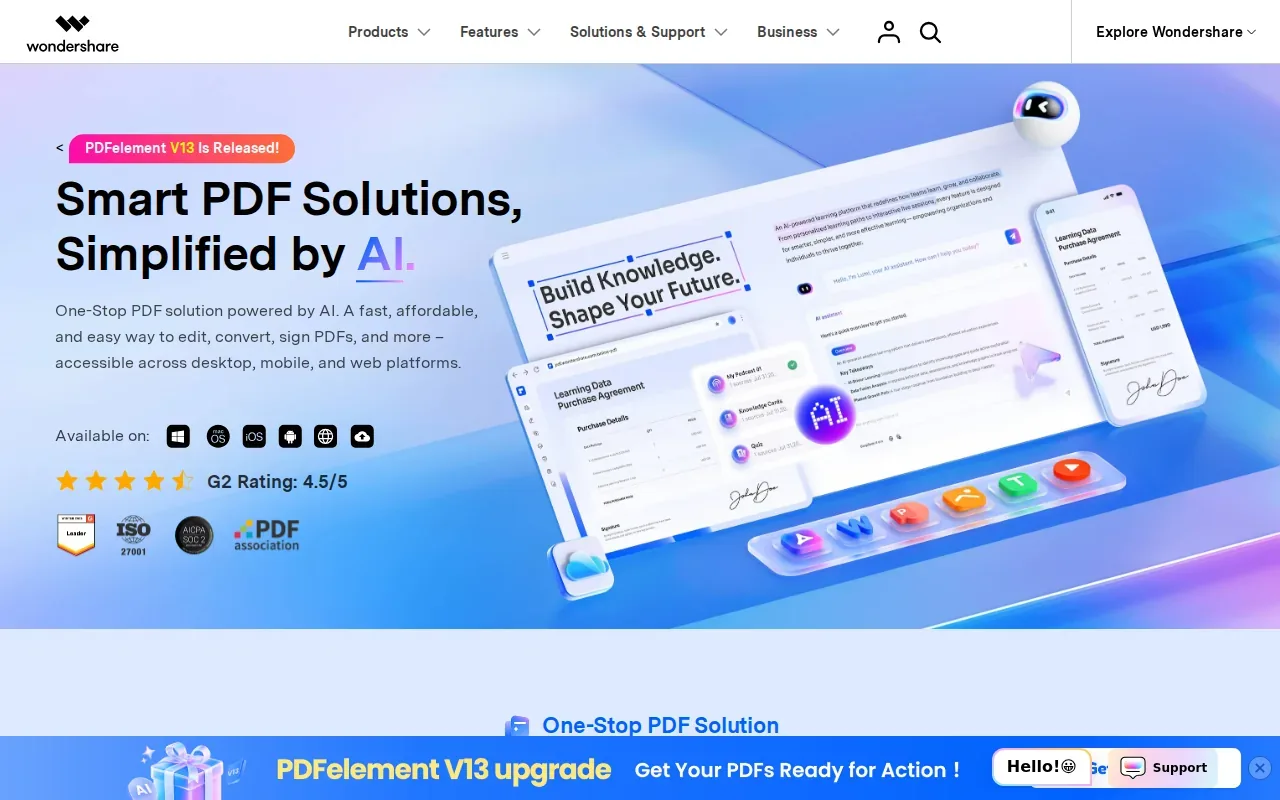
PDFelement is a PDF editor first, so it does not track performance, topic mastery or exam readiness. Think of it as a way to request quiz prompts from a PDF, not an adaptive test-prep system.
| Tool | Best fit | Check before relying on it |
|---|---|---|
| Quizessa | Practice from personal course materials with adaptive question practice | Generated answers still need a source check |
| Edcafe | Teacher-focused quiz preparation | Confirm grading and sharing features |
| NoteGPT | Question generation from PDFs | Answer accuracy against the source PDF |
| Knowt | Quiz and flashcard review with spaced repetition | Supported input file types |
| TestPortal | Questions from text, PDFs, or other files | Reporting and grading details |
| QuizWhiz | Freemium PDF-based MCQs | How far the free credits go |
| Coursebox | AI quiz generation for course content | Built for course creators more than solo study |
| Flippity | Free quiz activities | Question entry and feedback options |
| EasyTestMaker | Test building with multiple question formats | Free plan limits and online test needs |
| Wondershare PDFelement | Quiz prompts while working with PDFs | Whether generated questions fit your study workflow |
If you’re choosing between document-based questions and a general PDF assistant, ask whether you want the quiz to end after generation or guide your next review session. That distinction shapes what you should test first.
FAQ
What is the best multiple choice test maker for students?
Quizessa is a strong choice for students who want MCQs based on their own course materials. It turns PDFs, slides, notes, and photos into questions, flashcards, and answer explanations, then adapts practice to performance. If you need a teacher-led quiz or a manual test builder, compare the other tools by what they are built for before choosing.
Can I make multiple-choice questions from a PDF?
Yes, several tools in this shortlist can generate questions from PDFs, including Quizessa, NoteGPT, QuizWhiz, TestPortal, Knowt, Coursebox, and Wondershare PDFelement. Their outputs and study features differ, so check whether you also need explanations, flashcards, or practice that responds to your answers.
Are there free multiple choice test makers?
Yes, free or freemium options are available, including Flippity and EasyTestMaker. QuizWhiz has a free plan with a monthly credit limit. Quizessa is free to try. Check each tool’s current limits before building a full study routine around it.
Can a quiz maker grade answers automatically?
Some quiz makers can grade responses automatically, but don’t assume every tool does. EasyTestMaker grades its published online tests automatically, and TestPortal and Coursebox also offer automatic grading. If instant scoring matters, verify how answers are graded and when students can see results.
How can I check AI-generated quiz questions?
Compare each question and answer with the course PDF, lecture slides, or official study guide it came from. Check that the wording tests the intended idea and that the marked answer is supported by your materials. Treat answer explanations and topic scores as study aids, not as a guarantee of correctness or exam results.
Conclusion
For study questions based on your own course material, start with Quizessa: upload a file, try a short practice session, and see whether its feedback helps you choose what to review. If you’re ready to turn your notes into a broader quiz routine, explore the AI quiz generator for practice from notes and PDFs.
Turn your notes into a practice exam
Upload a document and StudyBuddy builds questions, flashcards and explanations in minutes.
Try it freeRelated articles
-
Best AI Study Guide Maker Tools for Students
A pile of lecture slides or a long course PDF can take hours to turn into study material. An AI study guide maker can turn your own files into practice, but the tools differ in what they make and how...
-
How to Study for the LSAT: A Step-by-Step Plan
Figuring out how to study for the LSAT can feel hard when you’re not sure what to practice first. Start with an official timed test, learn the current question types, then build a steady routine...
-
How to Study for the SAT: A Step-by-Step Plan
If you’re working out how to study for the SAT, start with evidence, not a stack of review books. A full-length diagnostic shows what to work on; focused practice helps you fix it. Use this five-step...