Best Websites for Studying: 6 Student Picks


Too many PDFs and lecture slides, not enough time to turn them into practice? The best websites for studying can help you get from course material to questions you can answer. Here are six picks, starting with Quizessa, and the study routine each one fits.
An analysis of 41 comments from YouTube and Reddit about websites for studying found that 22% mentioned paywalls and ads.
1. Quizessa
Quizessa is a web and iPhone study app that turns your course material into multiple-choice questions, flashcards, and answer explanations. Upload a PDF, slides, notes, a photo, or a YouTube video, then practice with questions based on what you shared.
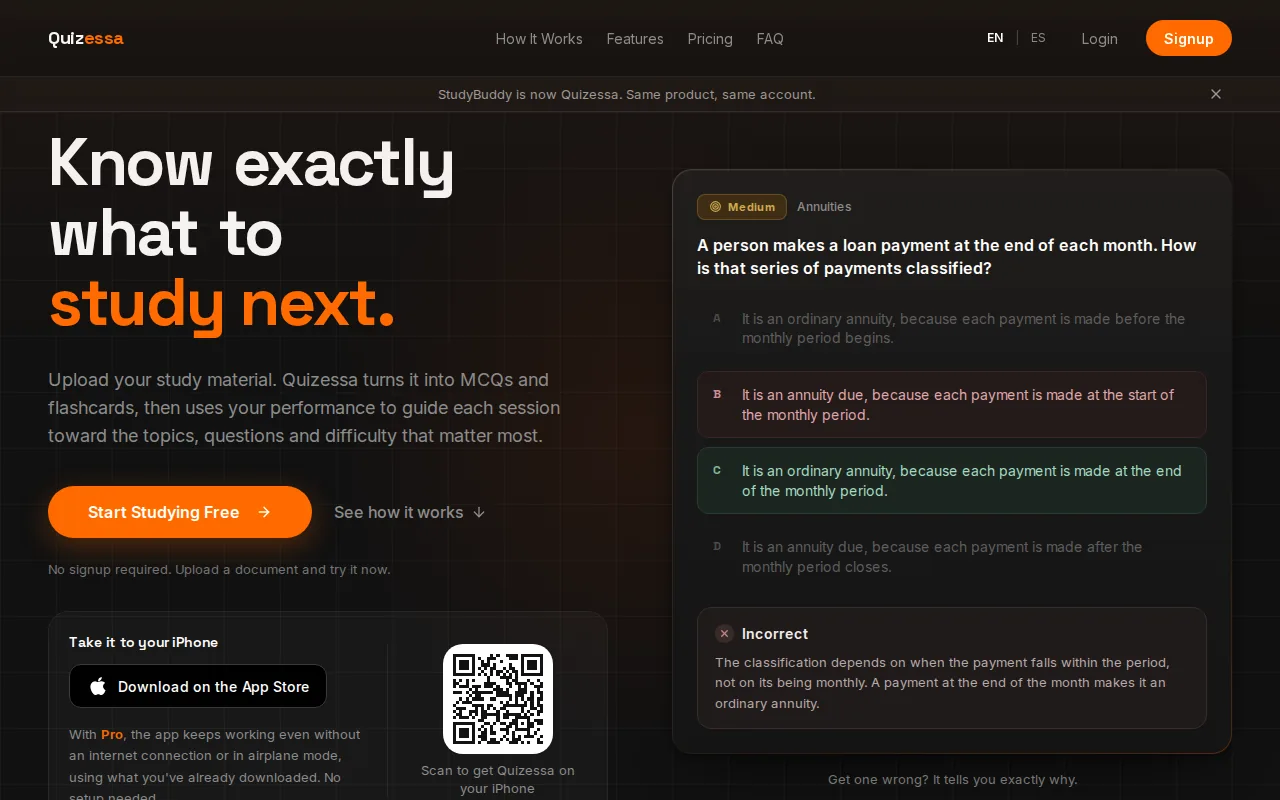
It’s a strong fit for university students and exam candidates who have their own material, such as lecture slides for contract law or a PDF study guide for statistics. Quizessa works in English and Spanish, and students in high school or professional certification programs can use their own course sources too.
When you answer, Quizessa adapts later practice to your performance. Adaptive Study brings topics back for more review, while topic mastery and Readiness Score help you decide what to study next.
One source can become several forms of practice. A lecture PDF may yield MCQs for testing recall, cards for short review sessions, and explanations to check after a wrong answer. That can cut down on the manual work of writing every question yourself.
Quizessa is free to try. Pro costs $8.99 per month or $89.90 per year. If you want to explore the study loop before choosing a plan, start with the app’s active recall flashcard options.
2. StudyFetch: turns course materials into study resources
StudyFetch turns course materials into flashcards and study resources, including material from PDFs, lecture notes, slides, handwritten notes, and YouTube videos. It suits students who want AI to help turn a mix of class sources into study aids.
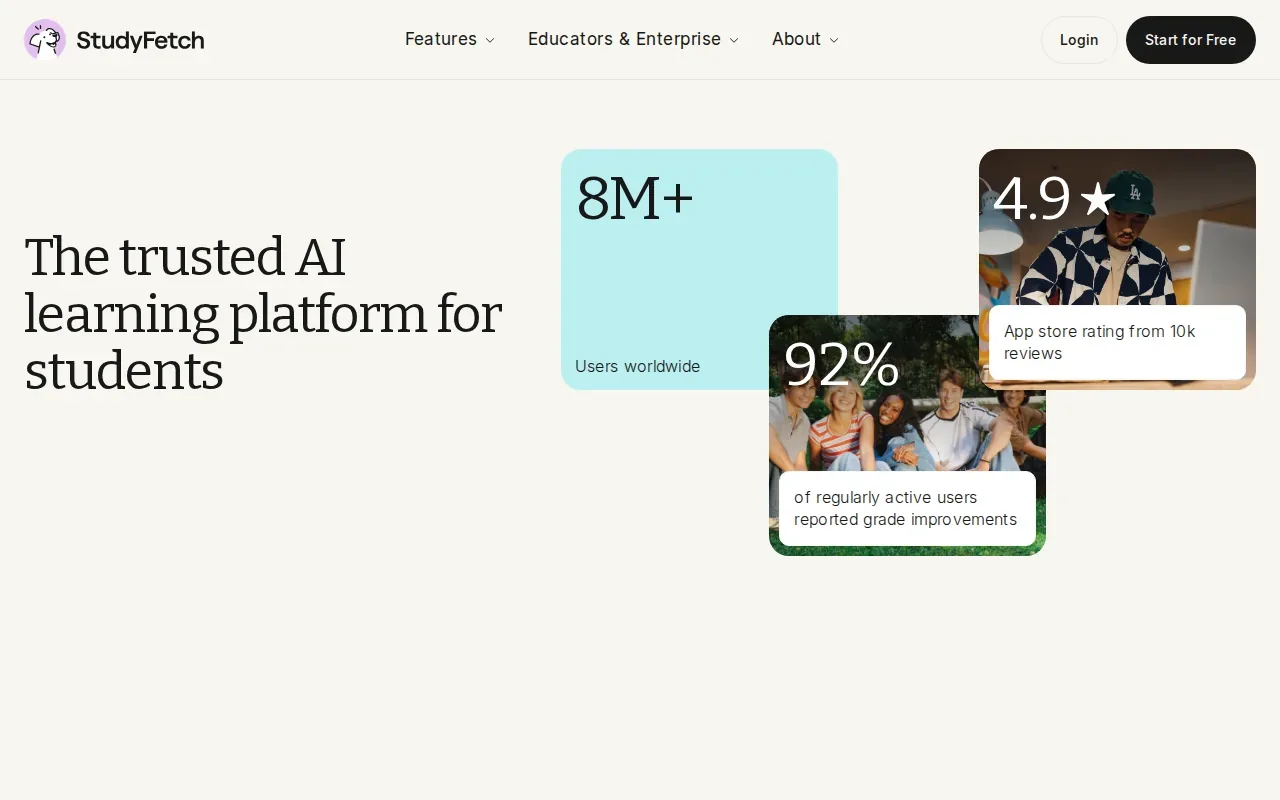
Its question generation includes term-and-definition cards, multiple-choice questions, fill-in-the-blank prompts, cloze cards, image occlusion, and audio cards. That gives you more than one way to check the same topic. For instance, you can test a key term with a definition card, then see whether you can spot it in a multiple-choice question.
StudyFetch also uses spaced repetition within Study Sets. That means your review can return to material over time rather than treating each session as a one-off quiz. It may suit you if your study routine mixes card review with other ways of working through course content.
A video can be useful when a lecture slide leaves a gap. StudyFetch supports YouTube videos alongside text-based course files, so those materials can sit in the same study workflow. Check generated questions against your class notes, especially when a prompt uses a formula or a term with a precise course definition.
Pick StudyFetch if you want a broad set of generated study formats from varied course inputs. If your main need is to see what topics your own answers suggest you should review, Quizessa puts that adaptive practice at the center.
3. Knowt: a flexible option for AI flashcards and quizzes
Knowt generates AI flashcards and quizzes from PDFs, notes, and lecture recordings. It’s a fit for students who want to move between card review and quiz practice without hand-writing every item.
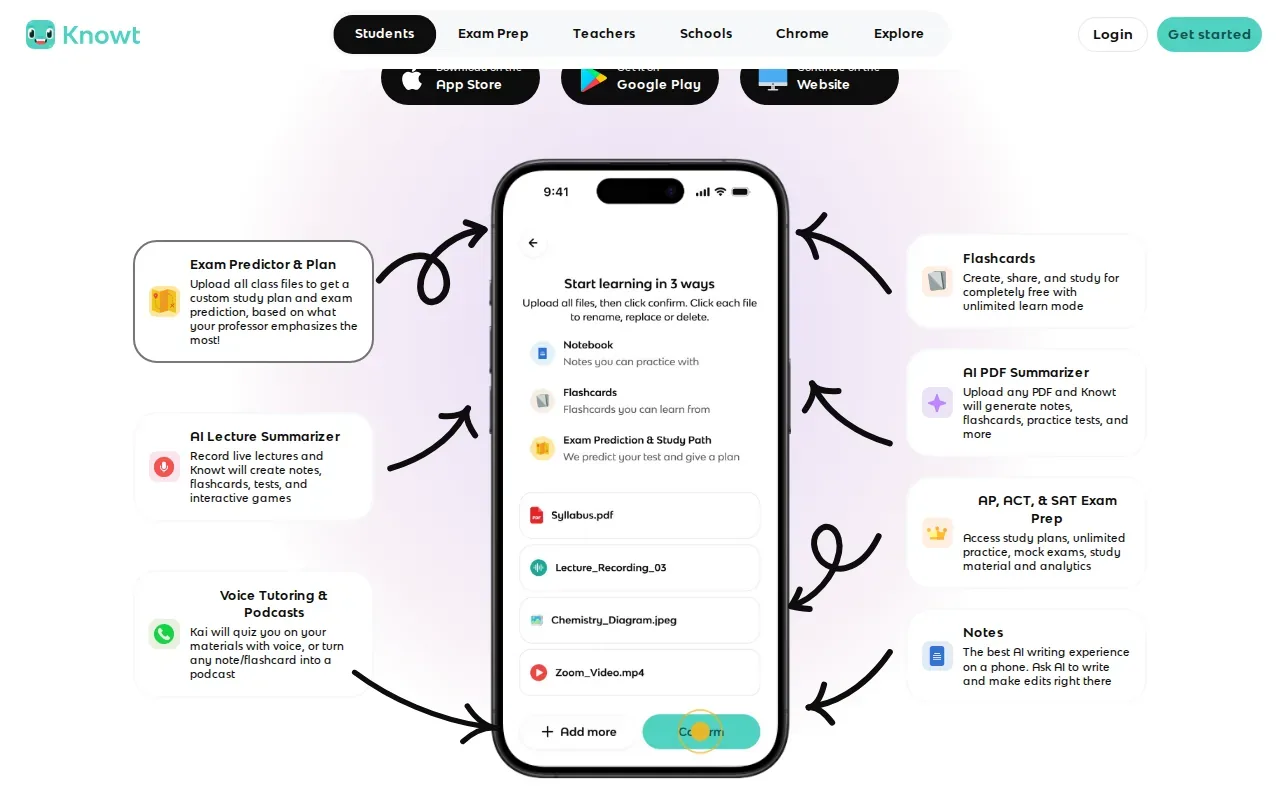
Its adaptive learning mode tracks your performance and adjusts card difficulty. If a card keeps tripping you up, that gives the review a way to respond instead of showing every card as if you knew it equally well. That can help when a course has a large set of terms to learn.
Knowt has a generous free tier with AI flashcards, quizzes, and study tracking. That makes it worth a look if you want to try more than one study mode before paying for a tool. The key question is how often you’ll use quizzes versus cards, and whether your source material matches the formats it supports.
For example, you might use a lecture recording to make cards, then test yourself with a quiz before class. If you prefer studying from your own slides with MCQs and explanations, Quizessa follows that course-material-to-practice flow more directly.
Knowt’s combination of generated cards, quizzes, and performance-based card difficulty makes it a flexible choice for routine review. Try it with one topic first, then see if the generated material fits how your class tests it.
4. Anki: spaced-repetition flashcards with scheduling control
Anki is a flashcard system for students who want control over scheduled reviews. It uses SM-2 or FSRS spaced-repetition scheduling to decide when cards come back, making it well suited to long-term recall.
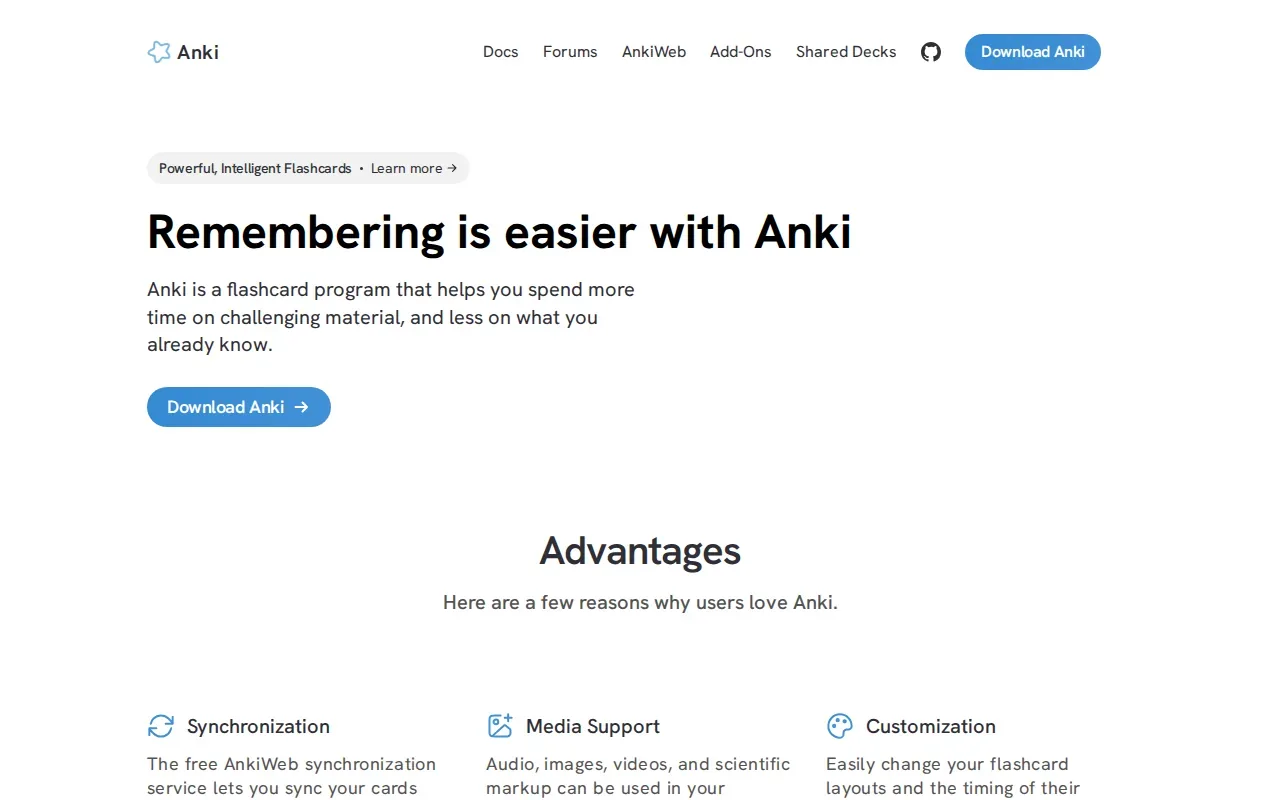
Anki doesn’t generate questions with AI, so you’ll need to make or bring in the cards you study. That extra setup can be worthwhile if you want to shape each card yourself and keep a steady review habit. It’s less direct if your first task is turning a fresh course PDF into practice.
Turn your notes into a practice exam
Upload a document and Quizessa builds questions, flashcards and explanations in minutes.
Try it freeAnki is free on Windows, Mac, Linux, and Android. The iOS app costs $24.99 as a one-time purchase. Since card creation is part of the work, make cards that test one clear point at a time. A card that asks for an entire chapter summary is hard to answer and hard to review well.
Spaced review is useful when you need facts to stay available beyond the next class. If you’re deciding between card-based drills and question practice based on your course files, this comparison of spaced-repetition flashcard tools can help clarify the difference.
Anki fits students who want to manage their own decks and review schedule. For exam-specific practice, you can pair that habit with questions made from the exact slides or guides your course uses.
5. RemNote: connects notes and flashcards
RemNote connects note-taking with flashcards, so you can build review into the notes you’re already making. It supports notes and PDFs, with automatic flashcard generation from notes and PDF annotations.
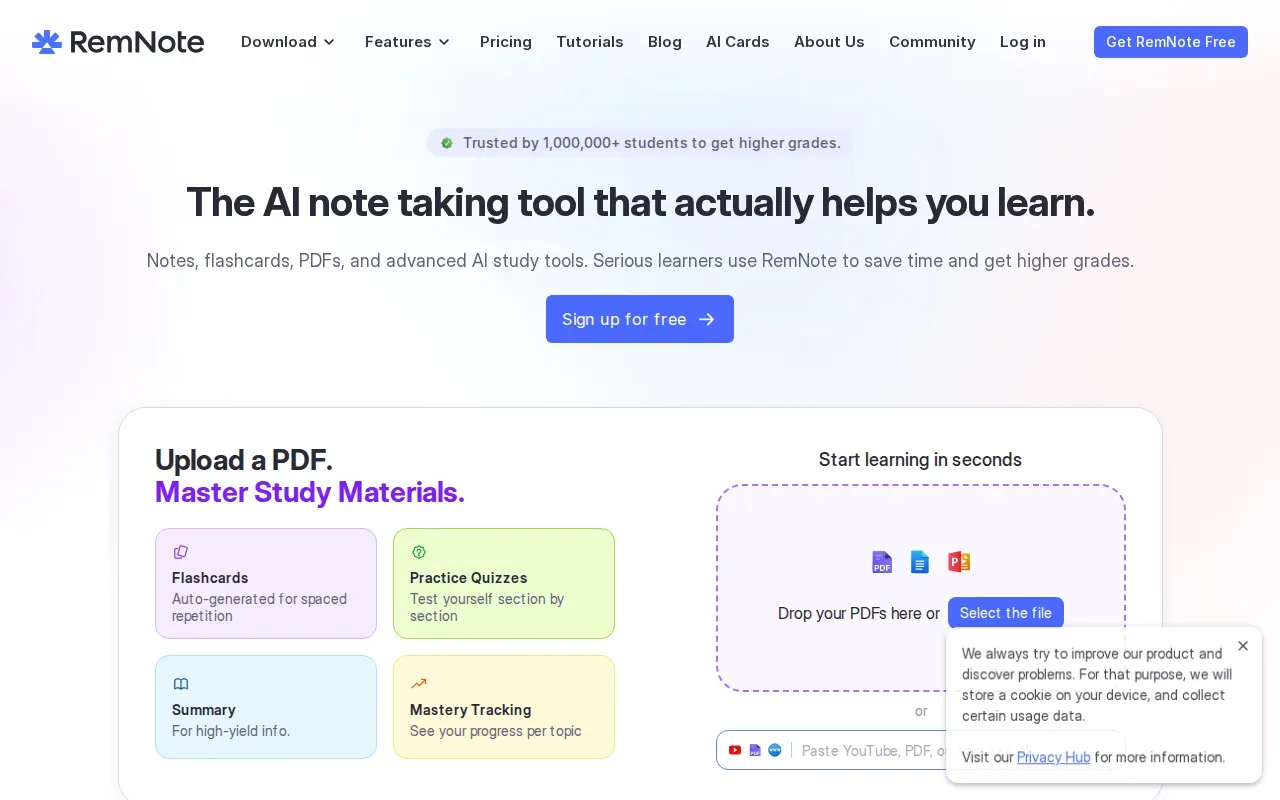
This setup suits students who want their source notes close to the cards they study. For example, if you write a short definition beside a lecture concept, you can make that information part of your flashcard review rather than copying it into a separate deck.
RemNote integrates spaced repetition into its note-taking workflow. Its free tier includes core note-taking and flashcard features. Pro is $8 per month billed yearly and includes AI features and advanced formatting.
Notes can help you understand a subject, while flashcards ask you to retrieve details without looking. Keeping both in one workflow may appeal if you already organize class content as linked notes. If you mostly want a quick set of generated MCQs from a PDF, a document-to-practice tool may take fewer setup steps.
RemNote is a good match when you want notes and review cards to stay connected. Think of it as a study space where the source material and the recall practice can sit together.
6. Gizmo: AI flashcards and quizzes with a free plan
Gizmo makes AI flashcards from uploaded documents and uses spaced-repetition scheduling for review. It’s a fit if you want generated cards and a free plan to start with.
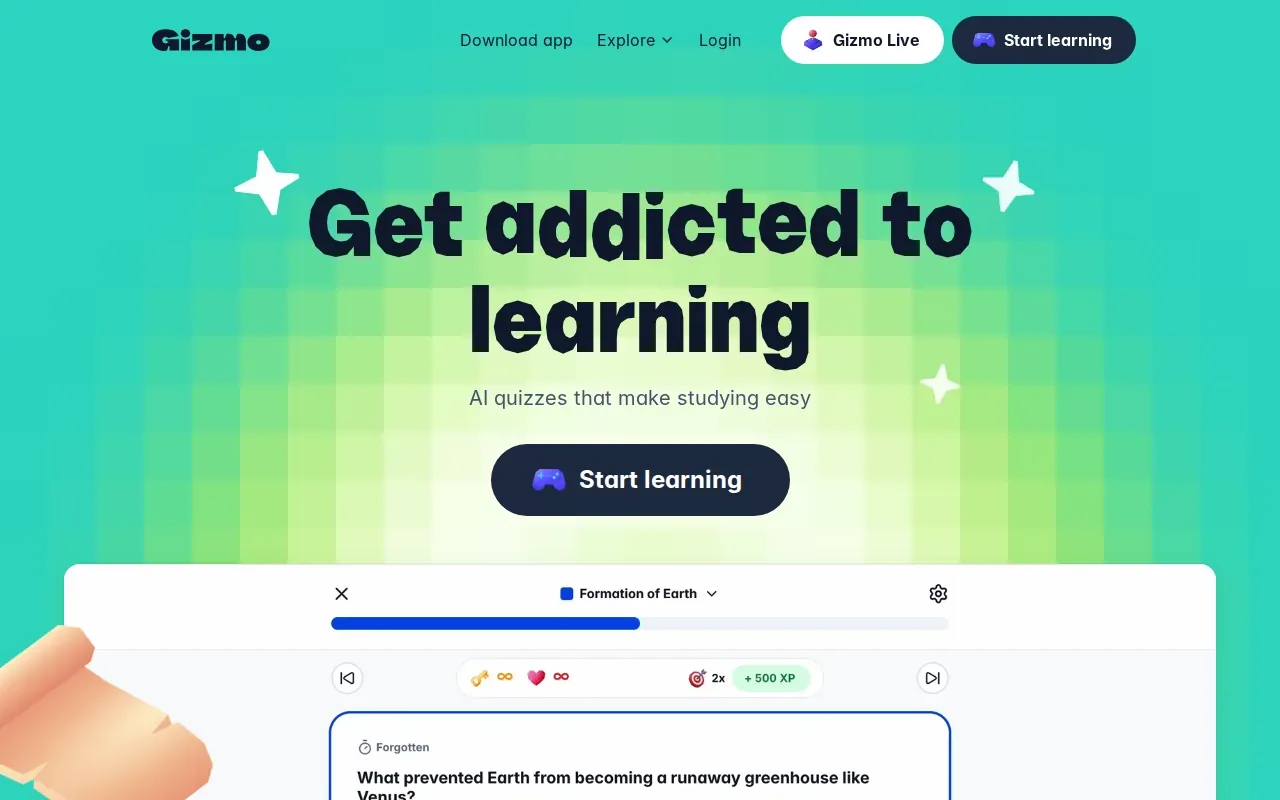
Gizmo’s free plan gives up to 15 hearts in Memorise mode, limited AI Tutor use and a 20-minute wait between imports. Gizmo Unlimited removes those limits and comes as a weekly or yearly plan, and a student discount may show at sign-up. The table below shows how those limits may fit a short review habit.
| Study routine | Gizmo access detail | What to consider |
|---|---|---|
| Importing several files in one sitting | Free plan: 20-minute wait between imports | Check whether the wait fits your class schedule. |
| Frequent use of the game-style quizzing | Free plan: up to 15 hearts in Memorise mode | Plan your session around the limit. |
| Paid access for exam season | Weekly Unlimited plan | Compare a weekly charge with how long you expect to use it. |
Because Gizmo’s listed document support is broad, start with one course file and check whether the cards match your instructor’s terms. Spaced repetition can help schedule another look, but it can’t tell you on its own whether a generated answer reflects the way your class defines a concept.
Gizmo may suit a student who prefers short, repeated quiz sessions and wants AI-made flashcards from documents. If you need explanations alongside MCQs and practice that responds to performance, compare that workflow with Quizessa before settling on a study tool.
FAQ
What are the best websites for studying from PDFs?
Quizessa is a direct fit if you want to turn your own PDFs into MCQs, flashcards, and answer explanations. StudyFetch, Knowt, and RemNote also support PDF-based study workflows, with different card and quiz features. Try one chapter or lecture first, then check whether the generated practice reflects your course’s terms and emphasis.
Which study website makes quizzes from lecture slides?
Quizessa turns lecture slides into multiple-choice practice, flashcards, and answer explanations, then adapts practice to your performance. StudyFetch also generates study resources from slides, while Knowt creates flashcards and quizzes from PDFs, notes, and lecture recordings. Check the output against your slides before using it as your only review source.
Are there free websites for studying?
Yes. Quizessa is free to try, and its Pro plan costs $8.99 per month or $89.90 per year. Knowt has a free tier with AI flashcards, quizzes, and study tracking. Anki is free on desktop and Android. Check the access details that matter to your study routine before moving all your material into one tool.
Which study tool uses spaced repetition?
Anki uses SM-2 or FSRS scheduling to set flashcard review times. StudyFetch uses spaced repetition within Study Sets, while Knowt adjusts card difficulty based on performance. RemNote and Gizmo also integrate spaced repetition into their review workflows. The best fit depends on whether you want to write your own cards or generate practice from course files.
Can AI make accurate study questions from my notes?
AI tools can make questions and cards from uploaded notes, but you should check the results against your course material. Review formulas, definitions, and details where a small wording change matters. Quizessa provides answer explanations and adapts practice to your answers, but its topic mastery and Readiness Score are guides for deciding what to review, not guarantees of accuracy or exam success.
Conclusion
If you study from your own course files and want MCQs, flashcards, and explanations in one workflow, start with Quizessa. Upload one lecture PDF or slide deck, try a practice session, and use your results to choose what to review next.
Turn your notes into a practice exam
Upload a document and Quizessa builds questions, flashcards and explanations in minutes.
Try it freeRelated articles
-
Best Chemistry Flashcards for 5 Core Topics
Chemistry gets easier to test when each card asks you to explain a pattern, not just name a term. These chemistry flashcards cover five core topics, with examples for school courses, college classes...
-
Best Online Flashcard Generator Tools for Students
An online flashcard generator can turn course files into study material before you spend an evening writing cards by hand. The best fit depends on what you upload and how you want to practice. Here...
-
Best Active Recall Study Techniques: 9 Ways to Practice
Closing your notes can feel risky: what if you can’t remember anything? That’s the point of active recall. These active recall study techniques help you practice pulling answers from memory, then use...