Best Study Websites: 5 Options for Students


The best study websites should help you do more than reread your notes. Some turn your own class files into practice, while others help you review shared flashcards or space out recall.
An analysis of 62 comments and questions from Reddit, YouTube and Quora about study websites found that 16% mentioned active-recall flashcards.
Here are five options for students, starting with Quizessa for course-based exam practice.
1. Quizessa
Quizessa is a web and iPhone study app that turns your own course material into multiple-choice questions, flashcards, and answer explanations. Upload a PDF, lecture slides, notes, a photo, or a YouTube video, then practice from what your class actually covers.
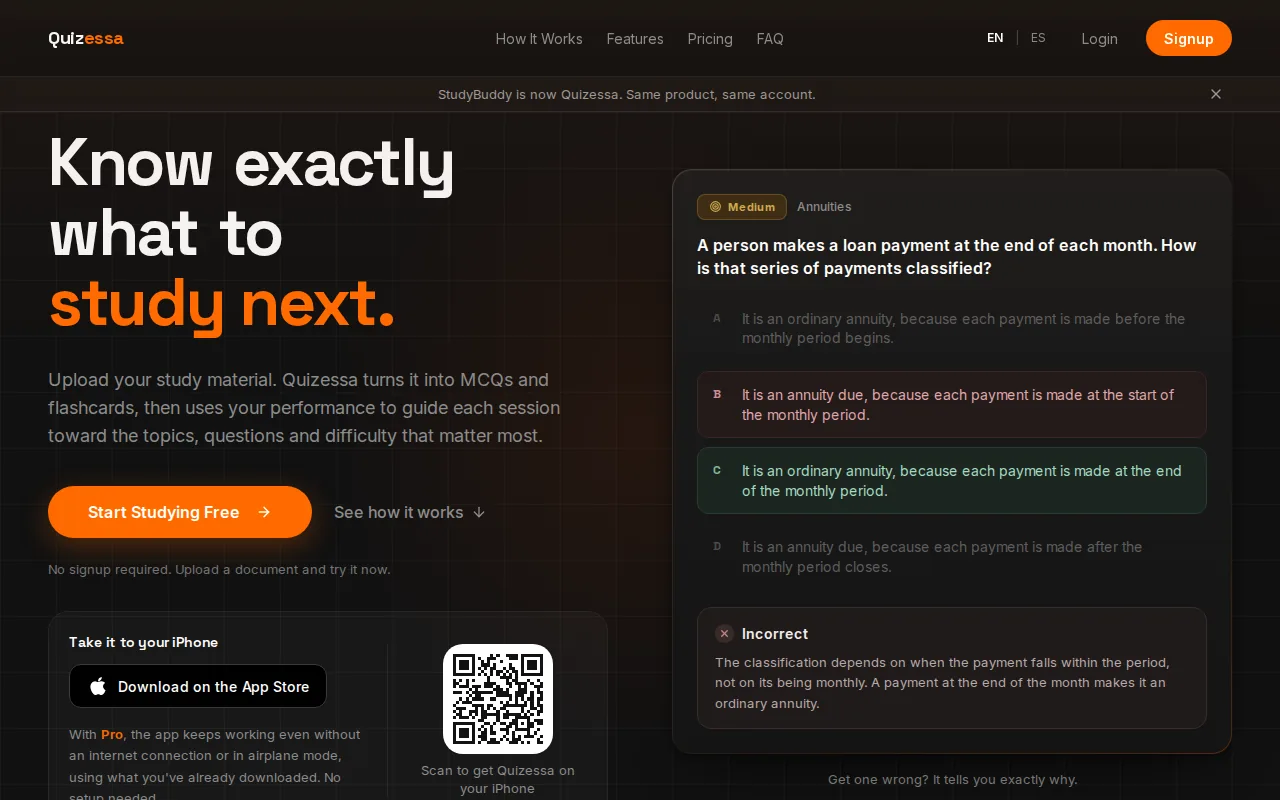
It’s a strong fit when you have a stack of slides or a long course PDF and need to work out what to review. The app adapts later practice to your answers. Topic mastery and Readiness Score help you spot areas that may need another pass. They’re study signals, not a promise of an exam result.
For example, if you miss questions on a statistics unit, you can review the related explanations and then try more practice. That gives you a way to check your understanding instead of marking a topic as done after one read. Quizessa works in English and Spanish, and students can use it for subjects such as business, law, engineering, history, or health sciences.
You can try a browser guest session without signing up. Pro costs $8.99 per month or $89.90 per year, with 50 monthly credits and 30 active documents. The Quizessa plan details explain how credits work. Pro users can still study existing documents after using their monthly credits, but need more credits to process new material before the next reset.
2. StudyFetch: AI-generated study materials from dense PDFs
StudyFetch is an AI study platform that turns course materials into study aids. It’s a fit for students who want help working through dense PDFs and want more than a flashcard deck.
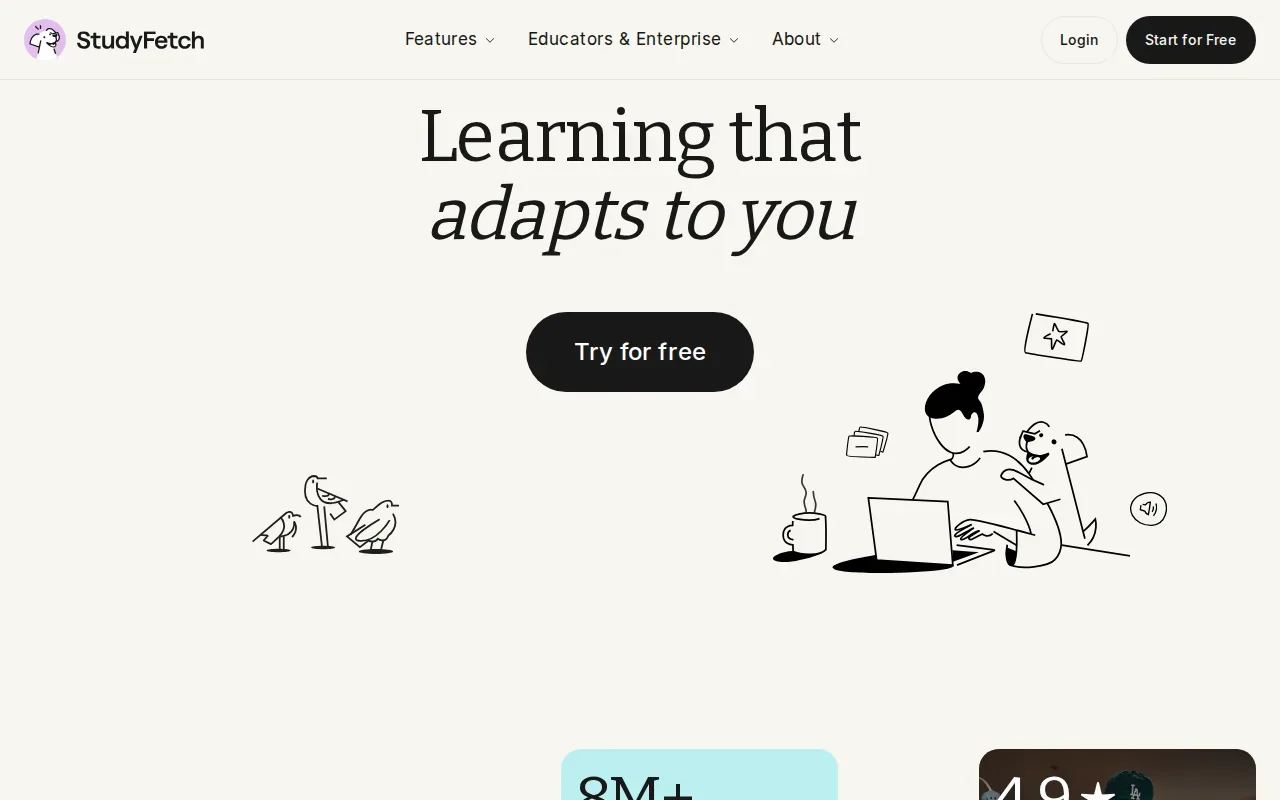
For heavy reading, generating a first set of cards can save the time it takes to write them by hand. Still, generated cards are a draft for practice, not a substitute for checking your course notes when a term or equation matters.
Check its current free limits before you upload material from several courses. StudyFetch’s broader set of study features may appeal if you prefer a wider study workspace, though this shortlist focuses on the document-to-practice workflow.
Try it with a reading you already understand fairly well. Scan the cards for missing context or a wrong emphasis before relying on them for a test. If the PDF is long, work through a small set at a time, then return to the source when a card feels vague. This keeps the speed of generated cards without treating every answer as final.
StudyFetch is worth considering when your main bottleneck is turning a dense document into flashcards quickly. If you need practice questions tied closely to your own course, compare how well the generated material reflects the terms your instructor uses.
3. Quizlet: community-created sets and multiple study modes
Quizlet is a study site known for its large collection of community-created sets and several ways to review. It suits students who want to find a deck that already covers a common topic, rather than build every card from scratch.
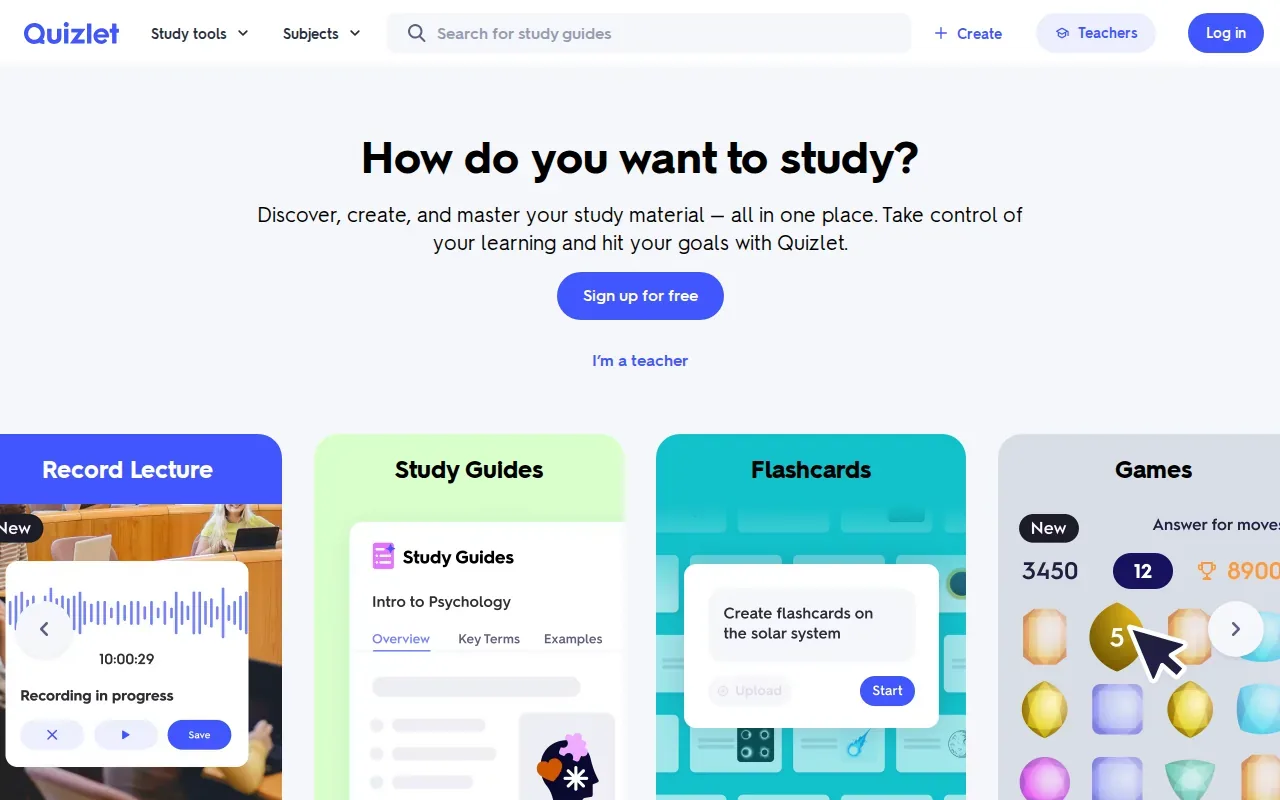
Quizlet has a very large library of community-created study sets. The size of that library can make it useful for reviewing familiar terms or concepts when a good set exists for your subject. But crowdsourced cards can vary in wording and accuracy, so check them against your textbook or class notes before you memorize a doubtful answer.
The free tier includes basic flashcards with ads. Quizlet also has multiple study modes, which can give you more than one way to revisit a set. Its Magic Notes feature can generate study material from pasted text on a paid plan. If you prefer a broader look at study apps for different course routines, the main difference to consider is whether you want shared decks or practice built from your own files.
For example, a shared deck may help you review standard vocabulary. It may be less useful when your professor tests a specific definition from the lecture slides. In that case, compare each card with your class material and edit anything that uses a different term or meaning.
Quizlet is a sensible pick when ready-made sets are the main draw. For a course-specific exam, don’t assume a popular deck covers the exact points your instructor emphasized.
Turn your notes into a practice exam
Upload a document and Quizessa builds questions, flashcards and explanations in minutes.
Try it free4. Knowt: AI quizzes and flashcards from class materials
Knowt is a study site that can make AI-generated flashcards and quizzes from PDFs, notes, and lecture recordings. It’s suited to students who want a mix of generated practice and study modes in one place.
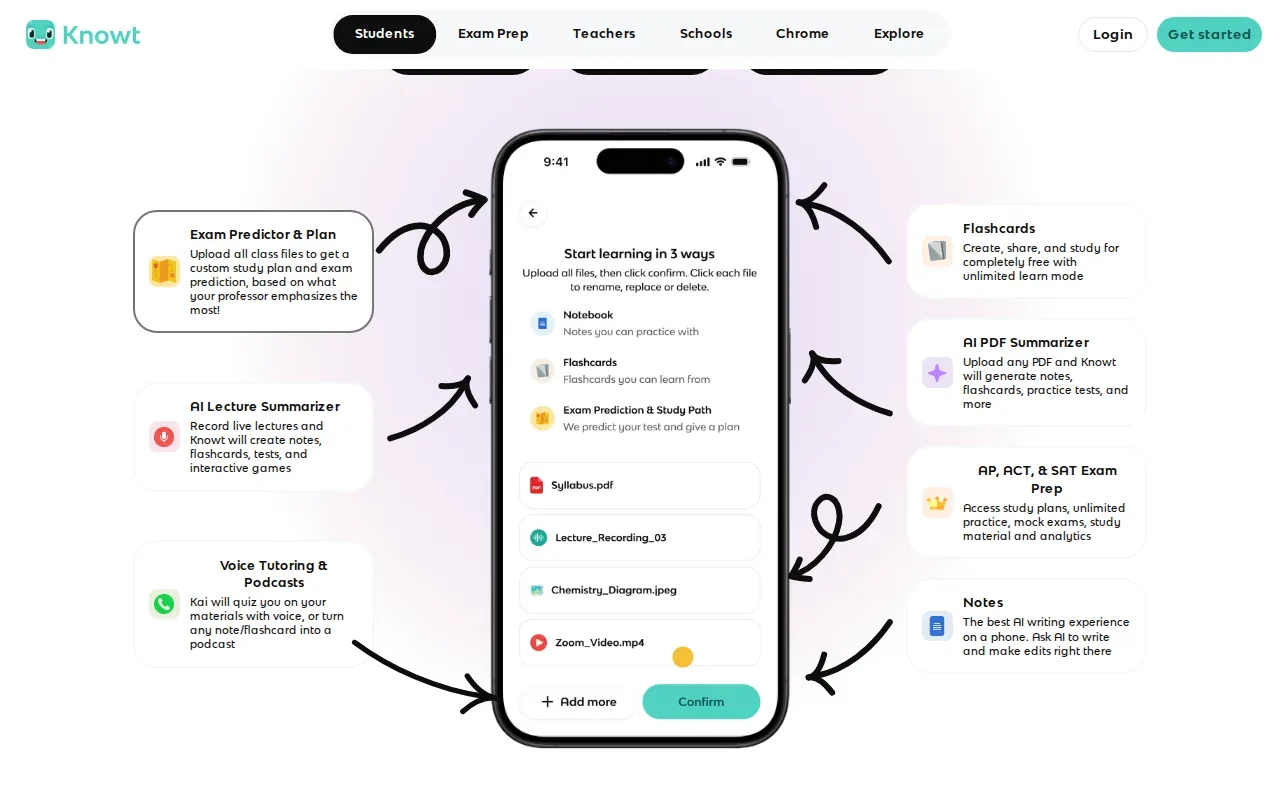
With Knowt, you can upload a PDF to generate notes, flashcards, and practice tests. It also has a Chrome extension and an adaptive learning mode that adjusts difficulty. Those features can help if you want to move from reading a class file to testing yourself, then change the challenge as you work.
If you’re comparing free access, look at the specific study mode you plan to use, not just whether a free tier exists. Your daily routine may depend on whether you want to review cards, take practice tests, or make new material from a file.
A useful check is to generate a short set from one lecture, then compare its questions with your notes. If an important idea is missing, add it yourself or return to the source. That small review matters when the file includes details your instructor expects you to know.
Knowt may suit you if you want AI-generated practice and flexible study modes. For best results, treat the generated content as a starting point and confirm that it matches your course.
5. Anki: scheduled reviews for spaced repetition
Anki is a flashcard program that schedules review using spaced repetition. It fits students who want to keep returning to cards over time, especially when they’re learning facts that need steady recall.
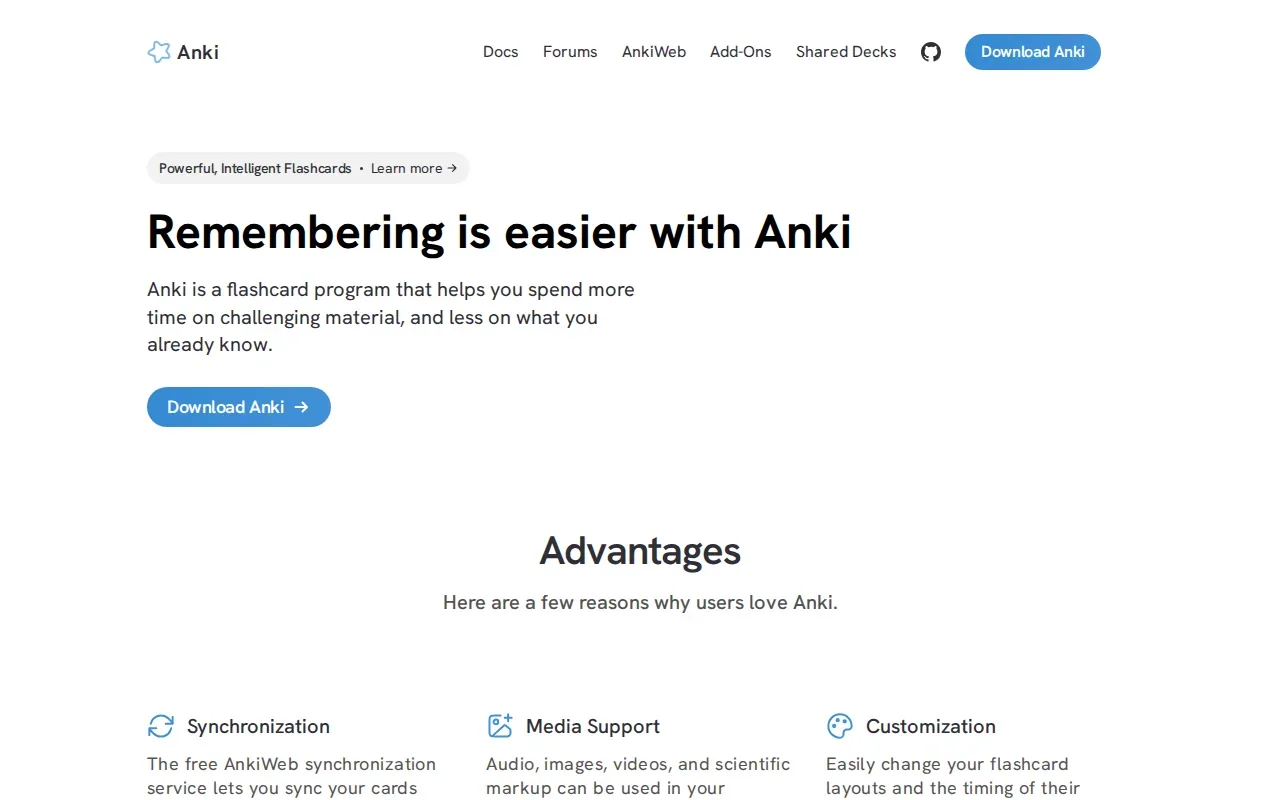
Anki uses the SM-2 or FSRS spaced-repetition algorithm to schedule reviews at intervals. Instead of giving every card equal attention each session, scheduled review helps you return to cards based on the system’s timing. That makes it a different kind of tool from a site where the main draw is finding a ready-made set.
Anki is free on desktop for Windows, Mac, and Linux, as well as on Android. It can work well when you want to build a card collection and keep reviewing it across a course. The tradeoff is the work of making or organizing useful cards. Keep each card focused on one point, so you can tell whether you recalled it clearly.
Spaced repetition is most useful when you return to the material across multiple study sessions, rather than cramming all review into one sitting. If you already have a reliable deck, Anki can handle the review schedule. If you’re starting with lecture slides and want exam-style questions plus answer explanations, Quizessa is a closer match for that workflow.
Choose Anki when scheduled flashcard review is the main task, not when you need a full practice exam from your class files.
Compare the best study websites at a glance
The right pick depends on where your study material comes from and what kind of practice you need. Use this view to match the site to the job, then check generated content against your class sources.
| Website | Best fit | Starting point | Practice focus |
|---|---|---|---|
| Quizessa | Course-specific exam practice | Your PDFs, slides, notes, photos, or videos | MCQs, flashcards, explanations, and adaptive practice |
| StudyFetch | Making cards from dense PDFs | Course documents | AI-generated flashcards |
| Quizlet | Finding shared study sets | Community-created cards or pasted text for paid Magic Notes | Flashcards and multiple study modes |
| Knowt | AI practice from class materials | PDFs, notes, and lecture recordings | Flashcards, quizzes, and adaptive learning mode |
| Anki | Scheduled flashcard review | Flashcards | Spaced repetition |
If you want practice made from your own class files, start with Quizessa, StudyFetch, or Knowt. If a shared deck or a set of scheduled flashcard reviews is your main need, Quizlet or Anki may fit better.
Frequently asked questions
What is the best study website for college students?
The best fit depends on how you study. Quizessa is a strong match if you want to upload your course material and get MCQs, flashcards, and answer explanations, then use your results to guide later practice. Quizlet may suit you if you want community-made sets, while Anki focuses on scheduled flashcard review.
Which study website can turn a PDF into flashcards?
Quizessa, StudyFetch, and Knowt can help turn course material into study practice. Knowt can make notes, flashcards, and practice tests from PDFs. Check generated content against your course source before studying from it.
Are study websites free to use?
Some have free access with limits or ads. Quizessa is free to try in a limited browser guest session, while its Pro plan costs $8.99 per month or $89.90 per year. Quizlet’s free tier includes basic flashcards with ads, and Anki is free on desktop and Android.
Is Anki better than Quizlet for studying?
Anki and Quizlet suit different routines. Anki schedules card reviews with spaced repetition, so it fits students who want to keep returning to a deck over time. Quizlet has a large collection of community-created sets and multiple study modes. Check shared cards for accuracy before relying on them for a course exam.
How do I choose a study website for exams?
Start with the material you need to study. If you want questions and explanations based on your own lecture files, choose a tool built around uploads and course-specific practice. If you mainly need to review existing cards, look at shared sets or spaced repetition. Try one topic first and check whether the practice matches your class.
Conclusion
For studying from your own course materials, Quizessa is the clearest fit in this shortlist: it turns uploads into MCQs, flashcards, and explanations, then adapts practice to your answers. Start with one lecture PDF or slide deck and see which topics need another review.
Turn your notes into a practice exam
Upload a document and Quizessa builds questions, flashcards and explanations in minutes.
Try it freeRelated articles
-
Best Study Quiz Maker Tools for Students
Turn a course PDF or lecture video into questions you can practice with, instead of writing every quiz by hand. A study quiz maker can also help you spot which topics need another look. Here are five...
-
Best AI Test Maker Tools for Students
An AI test maker can turn course material into questions, but the tools differ in what you can upload and how you review. Here are six options for students, starting with Quizessa, plus what each one...
-
Best Websites for Studying: 6 Student Picks
Too many PDFs and lecture slides, not enough time to turn them into practice? The best websites for studying can help you get from course material to questions you can answer. Here are six picks...