Best AI Test Maker Tools for Students


An AI test maker can turn course material into questions, but the tools differ in what you can upload and how you review. Here are six options for students, starting with Quizessa, plus what each one does with your study files.
1. Quizessa
Quizessa is a web and iPhone study app that turns your course material into multiple-choice questions, flashcards, and answer explanations. It’s best for students who want to practice from their own lecture slides, PDFs, notes, photos, or YouTube videos instead of starting with a blank quiz.
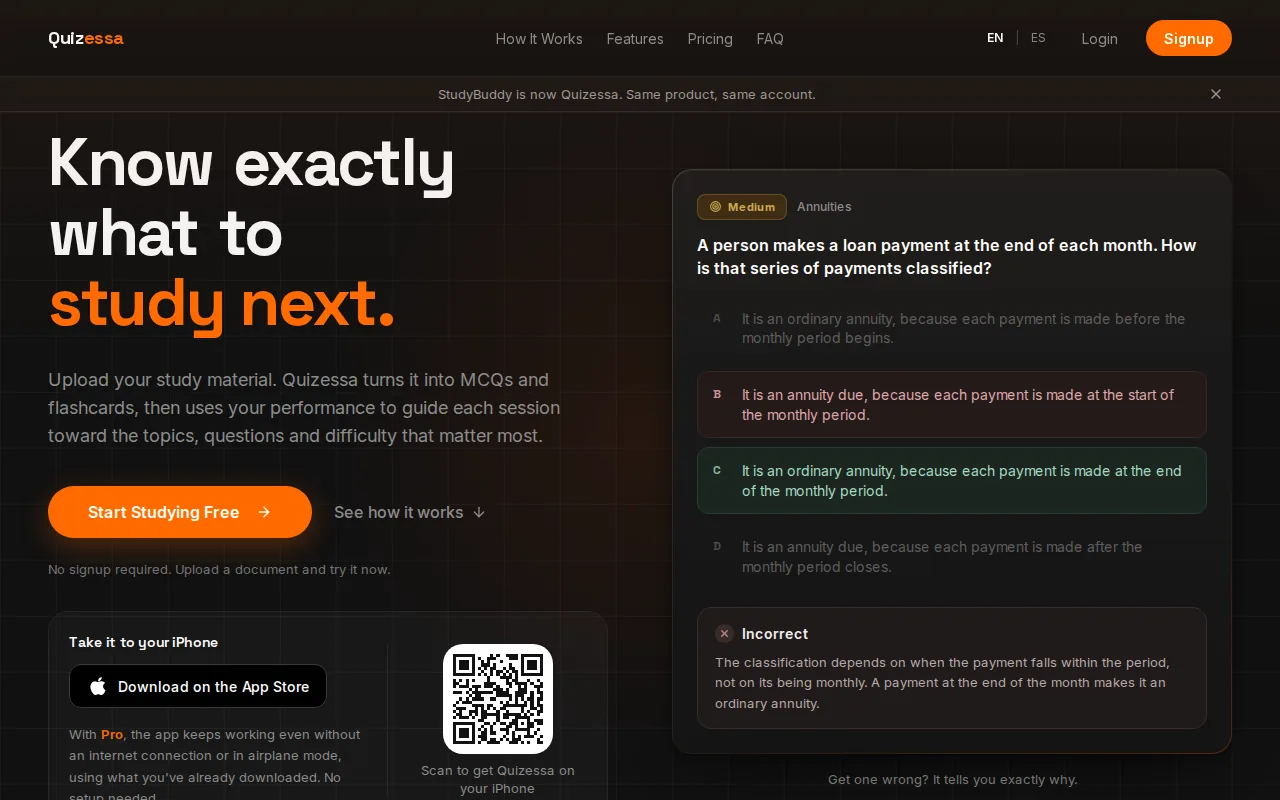
Upload your material, then practice with questions based on it. When you answer, Quizessa adapts later practice to your performance. Topic mastery and the Readiness Score help you decide what to review next. They’re study signals, not a promise about an exam result.
That loop supports active recall: you try to bring an answer to mind instead of only rereading the page. Active recall is a way to strengthen retrieval through practice. Get a question wrong? Use the explanation to revisit the idea, then let the app bring that topic back into your practice.
Quizessa is free to try, including browser guest sessions with no signup. Pro costs $8.99 per month or $89.90 per year. The AI quiz generator for notes and PDFs explains how one upload can support question practice and other study modes.
For a lecture deck, you can start with a short topic or unit. Check the generated questions against your slides, then use your results to choose what to study next.
2. Jotform: quick quizzes from uploaded files or prompts
Jotform builds a quiz from a prompt or an uploaded PDF, PowerPoint, Word, or text file. It’s a fit when you want a quick draft from a specific file, or when you’d rather describe the quiz topic in a prompt.
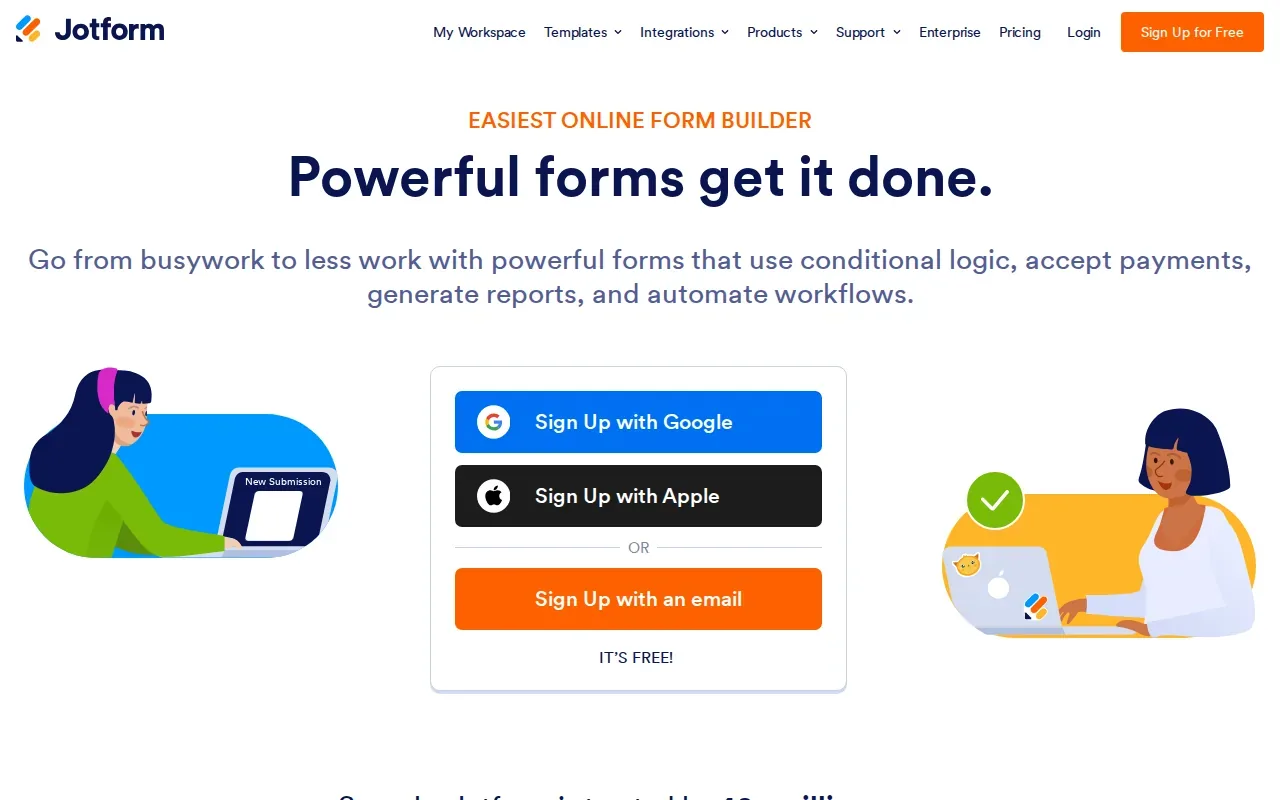
Its question formats include multiple choice, single choice, and yes-or-no questions. That gives you a few common ways to check what you recall. For example, a student could use a prompt about a statistics unit, then review whether the questions cover the ideas from class.
Start with a focused source or prompt. A broad prompt can produce questions that don’t match your instructor’s emphasis, while a specific course file gives the generator material to work from. The generated quiz is still a draft: read each question and answer before using it to study.
Jotform’s appeal is the simple input choice. If your notes are already in a supported file, use that. If you’re planning a short knowledge check around a defined topic, a prompt may be more direct.
This is a straightforward option for building quiz questions from a document. Students who want a study routine that adapts after each answer may prefer a tool with that specific focus.
3. StudyFetch: study tools from class materials
StudyFetch turns PowerPoints, lectures, class notes, and study guides into AI study tools such as flashcards, quizzes, and tests. It also includes an AI tutor. It’s best for students who want several kinds of study material drawn from class resources.
The range of source materials can help when a course is spread across lecture slides, notes, and a study guide. You can turn those materials into different forms of practice, then choose the one that fits the task. Flashcards can prompt quick recall; a quiz or test gives you a question-based check.
For example, after a business lecture, you might use a quiz to check key terms, then switch to flashcards for definitions you keep mixing up. An AI tutor is also part of StudyFetch’s set of tools, so it may suit students who want that alongside generated study material.
Keep the original class material close while you review the generated content. That makes it easier to check whether a question reflects your instructor’s terms or leaves out an important condition. AI-generated practice can save question-writing time, but it shouldn’t replace checking course-specific details.
StudyFetch is a useful fit if you want multiple study formats from class materials. If your main need is a focused practice loop that changes based on your answers, compare that workflow with Quizessa’s adaptive practice.
4. Easygenerator: course-based quizzes from documents
Easygenerator’s EasyAI turns PowerPoint, PDF, and Word files into a structured course draft. It can also create quizzes and knowledge checks based on course content. It’s best for someone who wants to shape source documents into a fuller learning course, not only make a quick personal quiz.
That course-first approach can be useful when a student or instructor needs material organized into a sequence. A set of lecture slides might become a course draft, with questions used to check understanding as learners move through the content. Easygenerator also supports SCORM and xAPI export.
Turn your notes into a practice exam
Upload a document and Quizessa builds questions, flashcards and explanations in minutes.
Try it freeFor individual exam prep, ask whether you need a course structure or mainly want to test yourself on a reading. If you’re revising a long set of course notes, a direct quiz or flashcard workflow may take fewer steps. If organizing the material into a course is part of the task, EasyAI’s document-to-course draft is the key difference.
Before relying on a knowledge check, compare it with the source document. A question can sound clear while missing a key detail from a lecture or assigned reading. Keep the document’s terms and scope in view as you review.
5. ClassPoint AI: question generation from PowerPoint slides
ClassPoint AI generates questions from PowerPoint slides, a topic, pasted text, or uploaded documents. It’s best for students who already study in PowerPoint and want to make questions without switching away from that work.
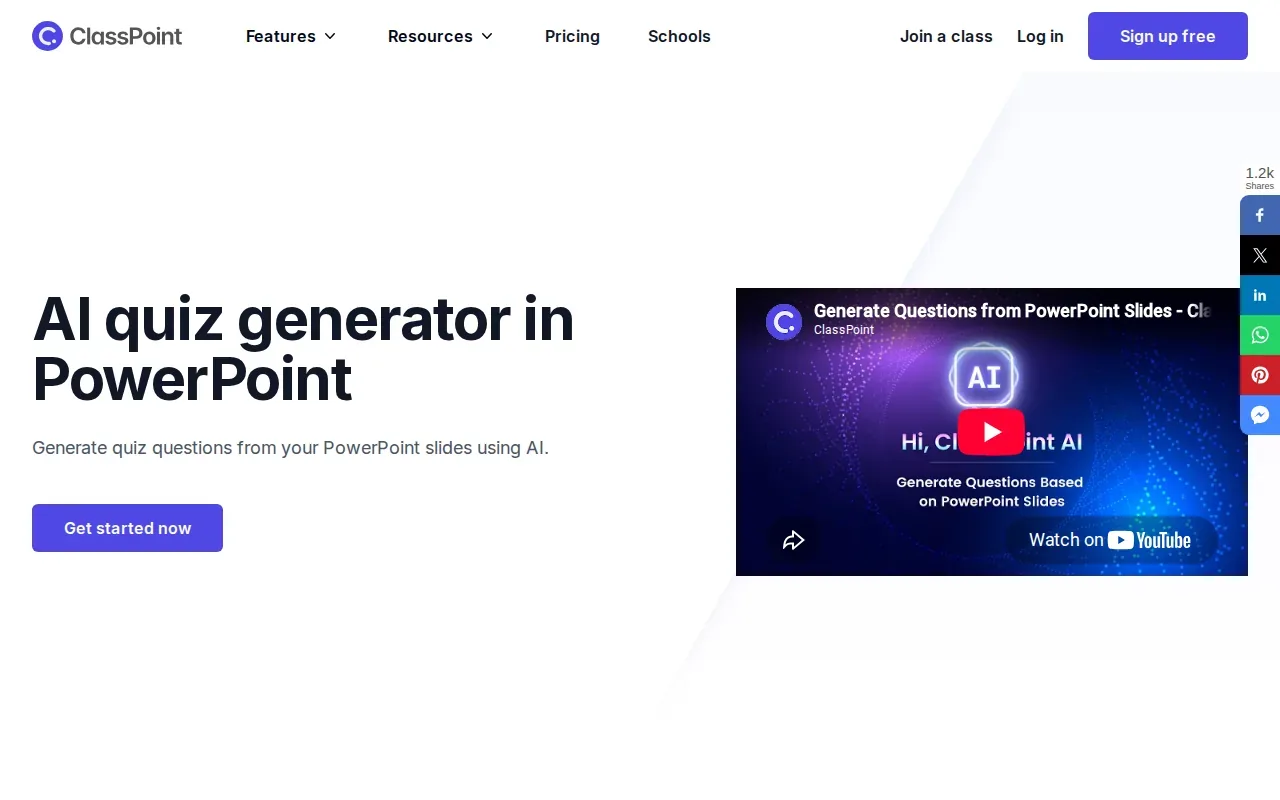
Its strengths include working within PowerPoint and targeting Bloom’s levels. Bloom’s taxonomy groups learning objectives by the kind of thinking they ask for, such as recalling information or applying an idea. The taxonomy’s levels can help you think about whether your practice asks for basic recall or a more involved use of a concept.
ClassPoint offers multiple-choice, short-answer, and fill-in-the-blank questions, plus audio and video responses. For a class deck, that can make slide-based question generation a natural option when the material already lives in a presentation.
Still, match the question format to what you need to learn. A fill-in question may check whether you can recall a term, while a multiple-choice question can test whether you can distinguish related ideas. Review the draft for accuracy and alignment with your course goals before studying from it.
6. Kwizi: interactive questions for video lessons
Kwizi takes a YouTube link, a video upload, or a new recording, then drafts editable questions inside the video. It’s best for students who learn from recorded lessons and want questions placed within the viewing experience.
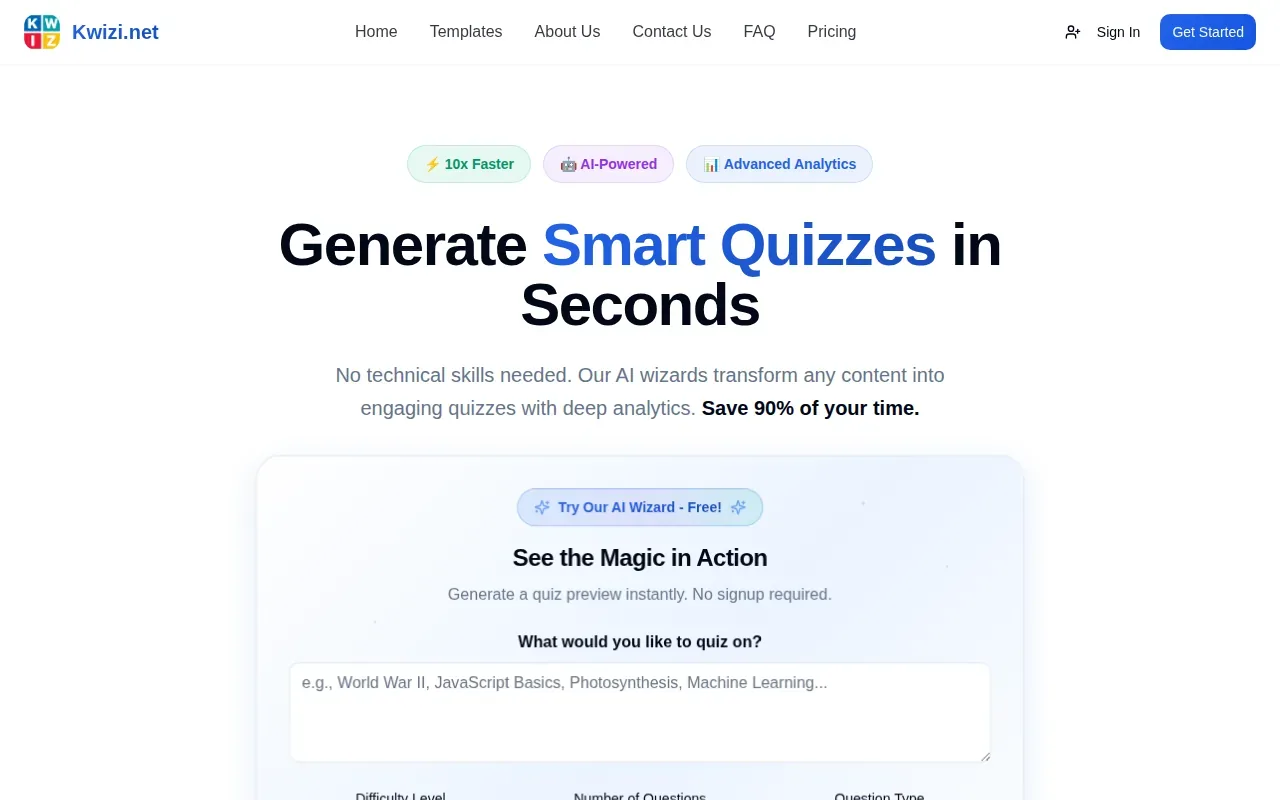
The questions are editable, so you can review them against the lesson before you rely on them.
Choose Kwizi when the video itself is the main source. If your exam prep starts with a PDF or slide deck, a document-based tool may fit better. Here’s a quick way to compare its video workflow with the other material types in this shortlist:
| Your main study source | Option to consider | What it generates or does |
|---|---|---|
| YouTube link, video upload, or recording | Kwizi | Editable questions inside the video |
| PDF, PowerPoint, Word, or text file | Jotform | Quiz questions from a file or prompt |
| PowerPoint, PDF, or Word course files | Easygenerator | Course draft, quizzes, and knowledge checks |
| PowerPoint slides or other class material | StudyFetch or ClassPoint AI | Study tools from class materials, or questions from slides and text |
| Slides, PDFs, notes, photos, or YouTube videos | Quizessa | MCQs, flashcards, explanations, and practice adapted to performance |
For a recorded lecture, try a short segment first. Check whether the questions test the points you need to remember, then decide whether the video-based format suits the rest of your course.
AI Test Maker FAQs
What is an AI test maker?
An AI test maker is a tool that drafts test or quiz questions from a prompt or source material. Depending on the tool, you may start with a topic, document, slide deck, or video. For more options focused on creating practice tests from course materials, see this comparison of AI practice test generator tools. It can give you a first set of questions faster than writing each one by hand, but you should review the questions and answers before using them to study.
Can AI make a test from a PDF?
Yes, some tools can turn a PDF into quiz questions or other study material. Jotform accepts PDF uploads, while Quizessa can turn course PDFs into MCQs, flashcards, and answer explanations. Check that each question matches the material your class uses, especially when a definition or calculation depends on details in the source.
Should I trust AI-generated answers?
Review them against your class notes, textbook, or official study guide. A generated answer may sound convincing yet still miss a course-specific detail. Look closely at formulas, technical terms, and questions with more than one plausible interpretation. Treat the output as a practice draft, not as the source of truth.
Which tool is best for video lessons?
Kwizi is the clearest fit in this shortlist when your main source is a video. It accepts YouTube links, video uploads, or a new recording, then drafts editable questions inside the video. If you’re also studying from notes or slide decks, choose a tool that accepts those materials too.
Can an AI quiz tool help me decide what to study next?
Some tools adapt practice to your answers or show progress by topic. Quizessa adapts practice to your performance and tracks topic mastery and exam readiness. Use those signals to pick a topic for another review session. They can guide your study choices, but they can’t guarantee an exam result.
Conclusion
For study practice built from your own mixed course materials, start with Quizessa: upload a file or video, try the generated questions, and use your results to choose what to review next. If your main source is a video or a PowerPoint-based course, compare Kwizi or ClassPoint AI for that specific workflow.
Turn your notes into a practice exam
Upload a document and Quizessa builds questions, flashcards and explanations in minutes.
Try it freeRelated articles
-
Best Websites for Studying: 6 Student Picks
Too many PDFs and lecture slides, not enough time to turn them into practice? The best websites for studying can help you get from course material to questions you can answer. Here are six picks...
-
Best Chemistry Flashcards for 5 Core Topics
Chemistry gets easier to test when each card asks you to explain a pattern, not just name a term. These chemistry flashcards cover five core topics, with examples for school courses, college classes...
-
Best Online Flashcard Generator Tools for Students
An online flashcard generator can turn course files into study material before you spend an evening writing cards by hand. The best fit depends on what you upload and how you want to practice. Here...