Best Alternatives to Quizlet: 6 Study Apps


If Quizlet’s study limits are getting in your way, the right alternative depends on what you need to practice. Some apps focus on spaced-repetition flashcards. Others help turn your own course files into study material. Here are six alternatives to Quizlet, with Quizessa first for students who want practice built from their own class content.
An analysis of 48 comments and questions from Reddit, YouTube and Quora about quizlet Alternatives found that 23% mentioned spaced repetition features.
1. Quizessa
Quizessa is a web and iPhone study app that turns your own course material into MCQs, flashcards, and answer explanations. Upload a PDF, lecture slides, notes, a photo, or a YouTube video. Quizessa builds practice from those materials, then adapts it to your performance.
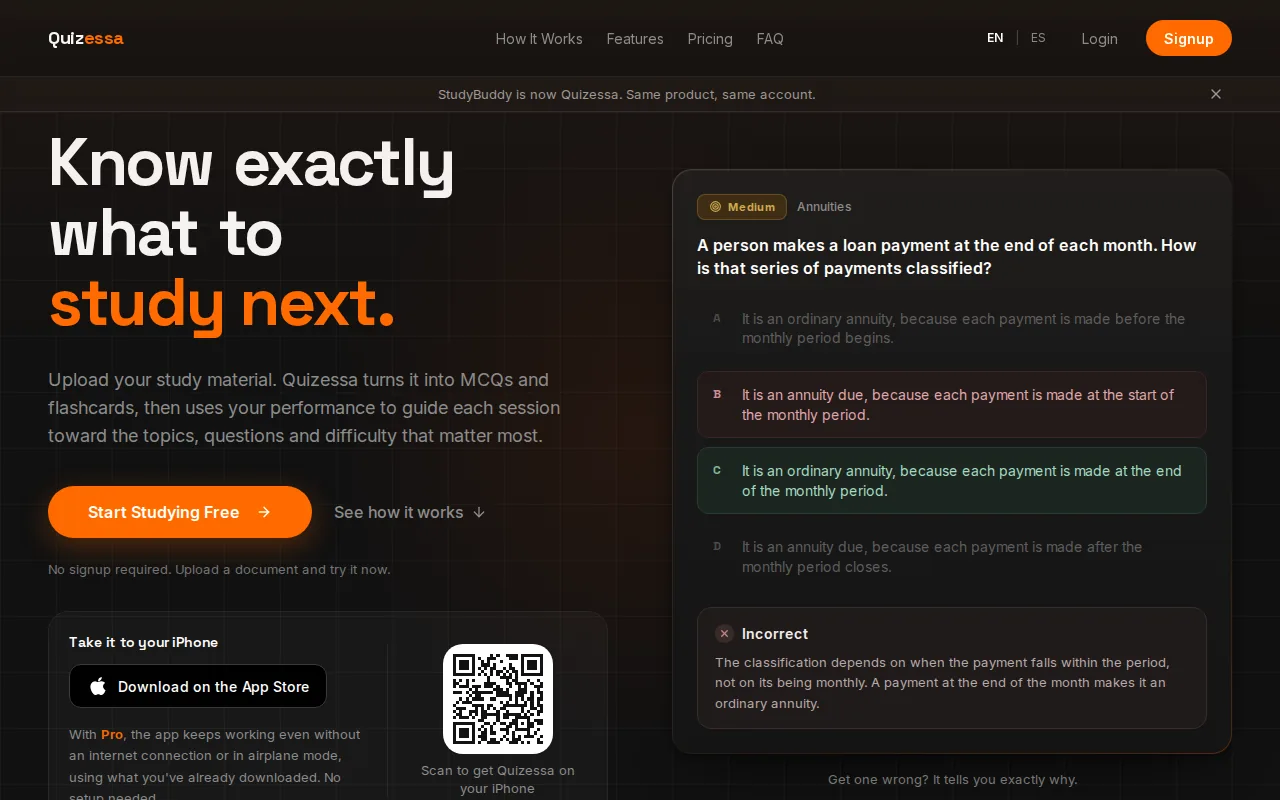
That workflow fits university students who have a stack of slides or a course PDF but don’t want to write every question by hand. It also suits high school students and certification candidates who need to review a defined set of material. If you miss a question, the app can use your results to guide what you review next. Topic mastery and Readiness Score help you see where to focus. They’re study signals, not a promise about your exam result.
Quizessa is free to try. Browser guest sessions let you try the app without signup. A free account includes a small monthly allowance, and Pro costs $8.99 per month or $89.90 per year for more processing credits and offline studying in the app. The main distinction from a flashcard-only routine is the practice format: Quizessa makes multiple-choice questions alongside cards and explanations.
Students comparing course-based practice with community flashcards can read Quizessa vs. Quizlet. If you mainly need cards from lecture files, this roundup of online flashcard generators for students covers that workflow too.
2. Anki: Flexible spaced-repetition flashcards
Anki is a flashcard app for students who want control over scheduled review. It’s free on desktop and Android. The iOS app costs $24.99 as a one-time purchase.
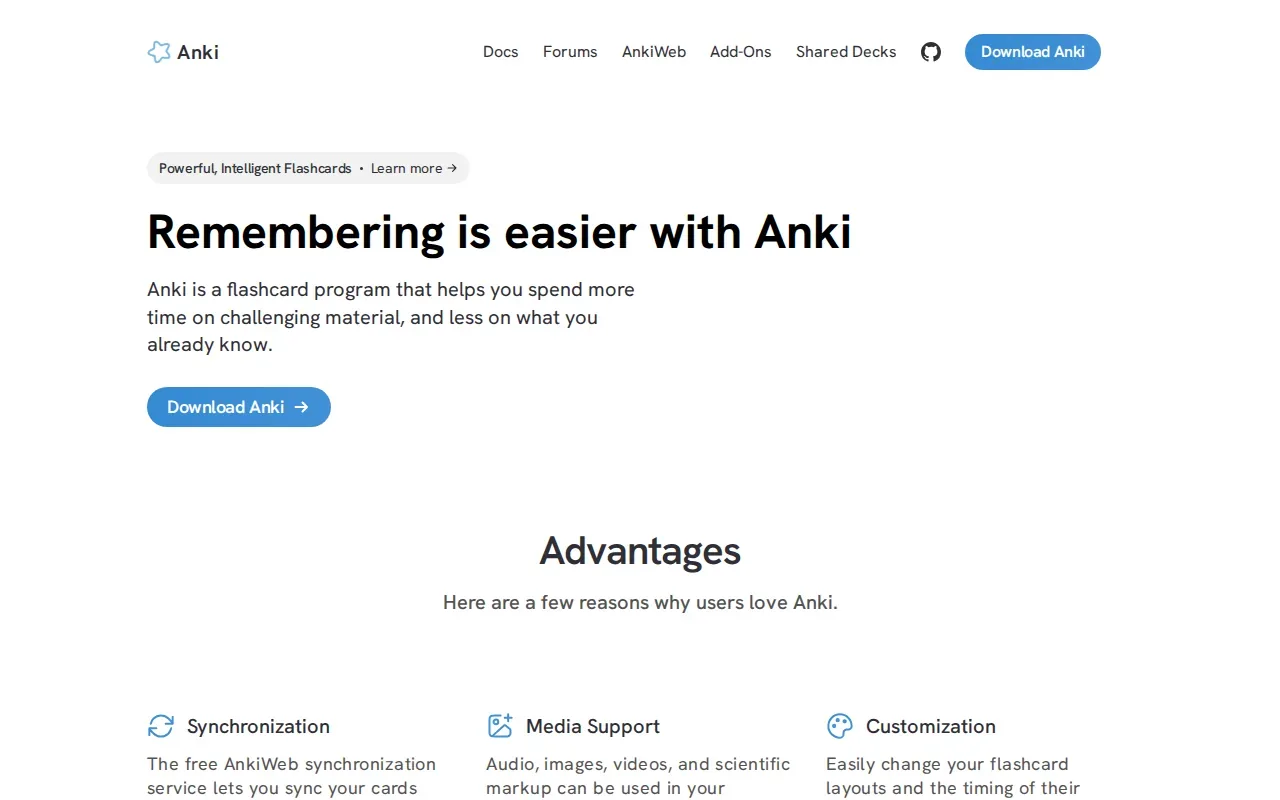
Anki uses spaced repetition to bring cards back for review over time. Its FSRS scheduler adapts review timing based on recall. The idea behind spaced repetition is to spread practice across time rather than cram it into one session.
Anki is a strong fit if you already have decks or want to build a long-term card collection. For example, you might keep a deck of accounting terms and review it across the semester. It’s less suited to students whose first need is turning lecture slides into exam-style multiple-choice practice. Anki centers on flashcards, while Quizessa creates MCQs and explanations from uploaded course materials.
Students can use both for different jobs: Anki for repeated card review, Quizessa for practice tied to a particular course or exam. The Quizessa and Anki comparison explains that split in more detail.
Pick Anki if fine control over flashcard review matters more than an upload-to-quiz workflow.
3. RemNote: Notes and spaced repetition together
RemNote combines note-taking with spaced repetition. It’s a fit for students who want their notes and review cards to live in one study workspace, rather than moving content between separate apps.
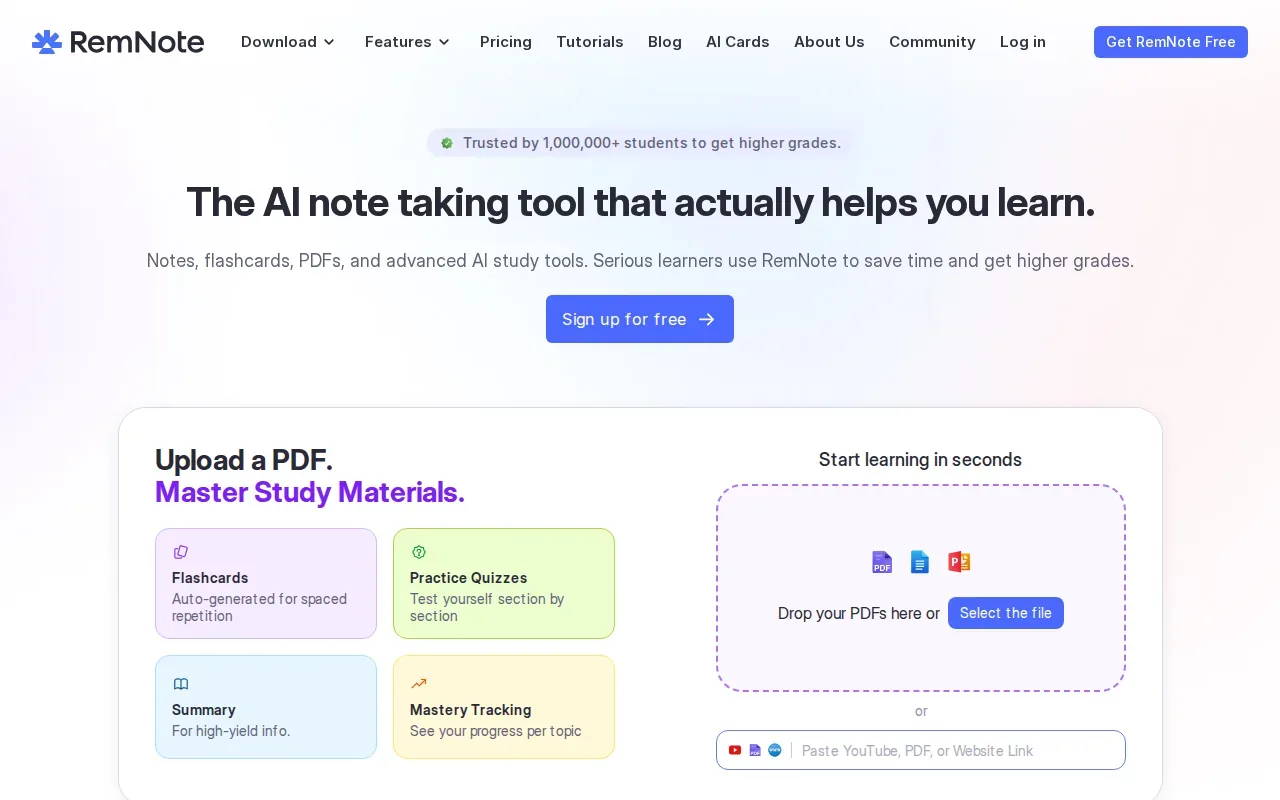
As you take notes, you can mark information to become flashcards. RemNote then schedules those cards for review based on your past performance. That can help if your notes already follow the way your course is taught: for example, a history outline can hold the main event and its causes together, while marked details become recall prompts.
RemNote also uses AI to generate a preview of potential cards. Treat that preview as a draft. Check the wording against your notes before you make the cards part of a regular review routine. This matters most when one small distinction changes the meaning, such as a definition in a law course or a formula in statistics.
RemNote suits students who take detailed notes throughout the term and want to review from that same material. If you need to turn a document into MCQ practice quickly, Quizessa’s upload-based workflow may be a more direct fit. RemNote’s strength is keeping notes and spaced repetition together.
4. StudyFetch: AI flashcards from dense PDFs
StudyFetch is an AI study tool for students who want flashcards generated from dense course files.
Turn your notes into a practice exam
Upload a document and Quizessa builds questions, flashcards and explanations in minutes.
Try it free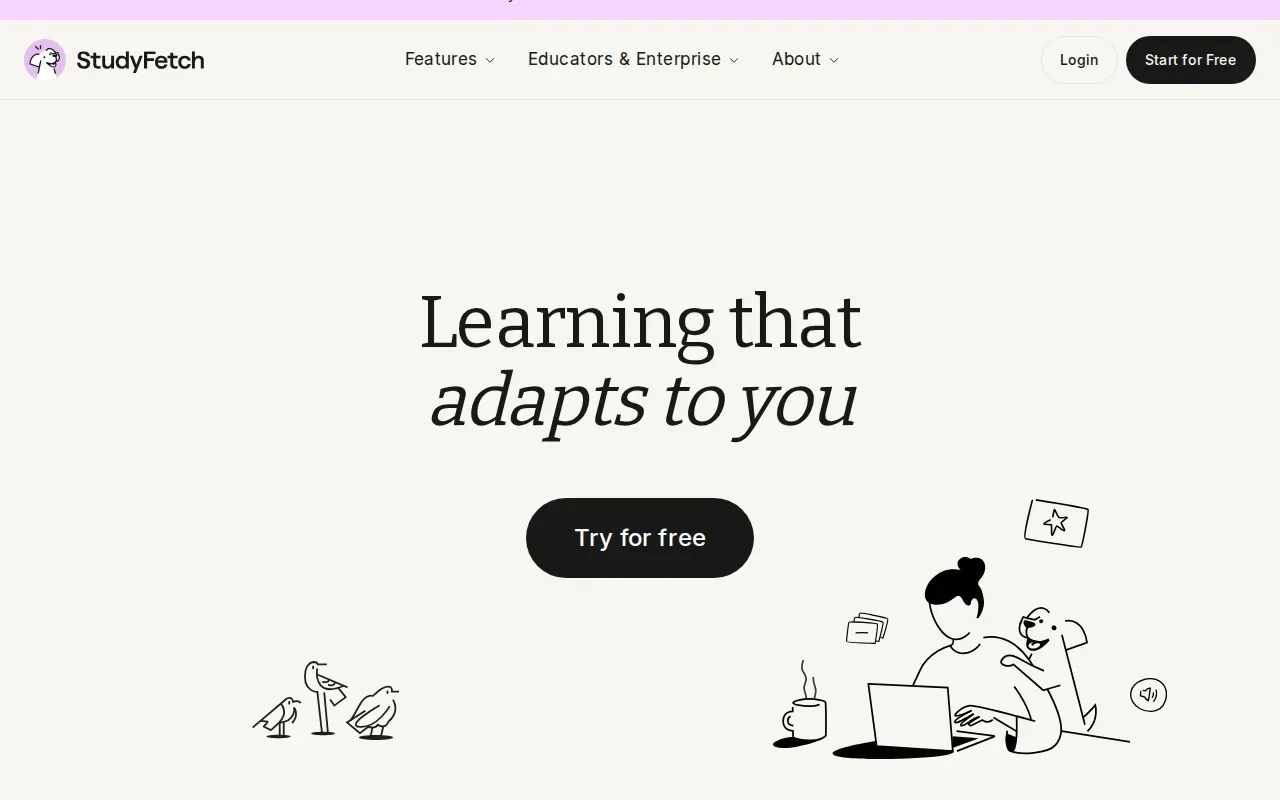
That can be useful when a long reading or lecture PDF has too much detail to turn into cards by hand. You can start with a generated batch, then check whether each card captures the point your instructor expects you to know. A fast draft still needs a student’s review, especially when the source includes equations, chemical notation, or closely related terms.
StudyFetch also has a personalized study schedule and learning paths. That makes it worth considering if you want a broader study workflow around your uploaded material. Quizessa is more focused on its core practice flow: upload a source, generate MCQs, flashcards, and answer explanations, then adapt practice to your performance.
StudyFetch may suit students who value generated cards and a guided study path. If your main goal is course-specific MCQ practice, compare how each app handles questions before you settle on one.
5. Knowt: Study documents and videos with an AI assistant
Knowt is a web-based study tool that can generate flashcards, practice tests, and study guides from uploaded notes, videos, and textbook content. Its in-app AI assistant is called Kai.
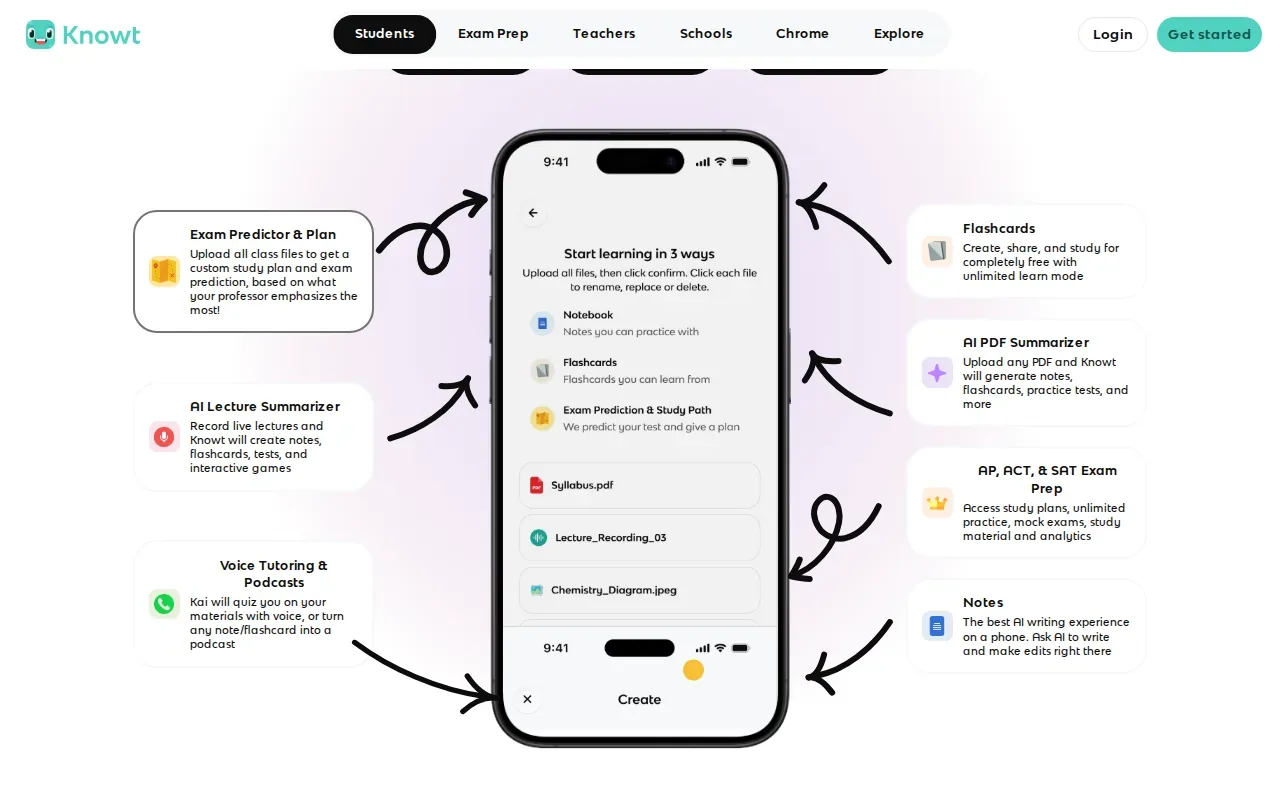
Knowt may suit you if you study from several kinds of material and want an assistant within the same app. Its AI can create cards from uploaded documents, videos, or through chat with Kai. Kai can quiz you on your material or turn a note or flashcard into a podcast.
Knowt also supports importing Quizlet flashcards. That can save retyping if you already have sets you want to keep using. Before moving a large collection, try a small set first. Importing a deck doesn’t automatically make its content match your current course or professor’s emphasis.
For students who want to bring old sets along, that import support is a useful reason to consider Knowt. For practice built from current course files, compare the question types and explanations each app gives you. Quizessa makes MCQs, flashcards, and answer explanations from uploaded materials, then uses your performance to guide later practice.
6. Brainscape: Confidence-based flashcard repetition
Brainscape is a flashcard app built around Confidence-Based Repetition. You rate how well you know each card, and the system uses that confidence rating to shape review.
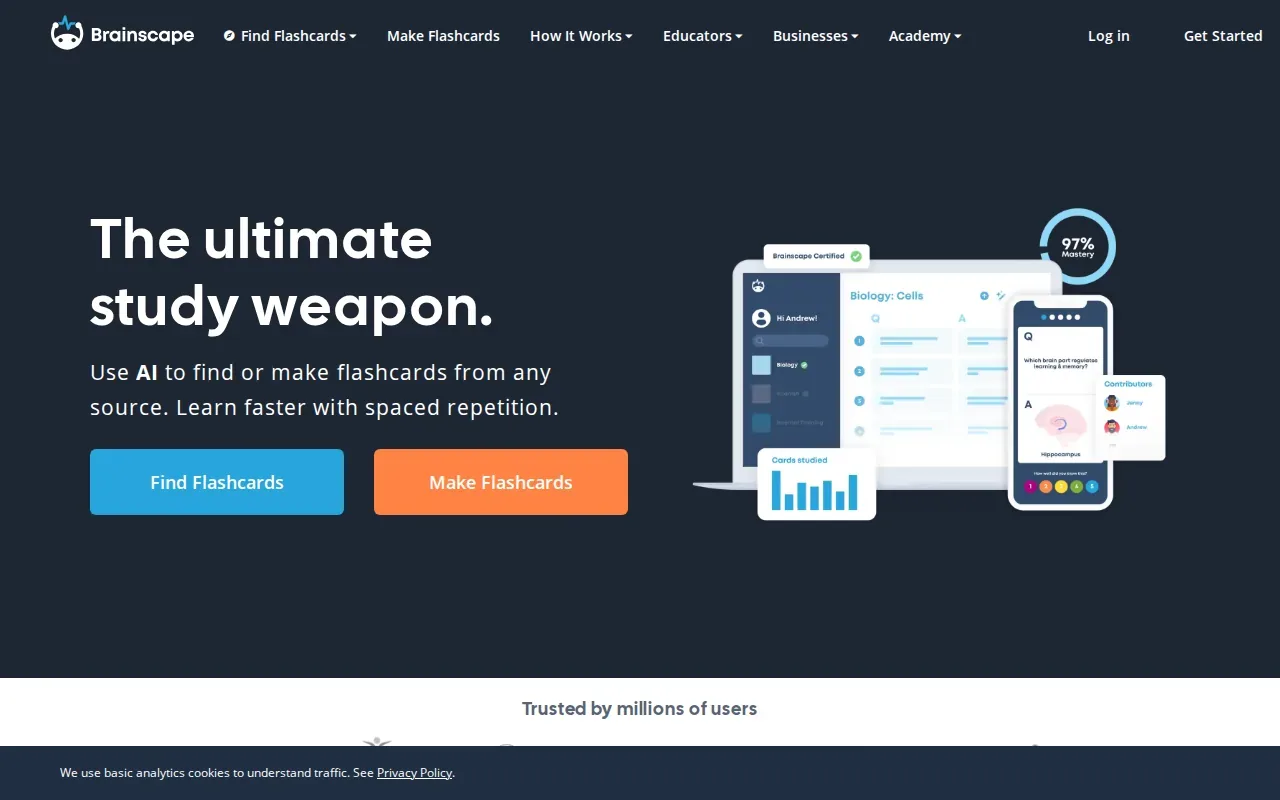
This review style suits students who want to judge their own recall after each card. If a term feels shaky, your rating gives the system a signal to bring it back sooner. The short-session approach can work well for a focused block between classes, especially when the task is memorizing facts rather than building a full practice exam.
Brainscape and Quizessa serve different study needs. Brainscape’s core is confidence-based flashcard review. Quizessa turns course files into MCQs, flashcards, and explanations, then tracks topic mastery and exam readiness to help you decide what to review.
| Your study priority | Brainscape fit | Quizessa fit |
|---|---|---|
| Rate how well you recall each card | Yes. Confidence ratings guide repetition. | Practice adapts to your performance. |
| Make practice from your own course files | See website | Upload PDFs, slides, notes, photos, or YouTube videos. |
| Review with multiple-choice questions | Its focus is flashcards. | Generates MCQs with answer explanations. |
Use Brainscape if rating your confidence on flashcards is the study habit you want to build. Choose a document-based tool if you need to start with lecture material and practice in more than a card format.
FAQ
Is Quizlet still free to use?
Yes, Quizlet has a free plan, but some study features have limits. Quizlet’s free plan allows users to browse and create flashcards, while access to Learn, practice tests, and Q&A solutions is capped. Quizlet Plus removes limits and ads, while Plus Unlimited removes the listed usage caps. Check the current plan details before subscribing, since features and prices can change.
Which alternative can import Quizlet sets?
Knowt supports importing Quizlet flashcards. If you have a large collection, test the import with one set first. Then check that the cards look right and still match your class material. The options in this list don’t all have the same migration details, so don’t assume an export from one app will transfer cleanly to another.
Which app is best for flashcards from lecture PDFs?
Quizessa and StudyFetch are two options here for working from course files. Quizessa makes MCQs, flashcards, and answer explanations from uploaded material, then adapts practice to your performance. StudyFetch generates flashcards from uploaded files. Check generated study material against your source before relying on it.
Is Anki free?
Anki is free on desktop and Android, while its iOS app costs $24.99 as a one-time purchase. It’s a good fit if you want flashcards with spaced repetition and are willing to build or manage your own decks. If you need MCQs from your current course files, pair a card app with a tool designed for document-based practice.
Conclusion
Choose Quizessa if you want to turn your own course files into MCQs, flashcards, and answer explanations that adapt to your results. Start with one lecture PDF or slide deck, try a practice session, and use the topic feedback to decide what to review next.
Turn your notes into a practice exam
Upload a document and Quizessa builds questions, flashcards and explanations in minutes.
Try it freeRelated articles
-
Best AI Tools for Students: 5 Picks
Too many slides, not enough time to make your own practice questions? The best AI tools for students turn course material into study practice, but each handles a different workflow. Here are five...
-
Best Exam Prep Apps for Your Course Materials
Too much course material can make it hard to know what to review first. The best exam prep apps help you turn your own notes into active practice, or give you focused questions for a specific test...
-
Best Study Websites: 5 Options for Students
The best study websites should help you do more than reread your notes. Some turn your own class files into practice, while others help you review shared flashcards or space out recall. An analysis...