Best Exam Prep Apps for Your Course Materials


Too much course material can make it hard to know what to review first. The best exam prep apps help you turn your own notes into active practice, or give you focused questions for a specific test. Here are five options, starting with Quizessa, and the kind of study routine each one fits.
An analysis of 40 comments and questions from Reddit, Quora and YouTube about exam preparation apps found that 32% mentioned focus timers and organization tools.
1. Quizessa
Quizessa is a web and iPhone study app that turns your course materials into multiple-choice questions, flashcards, and answer explanations. Upload a PDF, lecture slides, notes, photos, or a YouTube video. Then practice from the material you’re already using in class.
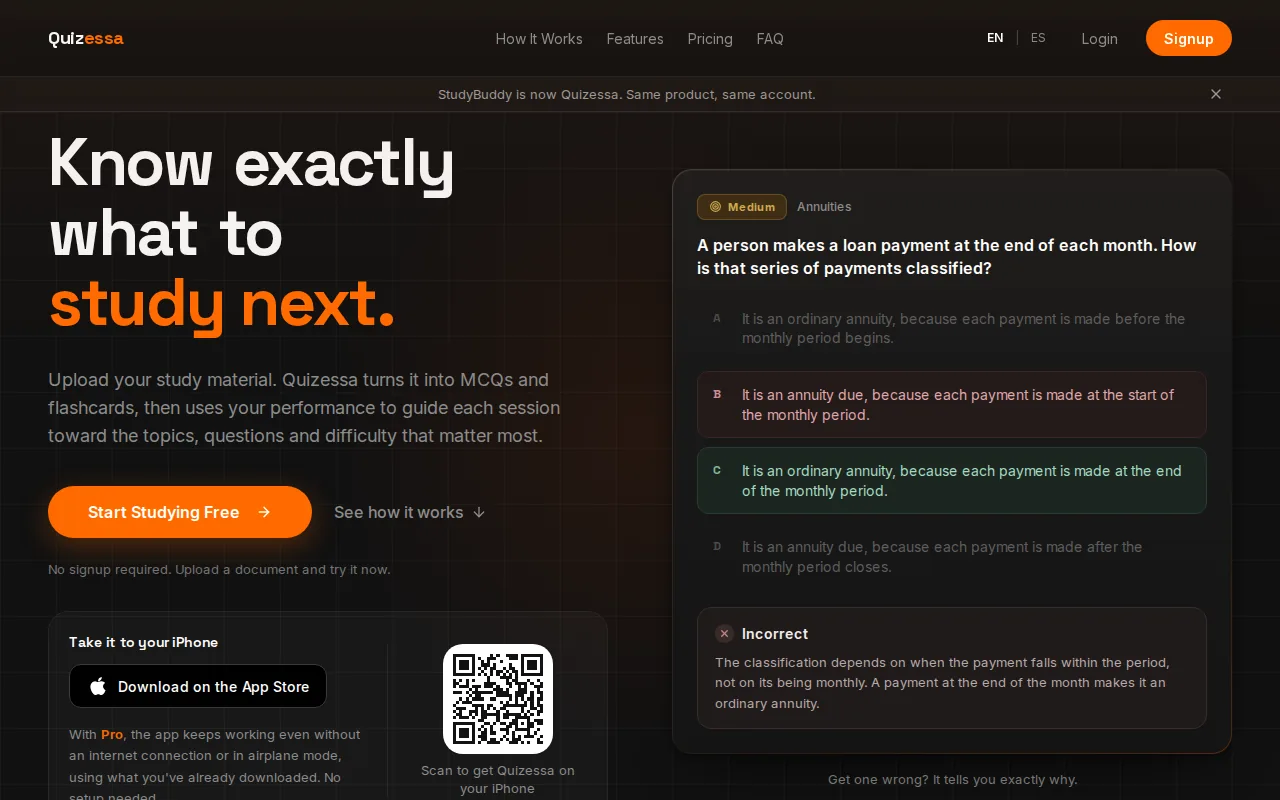
That workflow suits university students who want exam-style practice without making every card by hand. It also fits high school students and certification candidates studying from their own course files. A student in accounting, for example, can upload lecture notes, answer questions on a weak topic, then review the explanation before trying again.
Quizessa adapts later practice to your answers and tracks topic mastery along with exam readiness. These measures can help you decide what to review next. They aren’t guarantees of exam results, and you should check generated explanations against your course material.
The AI quiz generator for PDFs and notes is useful when your starting point is a file, not a ready-made question bank. The testing effect describes how trying to recall an answer can support learning more than simply rereading. Quizessa puts that idea into a repeatable workflow: upload, answer, review, then return to topics that need work.
Quizessa is free to try. Guest sessions let you try the app in your browser without signing up; Pro costs $8.99 per month or $89.90 per year and includes more processing credits and features.
2. Anki: customizable flashcards with spaced repetition
Anki is a flashcard program that schedules reviews based on how well you recall each card. It suits students who want to build or use decks and spend more time on hard cards. A biology student could make cards for terms, then rate each answer during review.
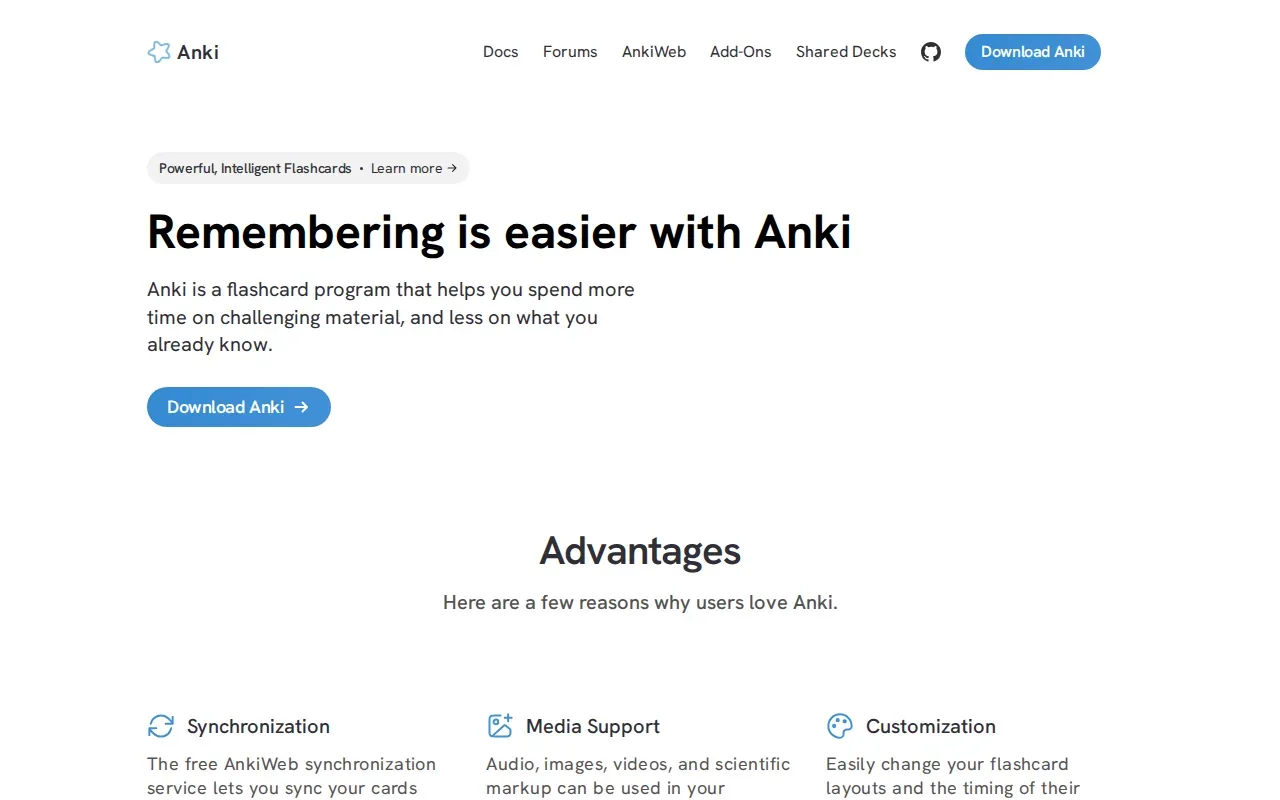
The timing is the key. When you finish a card, Anki uses your recall rating to schedule its next review. That gives difficult cards more attention while cards you know can wait longer. This approach is called spaced repetition, a way to review material at increasing intervals.
Anki lets you change card layouts and review timing. Cards can include images, audio, video, or scientific markup, which helps when a plain question-and-answer format isn’t enough. AnkiWeb syncs cards across devices, so you can study on a computer and pick up on another device later.
The desktop version and AnkiDroid for Android are free. The iOS app requires a purchase, with a one-time starting price of $24.99. Anki works well for steady recall practice, but you’ll need a deck that matches your course. If you want practice questions built from your own lecture slides, pair card review with a tool that generates exam-style questions from your materials.
For many students, the decision is simple: pick Anki when control over flashcards and review timing matters most. If manual card setup feels like another assignment, start with an app that builds practice from your existing files.
3. StudyFetch: course-material study tools and a personalized schedule
StudyFetch turns uploaded course materials into study aids and builds a personalized schedule with Sparky. It suits students who want several study formats and a guided plan around their class files. It accepts PDFs, PowerPoint files, video, and slides.
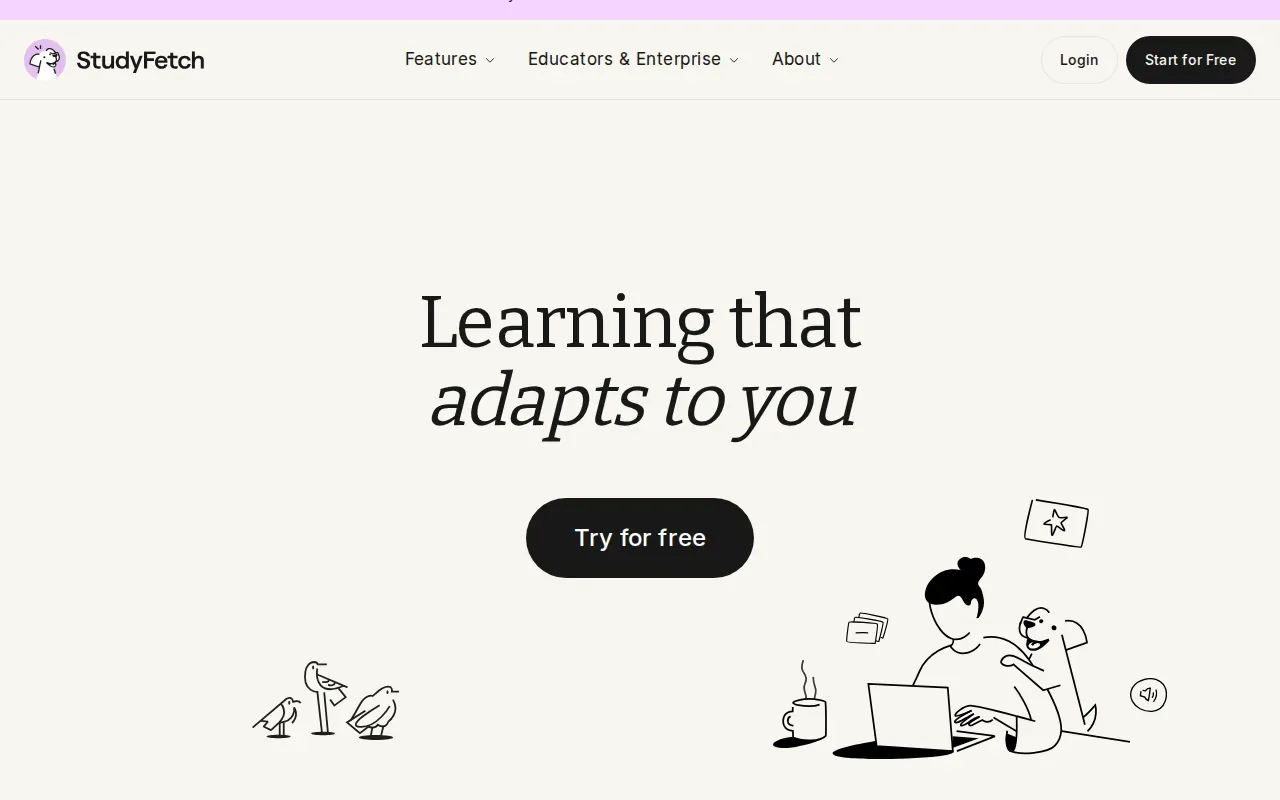
After adding class materials, students can work with flashcards, quizzes, notes, and an AI tutor. Progress tracking shows what a student has covered and which areas need more focus. That can be handy when a large lecture deck needs to become a series of shorter sessions instead of one long review block.
StudyFetch’s personalized schedule is its main planning feature in this comparison. It gives students a way to structure review around uploaded materials. Quizessa takes a narrower route: it focuses on MCQs, flashcards, and explanations made from your files, then adapts practice to your performance and tracks topic mastery.
A broader set of study tools can suit students who want help beyond question practice. Before relying on generated study aids, check important details against the source slides or course PDF. That matters in technical classes, where a small change to a formula or term can affect what an answer means.
StudyFetch is worth considering if a personalized study schedule and multiple formats fit your routine. If the main task is preparing for a course exam from your own material, compare how each app helps you find and revisit weak topics.
Turn your notes into a practice exam
Upload a document and Quizessa builds questions, flashcards and explanations in minutes.
Try it free4. Gizmo: gamified AI flashcard practice
Gizmo uses AI to turn study material into flashcards and lets you quiz yourself with gamified practice. It suits students who want a more game-like way to review. It builds review around spaced repetition and active recall.
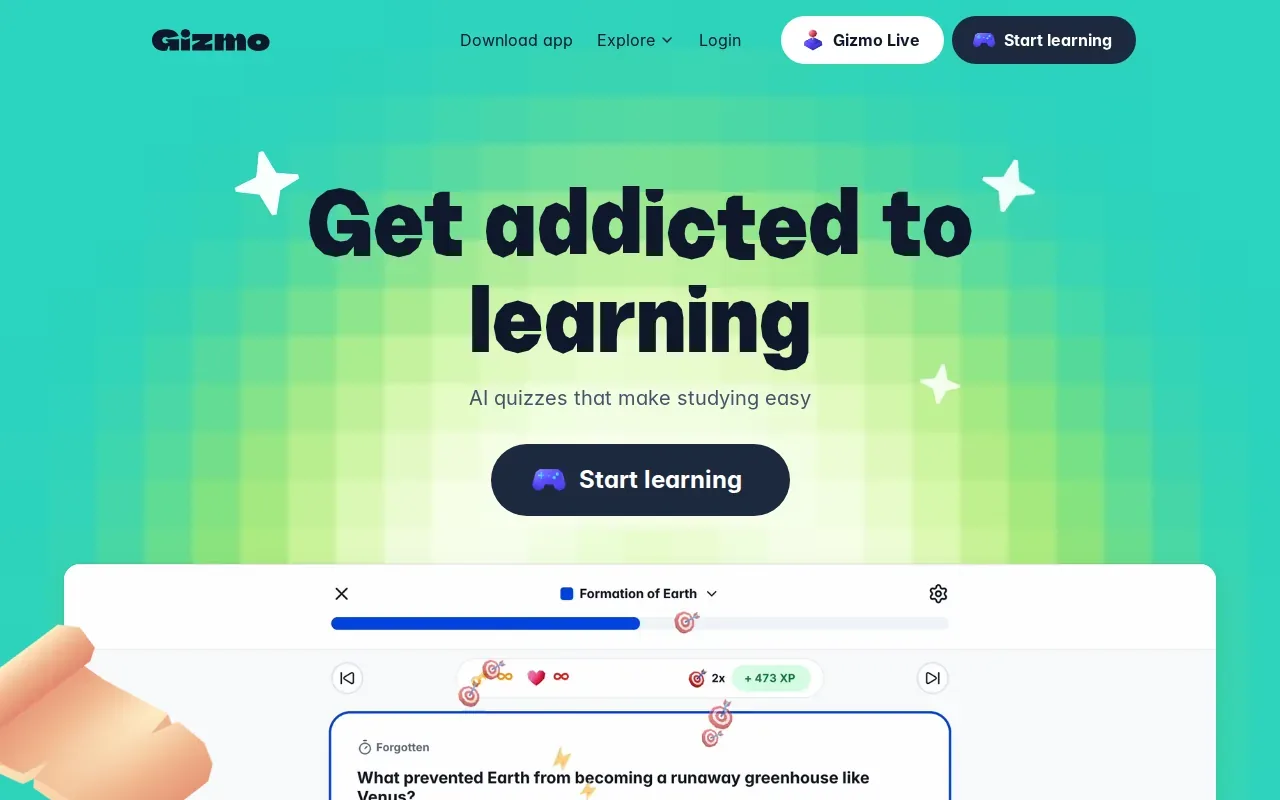
The game elements can make a short review session feel more like a quiz than a stack of cards. If you’re studying vocabulary or other facts, flashcards can give you quick recall practice without building a full mock exam.
Keep the goal in view. A game score can show how a session went, but it isn’t the same as knowing which course topics are ready for an exam. For a course-specific check, use questions tied to your syllabus and review the underlying notes when an answer surprises you.
Pick Gizmo if a game-style flashcard session is likely to keep you practicing. If you need detailed MCQ practice drawn from lecture material, compare its card-centered workflow with Quizessa’s generated questions and topic tracking.
5. Pocket Prep: focused practice questions for certification exams
Pocket Prep is a mobile practice-question app for professional certification exams. It suits candidates who want questions written for a named exam rather than a general course file. Its catalog covers certifications in areas such as project management, human resources, and safety.
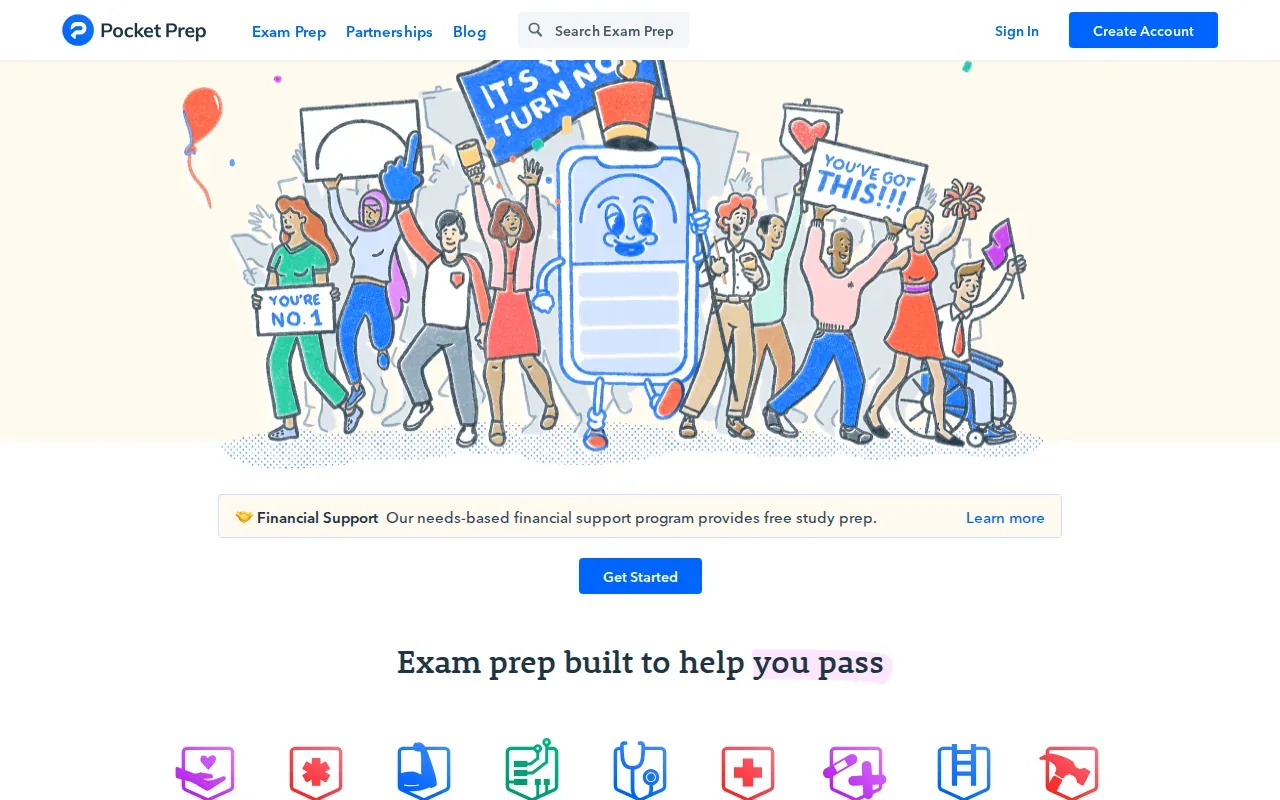
The app includes exam-style questions with explanations, mock exams, and performance tracking. Study modes include short quizzes and practice focused on weaker subjects. That can help a candidate fit a few questions into a busy day, then use performance results to choose a topic for a longer session.
The free version includes a limited set of questions. Use it alongside the official materials and guidance for your exam.
Certification candidates may also need formal training alongside app-based practice. For example, a vocational training provider may be another resource to consider. Check that any course or practice source fits the specific exam you plan to take.
Pocket Prep is the clearest fit here when you’re preparing for one of its supported professional exams. If you’re studying from a professor’s own slides or PDF, an app that converts those files into practice may match your workflow better.
Compare the exam prep apps at a glance
The right choice depends on where your study material comes from and what kind of practice you need. Use this comparison to separate apps built around your own files from those centered on flashcards or certification question banks.
| App | Best fit | Starting point | Review and progress | Price detail |
|---|---|---|---|---|
| Quizessa | Course-based exam practice | PDFs, slides, notes, photos, YouTube videos | MCQs, flashcards, answer explanations, practice adapted to student performance | Browser guest sessions with no signup; Pro $8.99 a month or $89.90 a year |
| Anki | Custom flashcard review | Cards and decks | Spaced repetition scheduling | Free desktop and Android; iOS $24.99 one time |
| StudyFetch | A planned routine using class files | PDFs, PowerPoint, video, slides | Personalized schedule and progress tracking | See website |
| Gizmo | Game-style flashcard practice | Notes, PDFs, PowerPoint, YouTube videos | Active recall and spaced repetition | See website |
| Pocket Prep | Question practice | Question banks for named certification exams | Performance tracking | Limited free questions; see website for paid plans |
For a course built around your own notes, Quizessa is the most direct match. Quizessa turns uploaded course materials into MCQs, flashcards and answer explanations, then adapts practice to your performance. Anki is better suited to a deck-first routine, while Pocket Prep offers limited free questions and performance tracking.
Students who want a broader view of study routines can compare the study apps for different course needs. When you decide, start with one chapter or topic. Check whether the app’s practice matches your test format before moving your whole study routine into it.
FAQ
Which exam prep app can make questions from my PDF?
Quizessa can turn an uploaded PDF into multiple-choice practice, flashcards, and answer explanations. StudyFetch also accepts PDFs and creates study aids from uploaded material. Check a sample question against your course notes before you rely on generated content, especially when the topic includes formulas, technical terms, or details your instructor may emphasize.
Are exam prep apps free?
Some exam prep apps have free access, but the amount varies. Quizessa offers browser guest sessions with no signup; Pro costs $8.99 per month or $89.90 per year. Anki’s desktop version and Android app are free, while its iOS app requires a one-time purchase. Pocket Prep has a limited set of free questions.
What’s the difference between Quizessa and Anki?
Quizessa creates MCQs, flashcards, and explanations from your course materials, then adapts later practice to your performance. Anki centers on flashcards and schedules reviews based on how well you recall each card. Choose Quizessa for course-specific exam practice from files, or Anki when you want to manage a custom deck and its review timing.
Which app is best for certification exam practice?
Pocket Prep offers a limited set of free questions and performance tracking. First, check whether it covers your specific certification. If you’re working from a separate course guide or class notes, you may also want a tool that creates practice from those materials.
Conclusion
If you’re studying from your own lecture slides, notes, or PDFs, start with Quizessa. Upload one topic and try a short practice session; use your results to decide what to review next. For a certification question bank or a flashcard-first routine, choose the app that fits that specific need.
Turn your notes into a practice exam
Upload a document and Quizessa builds questions, flashcards and explanations in minutes.
Try it freeRelated articles
-
Best Study Websites: 5 Options for Students
The best study websites should help you do more than reread your notes. Some turn your own class files into practice, while others help you review shared flashcards or space out recall. An analysis...
-
Best Study Quiz Maker Tools for Students
Turn a course PDF or lecture video into questions you can practice with, instead of writing every quiz by hand. A study quiz maker can also help you spot which topics need another look. Here are five...
-
Best AI Test Maker Tools for Students
An AI test maker can turn course material into questions, but the tools differ in what you can upload and how you review. Here are six options for students, starting with Quizessa, plus what each one...