Best Study Apps for Nursing Students: 7 Picks


The best study apps for nursing students depend on what you need to study: your own course files, long-term recall, or NCLEX-style questions. Here are seven picks, starting with Quizessa for turning your class materials into practice and adapting later questions to your results.
1. Quizessa
Quizessa is a web and iPhone study app that turns your course materials into multiple-choice questions, flashcards, and answer explanations. Upload a PDF, lecture slides, notes, photos, or a YouTube video, then practice from the material your class uses.

Get a question wrong? Read the explanation, then keep practicing. Adaptive Study responds to your performance, while topic mastery and Readiness Score help you decide what to review next. They’re study signals, not promises about an exam result or proof that every generated answer is error-free. Check important details against your course materials.
The same workflow can help with a pharmacology unit, a care-planning lecture, or a nursing exam review. You can study in English or Spanish, and browser guest sessions let you try the app without signing up. Pro costs $8.99 per month or $89.90 per year. If you’re building a broader review routine, these nursing exam study steps can help you fit generated practice into your course plan.
Quizessa is a good first pick when you have class files but don’t want to write every question by hand. It can make MCQs, cards, and explanations from the same upload, then use your performance to guide later practice.
2. UWorld Nursing: focused NCLEX-style question practice
UWorld Nursing is a question bank built around NCLEX content areas. It’s best suited to nursing students who want structured NCLEX-style practice in the final stretch of a program.

You can make practice tests by subject or system, then review detailed rationales for the answer choices. UWorld’s mobile app includes access to the question bank, flashcards, a digital notebook, and performance reports. The reports break results down by subject and system, so you can see where to focus next.
For NCLEX-RN or NCLEX-PN prep, the app includes Next Generation NCLEX question formats. Computerized Adaptive Testing mode is available when the plan includes it, and it adjusts to your performance during a test. That gives you a way to rehearse an exam-like session rather than only review one card at a time.
UWorld Nursing’s strength is its exam focus. It can fit a student who has moved from learning course units to practicing the style and content areas of a licensing exam. It’s less of a match if your main goal is to turn your own lecture slides or PDFs into questions.
If you need a question bank for the final stage of preparation, this pick centers that task. For class-specific practice made from your own files, compare it with Quizessa’s upload-based workflow.
3. Anki: spaced repetition for high-volume nursing facts
Anki is a flashcard app with a spaced-repetition engine. It suits students who need to revisit a large set of facts over time, such as drug classes or nursing terms.
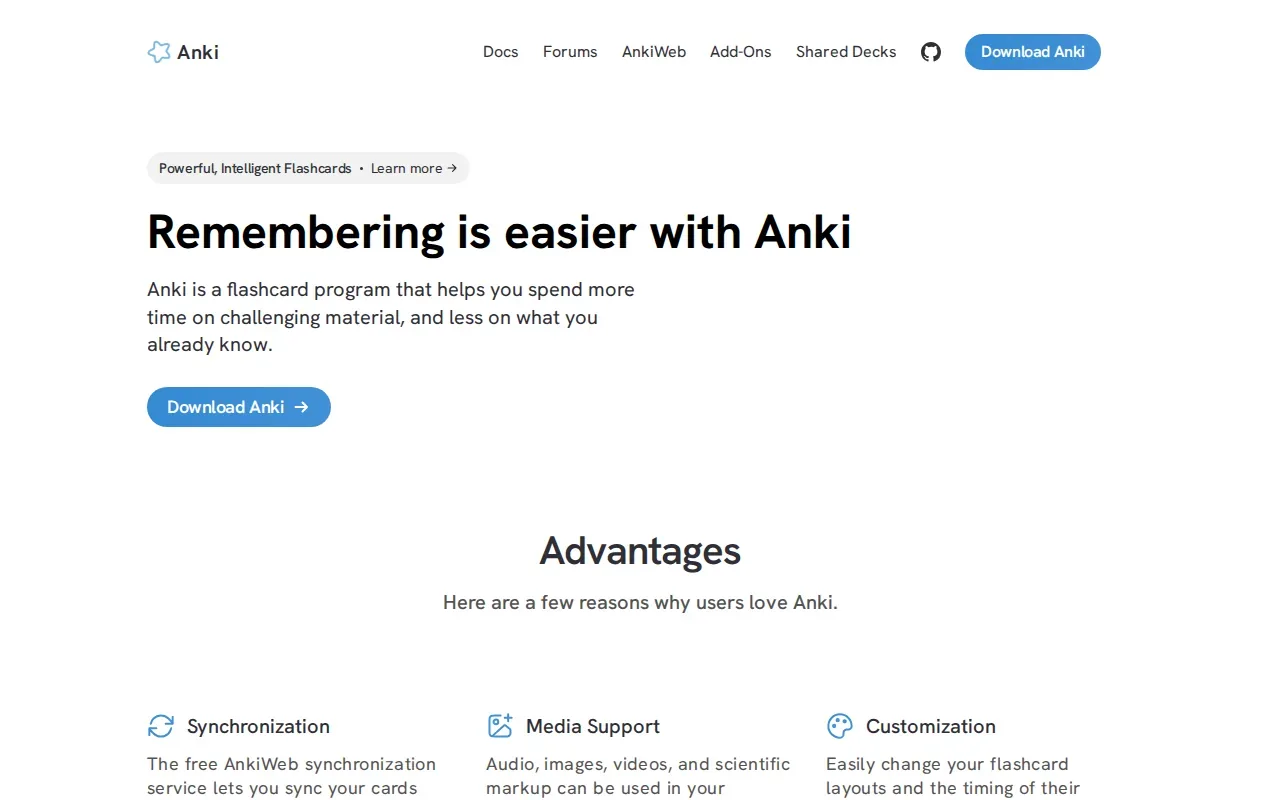
Spaced repetition brings material back for review over time instead of asking you to cram every card in one sitting. That can help when you’re trying to retain information across a long course. Anki is widely used in fields with a lot to memorize, including medicine, nursing, and law. The app is free on most platforms, while the iOS version is paid.
You’ll need a deck of cards to study. That may mean making your own or using a community deck where one fits your course. The trade-off is clear: Anki is useful for repeated recall, while a question bank is a better fit for practicing exam questions and answer rationales.
Spaced repetition schedules each review at a longer interval than the last. For students who want a more tailored set of cards, this flashcard app comparison covers options that build study materials from course files.
Anki works best when you’re willing to keep up with the card reviews. Use it for facts that need repeated recall, and choose another tool when you need explanations for multiple-choice answers.
4. StudyFetch: AI-generated flashcards from PDFs
StudyFetch generates flashcards from PDFs and includes spaced repetition. It fits students who want help making cards from study materials instead of typing each one by hand.
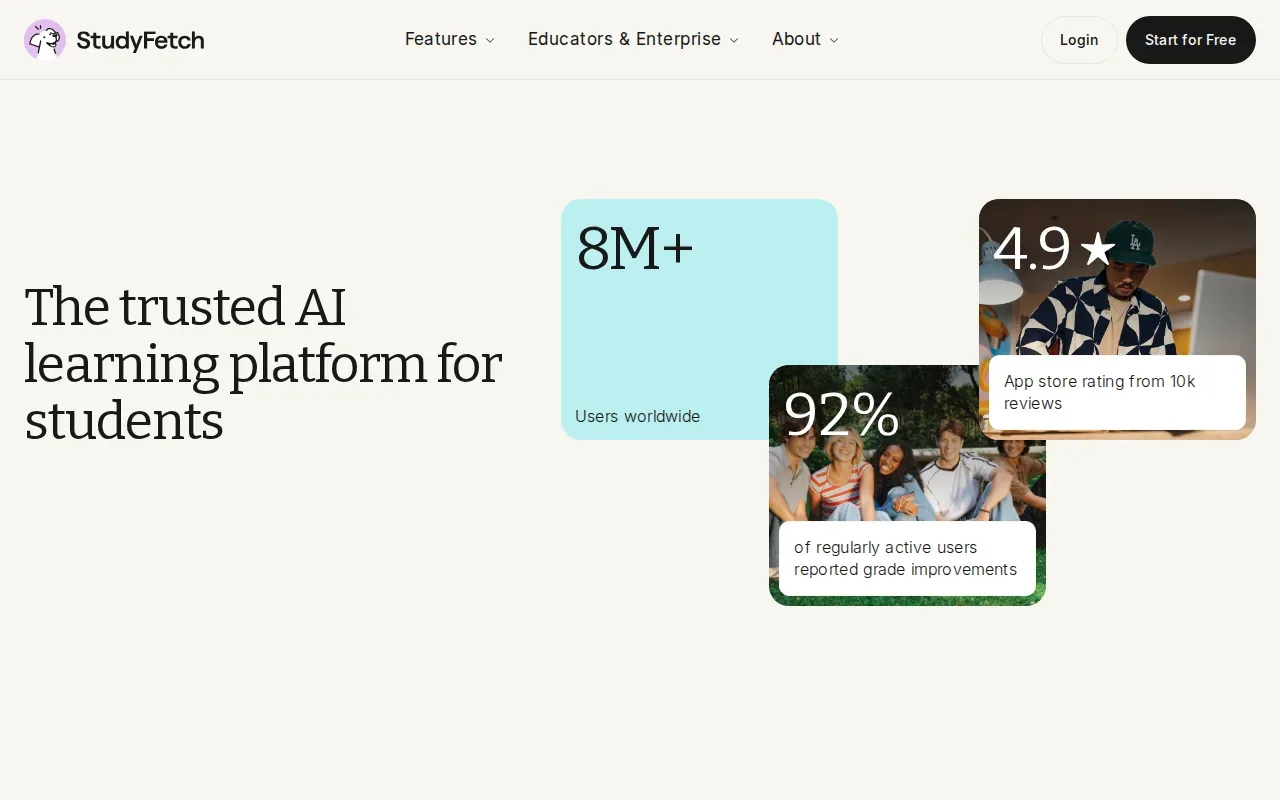
For nursing study, StudyFetch makes practice questions from materials such as textbooks, lecture notes, and practice exams. Students can set question types, difficulty, and topics, then use explanations to review answers. It also offers timed quizzes and full-length mock exams for test practice.
Its PDF-to-card workflow can help when a course gives you long readings or a thick set of lecture notes. You upload the source, then use the generated cards for recall practice. Spaced repetition helps bring cards back for review rather than leaving the whole study set to one long session.
StudyFetch is also a broader learning platform, with tools such as generated notes and an AI tutor. That wider set of study features may suit you if you want a few kinds of support around the same course materials. Its free plan has limited study sets, so check how your intended use fits before relying on it for a full term.
Turn your notes into a practice exam
Upload a document and StudyBuddy builds questions, flashcards and explanations in minutes.
Try it freePick it when automatic flashcard creation is the main task. If your priority is answering questions based on class files and reviewing explanations after each answer, compare that workflow with Quizessa’s MCQ practice.
5. Brainscape: confidence-based flashcard repetition
Brainscape schedules flashcard review based on how confident you say you are after each card. It’s a fit for students who want to rate their recall instead of treating every card as equally familiar.

After viewing a card, you rate your confidence. Brainscape uses that rating to set the next review schedule. If you know a medication fact well, you can mark that confidence; if you struggle with a term, a lower rating signals that the card needs more attention.
That confidence step makes the review process depend on your own judgment. It can be useful when a large deck mixes material you know with facts that still feel shaky. Brainscape’s free tier lets you make, import, and study your own cards, with a cap on AI-generated cards.
Brainscape is focused on flashcard study, so it’s a natural fit for repeated recall and certification prep. It isn’t the same task as taking a full practice test. If you need to work through clinical scenarios or test-style questions, add a question bank or a tool that makes MCQs from your course materials.
For students who like to judge their own recall as they go, the confidence rating is the key difference. Use it to guide card reviews, then turn to exam questions when you want to test how well you can apply what you’ve learned.
6. Knowt: AI flashcards from nursing notes and slides
Knowt uses its AI assistant, Kai, to make flashcards from PDFs, notes, and slides. It’s a fit for students who want an AI flashcard workflow with study modes and quizzes available in its free tier.
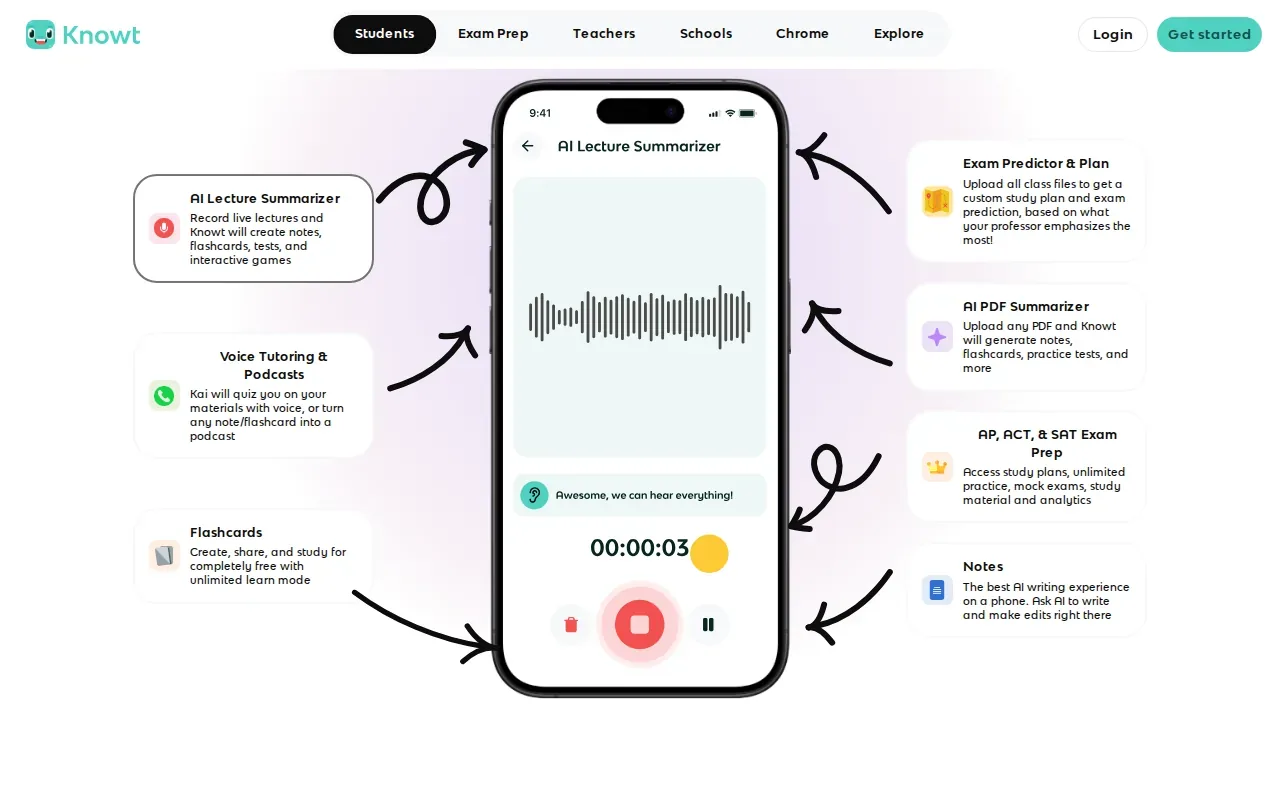
Knowt’s free features include unlimited flashcard creation, AI generation from notes and PDFs, practice quizzes, AI summaries, and cross-device sync. Its Learn mode and practice tests can help you shift from rereading a set of notes to trying to recall the material.
The app has basic spaced repetition through its free Learn mode and practice tests. For a nursing student, that could mean turning a set of lecture slides into a study deck, then using quiz practice to check what stuck. Review generated cards against your class material, especially when a small wording change could alter a definition or clinical detail.
Knowt is a strong option if you want several study modes without starting with a paid plan. Its card-making and quiz features may help when you have a stack of notes ready to use. Quizessa may be a closer match when your priority is a combined workflow of MCQs, flashcards, answer explanations, and practice that adapts to your performance.
Choose based on what you need to do most often. If it’s making and reviewing cards, Knowt covers that use case. If you need practice questions drawn from your course files, look for that specific workflow before you settle on an app.
7. Mindgrasp: flashcards from multiple study-material formats
Mindgrasp makes flashcards from several kinds of study material, including PDFs, slides, audio, video, and images. It’s a fit for students who study from long PDFs or lecture audio.
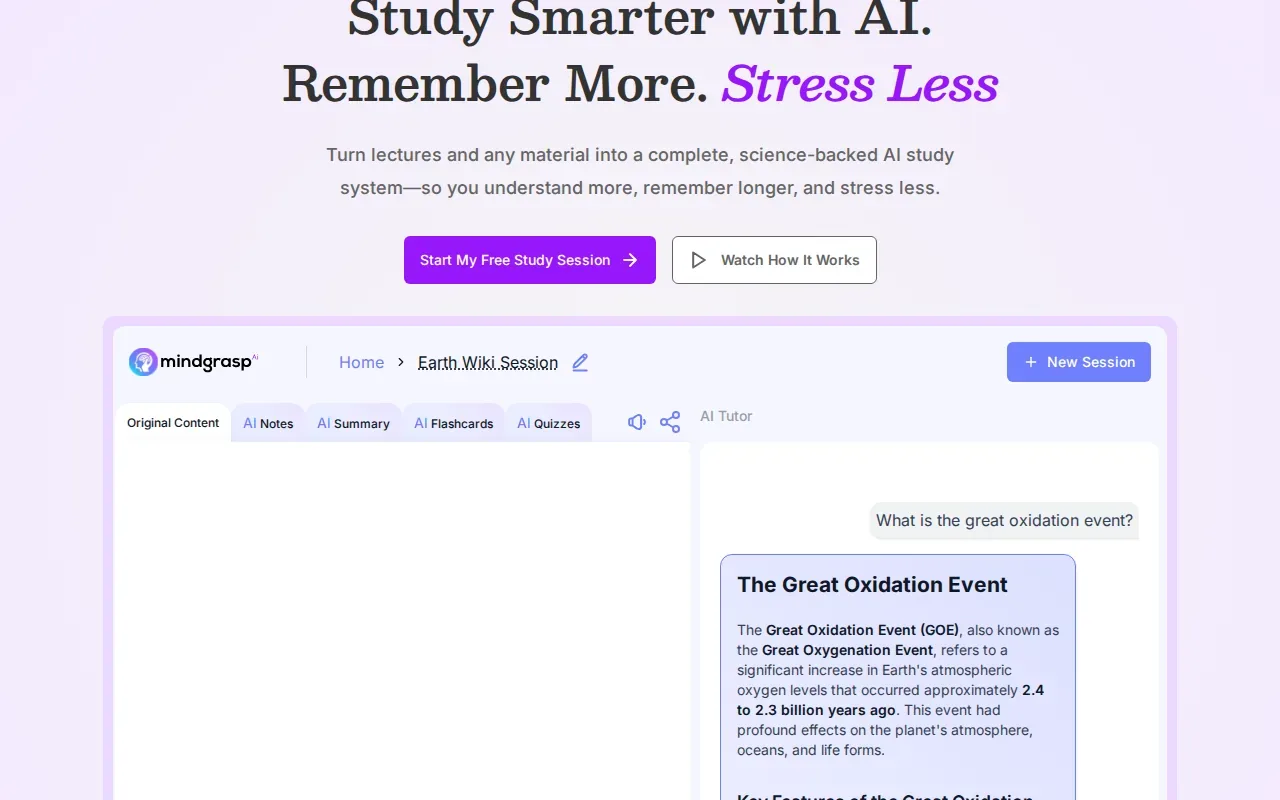
That range can help if your course material isn’t all in one format. You might have a slide deck for one class and a recorded lecture for another. Mindgrasp’s light spaced-repetition system gives you a way to review generated cards after making them.
When your notes, files, and lectures are spread across formats, the main question is whether the app accepts the material you actually have. This table focuses on that decision, not on general app features.
| Your study material | Mindgrasp fit | Study task |
|---|---|---|
| Long PDF | Supported | Generate flashcards from the document |
| Slide deck or image | Supported | Make cards from visual class material |
| Lecture audio or video | Supported | Generate cards from recorded material |
| Repeated review | Light spaced repetition | Return to cards over time |
Mindgrasp is worth considering if you want to turn more than PDFs and notes into flashcards. If your main goal is exam-style practice based on course files, check whether its card-focused workflow matches how you prepare for tests.
Frequently Asked Questions
What is the best app for nursing students who study from PDFs?
Quizessa is a strong fit if you want to turn course PDFs into MCQs, flashcards, and answer explanations. It adapts later practice to your performance and tracks topic mastery and exam readiness, which can help you decide what to review. StudyFetch, Knowt, and Mindgrasp also make study materials from uploaded sources, with different formats and review features.
Which app is best for NCLEX practice?
UWorld Nursing is built around NCLEX content areas and suits students seeking structured NCLEX-style practice. Its app includes a question bank, rationales, performance reports, and, when included in a plan, Computerized Adaptive Testing. Quizessa can make practice from your own course materials, so the better fit depends on whether you need exam-bank content or class-specific review.
Can AI make nursing flashcards from lecture slides?
Yes. Quizessa can make flashcards from uploaded slides, and StudyFetch, Knowt, and Mindgrasp also generate cards from some study materials. The formats differ by app. Check generated cards against your course sources before relying on them, since automated study aids are meant to support your review, not replace your instructor’s content.
Is Anki free for nursing students?
Anki is free on most platforms, while the iOS version is paid. Its spaced-repetition engine can help you keep reviewing facts over time, but you’ll need a deck to study. You can make cards or use a community deck when one fits your course. It’s mainly a flashcard option, not a question bank for exam-style practice.
What should I look for in a nursing study app?
Start with the study task you need most: questions for an exam, flashcards for recall, or practice made from your own slides and PDFs. Check whether the app explains answers and helps you decide what to review next. If you’re using generated materials, compare key details with your notes or course guide before treating them as correct.
Conclusion
If you want one app to turn your nursing course files into MCQs, flashcards, and explanations, start with Quizessa. Try it with one lecture or unit, then use your results to choose what to review next.
Turn your notes into a practice exam
Upload a document and StudyBuddy builds questions, flashcards and explanations in minutes.
Try it freeRelated articles
-
Best AI Study Guide Maker Tools for Students
A pile of lecture slides or a long course PDF can take hours to turn into study material. An AI study guide maker can turn your own files into practice, but the tools differ in what they make and how...
-
How to Study for the LSAT: A Step-by-Step Plan
Figuring out how to study for the LSAT can feel hard when you’re not sure what to practice first. Start with an official timed test, learn the current question types, then build a steady routine...
-
How to Study for the SAT: A Step-by-Step Plan
If you’re working out how to study for the SAT, start with evidence, not a stack of review books. A full-length diagnostic shows what to work on; focused practice helps you fix it. Use this five-step...