Best Bar Exam Flashcards: 7 Tools to Compare


Bar exam prep can leave you with a stack of rules and no clear way to review them. The right bar exam flashcards help you test recall, then focus on the rules you still miss. Here are seven tools, starting with an option that turns your own course material into practice.
1. Quizessa
Quizessa is a web and iPhone study app that turns your uploaded materials into MCQs, flashcards, and answer explanations. It adapts practice to your performance and tracks topic mastery and exam readiness. It’s a strong fit if your bar prep relies on your own lecture slides, outlines, or course PDFs.
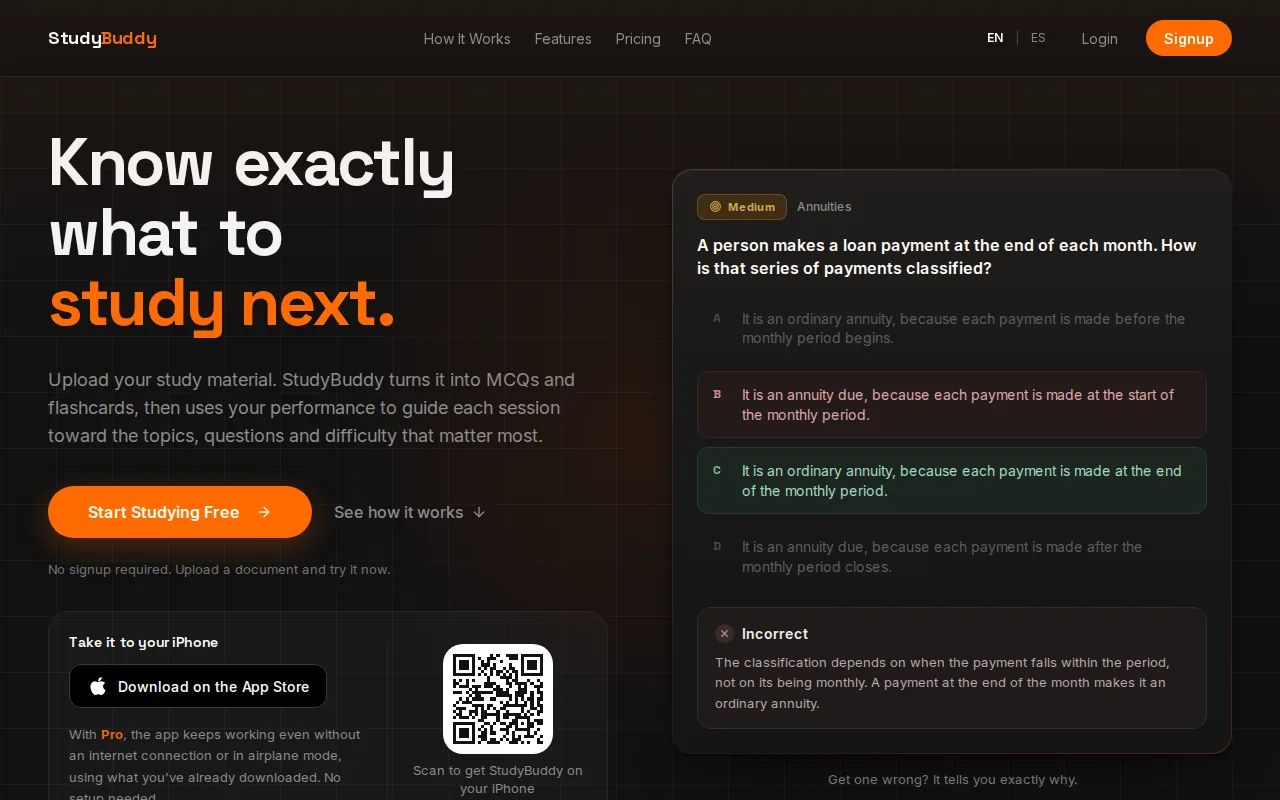
Upload a file, then use the generated cards to recall rules and terms. Switch to MCQs when you want to check whether you can pick a rule in a question. The answer explanations can help you see why a choice was wrong. Quizessa uses your results to shape later practice, while Readiness Score and topic mastery help you decide what to review next. They’re study signals, not a promise of exam success or error-free answers.
Quizessa is free to try. Pro costs $8.99 per month or $89.90 per year. The app works in English and Spanish, which can help if you study from materials in either language. If you’re starting with a course PDF, the PDF-to-flashcards workflow shows how one upload can become cards and practice questions.
Use it when you want study questions tied to your own class material, not only a general deck. Before relying on any generated card, check its wording against the outline or official study guide you’re using.
2. RemNote
RemNote makes flashcards from notes and uploaded PDFs, including legal outlines and case briefs. It’s a strong fit for students who want cards tied to legal rules, holdings, tests, and distinctions within their own study notes.
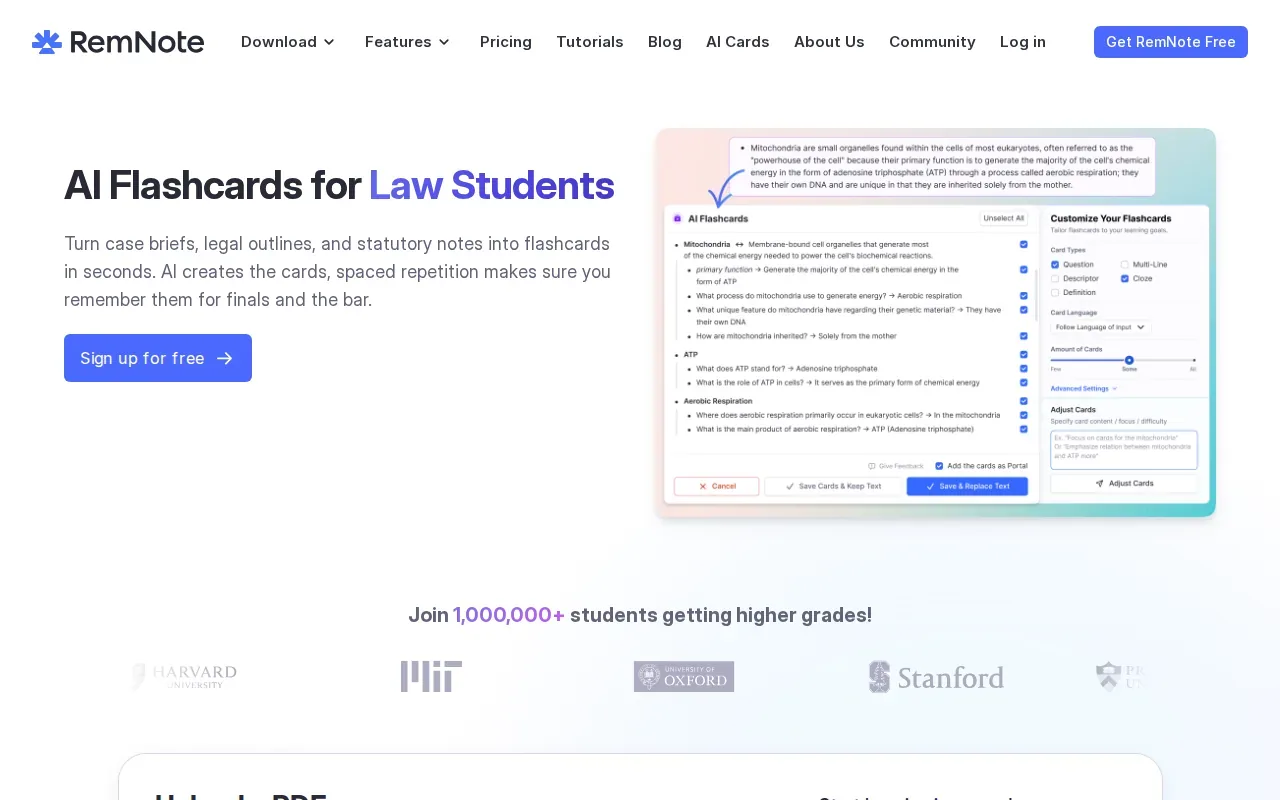
Its AI can read a PDF, pick out key rules or elements, and draft cards. You can preview and edit the results before studying. That review step matters: a card can compress a rule, but a missing qualifier can change what you need to recall. RemNote also supports question-and-answer cards and cloze deletions, where you fill in a hidden word or phrase.
RemNote schedules reviews with FSRS. That can help you return to cards over time instead of trying to reread an entire outline in one sitting. Students who already organize their notes in RemNote may prefer keeping the notes and cards in one place.
Choose it if your study process begins with detailed notes or PDFs and you want to edit AI-drafted cards before using them.
3. MintDeck
MintDeck is an iOS flashcard app with AI deck generation and FSRS scheduling. It suits students who want to turn parts of a case brief or outline into cards and review them on an Apple device.
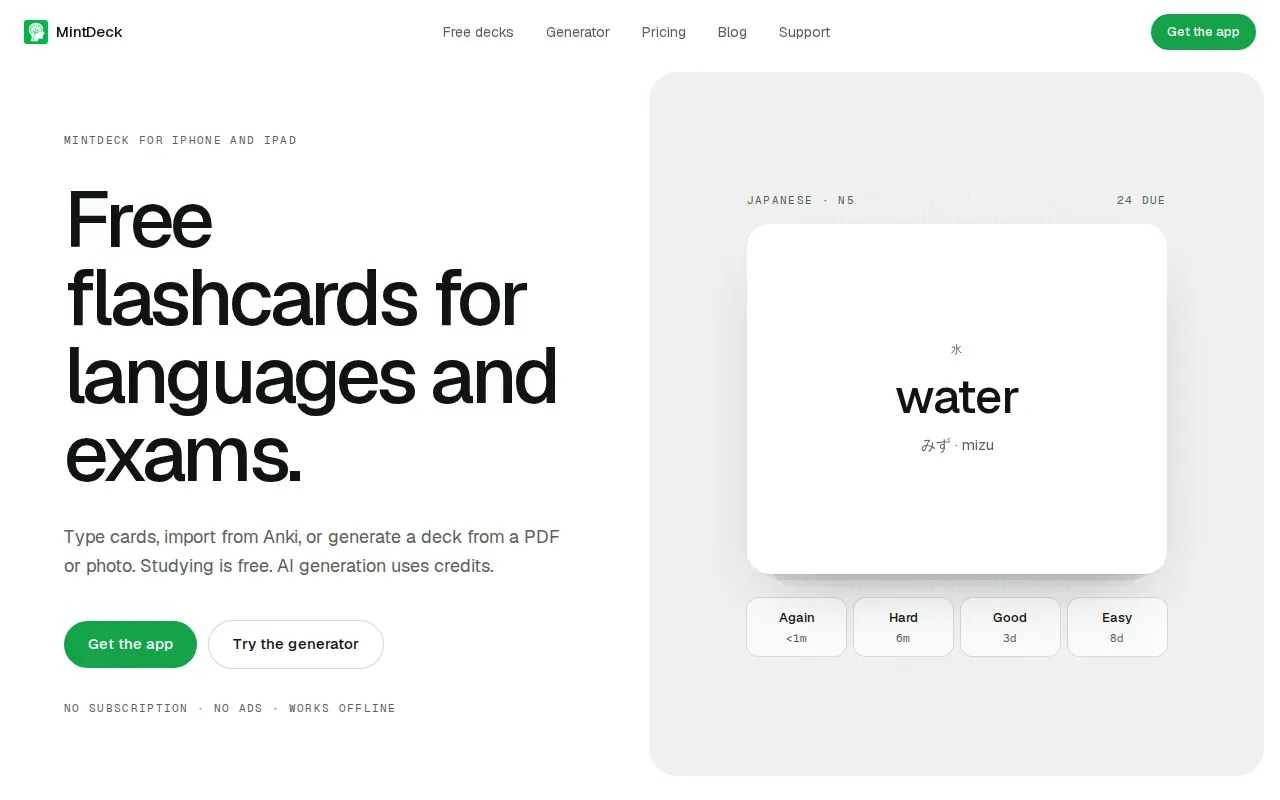
Paste in a section of an outline or case brief, and MintDeck generates a structured deck. Its free core study tools include FSRS scheduling and audio study. AI generation uses credits. Review the generated cards before studying. In legal material, a short phrase may leave out an exception or a key distinction.
FSRS is an optional scheduler in some tools and the basis of MintDeck’s review system. It adjusts review timing to the learner’s recall. The spaced repetition method is designed to spread reviews over time, rather than keep all practice in one session.
MintDeck is a useful match if you already have case briefs or outlines to convert and prefer audio review. It is iOS-focused, so check that your device fits the workflow before you build a large deck.
4. Brainscape
Brainscape has bar-focused flashcards and uses a confidence rating to schedule review. After a card, you rate your understanding on a scale from 1 to 5. It’s a fit for candidates who want a ready-made law deck and a simple way to mark which rules feel firm.

Its MBE flashcards cover high-yield legal concepts and are organized around the exam’s subject areas. A prebuilt deck can save time when you don’t want to draft every prompt yourself. Brainscape also lets you make your own cards, which can be useful after a missed practice question. Put the rule on one card, then make another for an exception or a confusing near-match.
Brainscape’s confidence-based scheduling differs from a system that generates cards from your own PDF. You rate how well you know each card, then use those ratings to guide review. Pro costs $7.99 per month on a yearly plan.
Pick Brainscape if a prepared bar deck matters more to you than creating cards directly from your own files.
5. Anki
Anki is a customizable flashcard app with an optional FSRS scheduler. It works well for candidates who want control over their cards and review settings, and who don’t mind setting up their own material.
Turn your notes into a practice exam
Upload a document and StudyBuddy builds questions, flashcards and explanations in minutes.
Try it free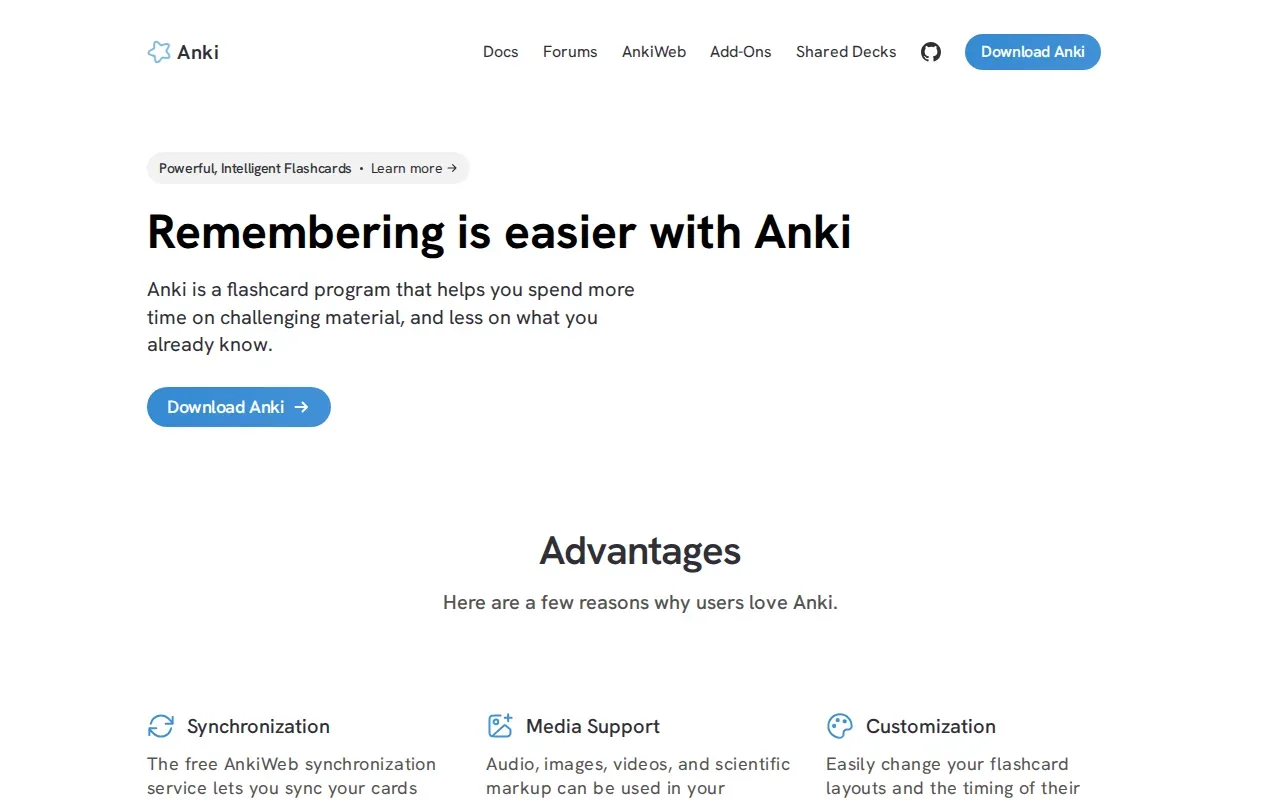
You can make cards for a rule statement, a rule element, or an exception. Keep each prompt focused. For example, instead of asking yourself to explain a whole topic at once, split the topic into smaller recall questions. That makes it easier to spot the exact piece you forgot.
Anki is free on desktop and Android. Its strength is the ability to customize a deck and use FSRS for review timing. That flexibility comes with a tradeoff: you’ll need to create or bring in your cards and decide how to organize them.
Anki can sit alongside question practice, but card recall alone won’t show whether you can apply a rule to a fact pattern. Use it for rule drilling, then test those rules in practice questions.
6. NotebookLM by Google
NotebookLM lets you add your own outlines, notes, or prep materials and generate flashcards and quizzes. It’s a fit for candidates who want study aids drawn from their source material, with podcast-style audio discussions as another way to review.
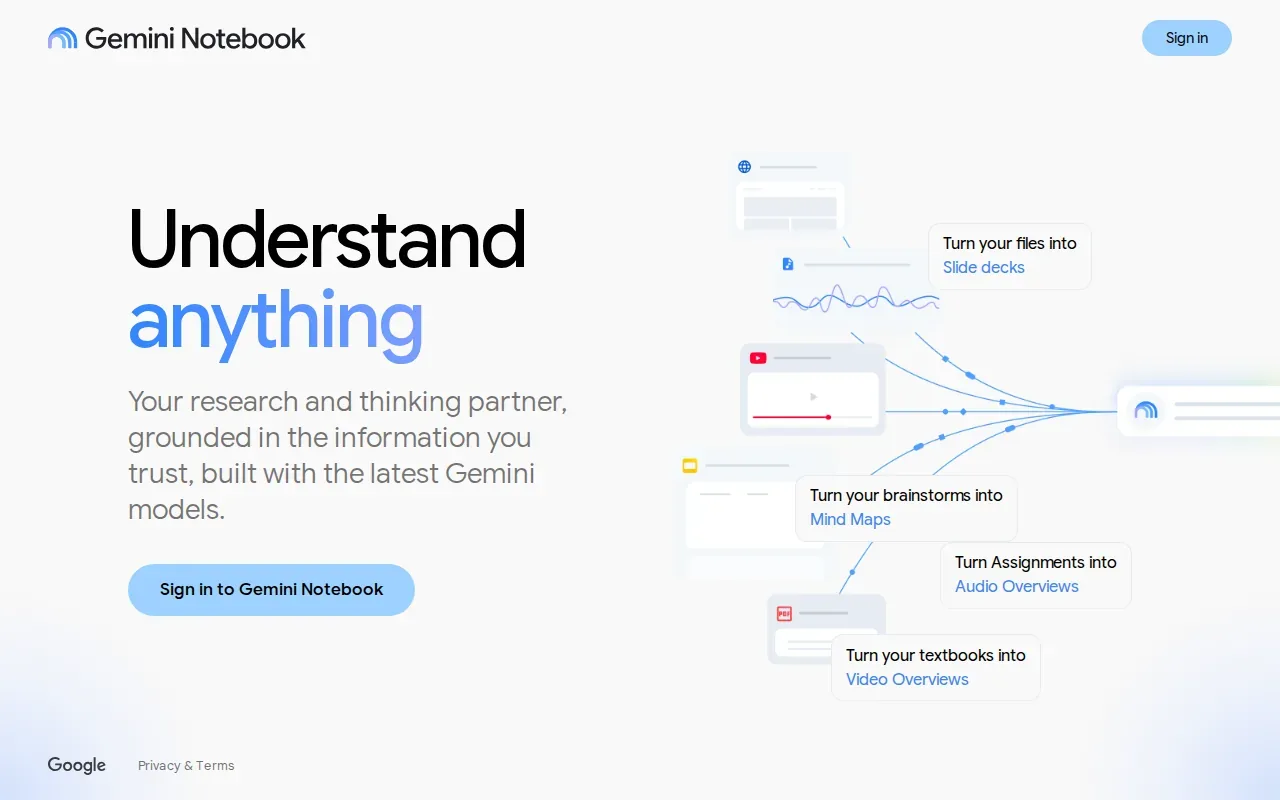
NotebookLM generates flashcards and quizzes from your sources. That source-based approach can help you work from a course outline rather than start with a blank deck. Check each generated card against your material, especially when it tests a rule with exceptions or a distinction between similar concepts.
NotebookLM can help you turn a set of prep documents into active review. It is worth considering if you want quizzes and audio discussions as well as flashcards.
For a bar prep routine, use a short quiz or card session to find gaps, then return to the outline for context. Don’t treat a generated deck as a substitute for practice with exam-style questions.
7. Remember Quick
Remember Quick turns study materials into interactive quizzes and offers dynamic study modes. It’s a fit if your materials include PDFs, Word files, plain text, or videos and you want AI to extract information for flashcards.
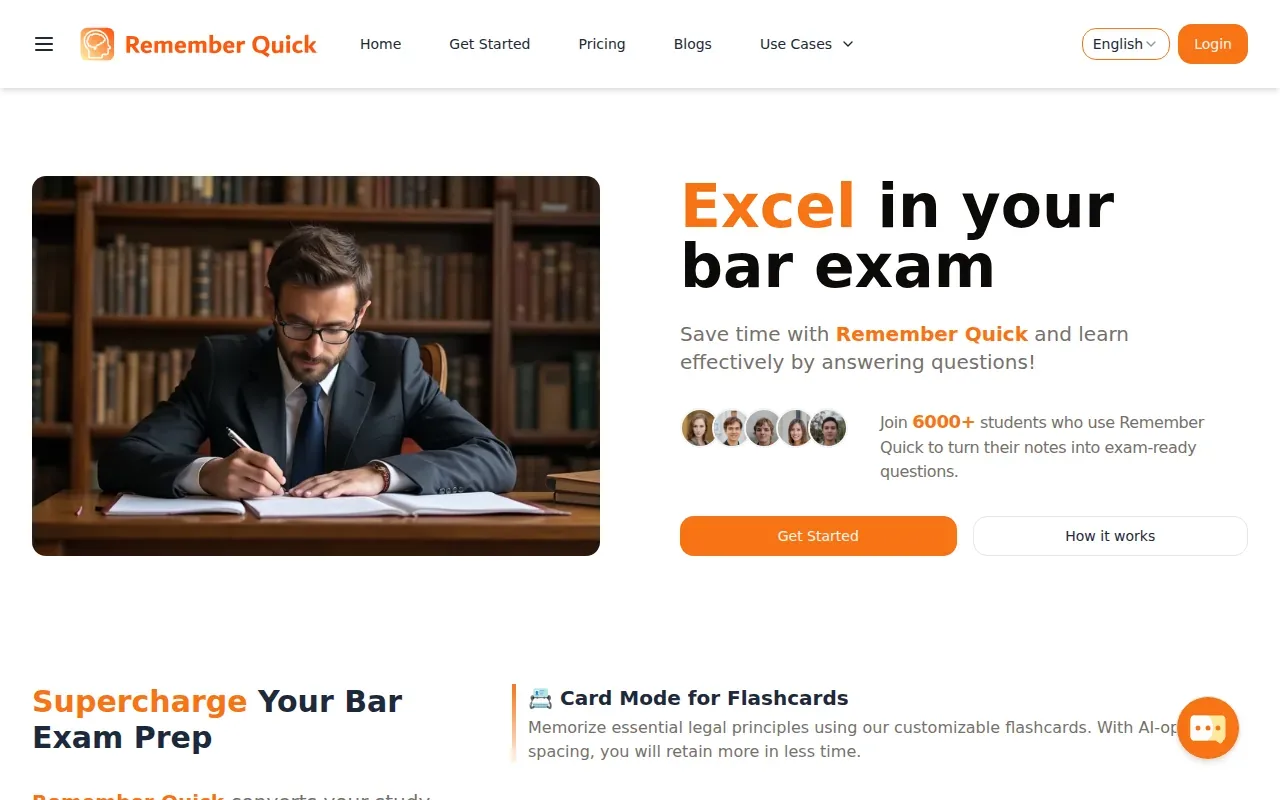
The tool uses text extraction to create cards from those materials. It also recommends questions adaptively and uses AI-optimized spaced repetition. That can help you revisit items based on your study activity. As with any generated deck, compare the cards with the source. A concise card should still preserve the full rule you need to learn.
Use this quick comparison to match a tool to the way you already study:
| Tool | Good fit when | What to check |
|---|---|---|
| Quizessa | You want MCQs, flashcards, and explanations from your own materials | Check generated answers against your course source |
| RemNote | You study from legal notes, outlines, and PDFs | Preview and edit AI-made cards |
| MintDeck | You want AI decks and FSRS review on iOS | Review cards for legal nuance |
| Brainscape | You prefer bar-focused cards with confidence ratings | Decide if a prebuilt deck fits your study needs |
| Anki | You want to build and configure your own decks | Allow time to organize the cards |
| NotebookLM by Google | You want flashcards and quizzes from your sources | Check generated content against the source |
| Remember Quick | You want to make cards from several file types | Confirm each card preserves the point you need to recall |
Remember Quick may suit you if your study files are spread across different formats and you want adaptive review suggestions. Keep your source outline open while you check the cards.
FAQ: Bar Exam Flashcards
Are flashcards useful for the bar exam?
Yes, flashcards are useful for recalling rules, elements, terms, and exceptions. They work best when each card tests one focused idea and you try to answer before revealing the back. Use them for regular recall practice, then solve practice questions to check whether you can apply the rule to a fact pattern.
Can flashcards replace bar exam practice questions?
No, flashcards shouldn’t replace practice questions. Cards help you recall legal rules, while questions test how you apply those rules to facts and choose among close answer options. Pair a short card review with question practice. When you miss a question, make or revise a card for the rule you didn’t recall.
Should I make my own bar prep flashcards?
Make your own cards when you need to focus on rules you personally miss or on details from your course materials. A prepared deck can save card-writing time. A useful mix is to review a general deck, then add focused cards for tricky rules, exceptions, or distinctions from your practice errors.
How often should I review bar exam flashcards?
Review cards across separate sessions rather than trying to memorize a full deck in one sitting. A routine built around active recall and spaced review can help you do that. Spaced repetition tools schedule reviews over time, while a simple routine can bring difficult cards back in later sessions. Keep sessions short enough to pair with practice questions and a check of your outline.
Conclusion
If you want flashcards and MCQs drawn from your own course PDFs or outlines, start with Quizessa and test it on one topic. Upload a file, check the generated explanations against your source, then use your results to choose what to review next.
Turn your notes into a practice exam
Upload a document and StudyBuddy builds questions, flashcards and explanations in minutes.
Try it freeRelated articles
-
Best AI Study Guide Maker Tools for Students
A pile of lecture slides or a long course PDF can take hours to turn into study material. An AI study guide maker can turn your own files into practice, but the tools differ in what they make and how...
-
How to Study for the LSAT: A Step-by-Step Plan
Figuring out how to study for the LSAT can feel hard when you’re not sure what to practice first. Start with an official timed test, learn the current question types, then build a steady routine...
-
How to Study for the SAT: A Step-by-Step Plan
If you’re working out how to study for the SAT, start with evidence, not a stack of review books. A full-length diagnostic shows what to work on; focused practice helps you fix it. Use this five-step...