Best Active Recall Apps for Students


The right active recall app should make it easier to test what you know, not add hours of card prep. Some tools build practice from your course files; others focus on flashcards you make and review. Here are six options, starting with Quizessa, and the study styles each one fits.
1. Quizessa
Quizessa is a web and iPhone study app that turns your course material into MCQs, flashcards, and answer explanations. Upload a PDF, lecture slides, notes, a photo, or a YouTube video, then practice from what you’re actually studying in class.
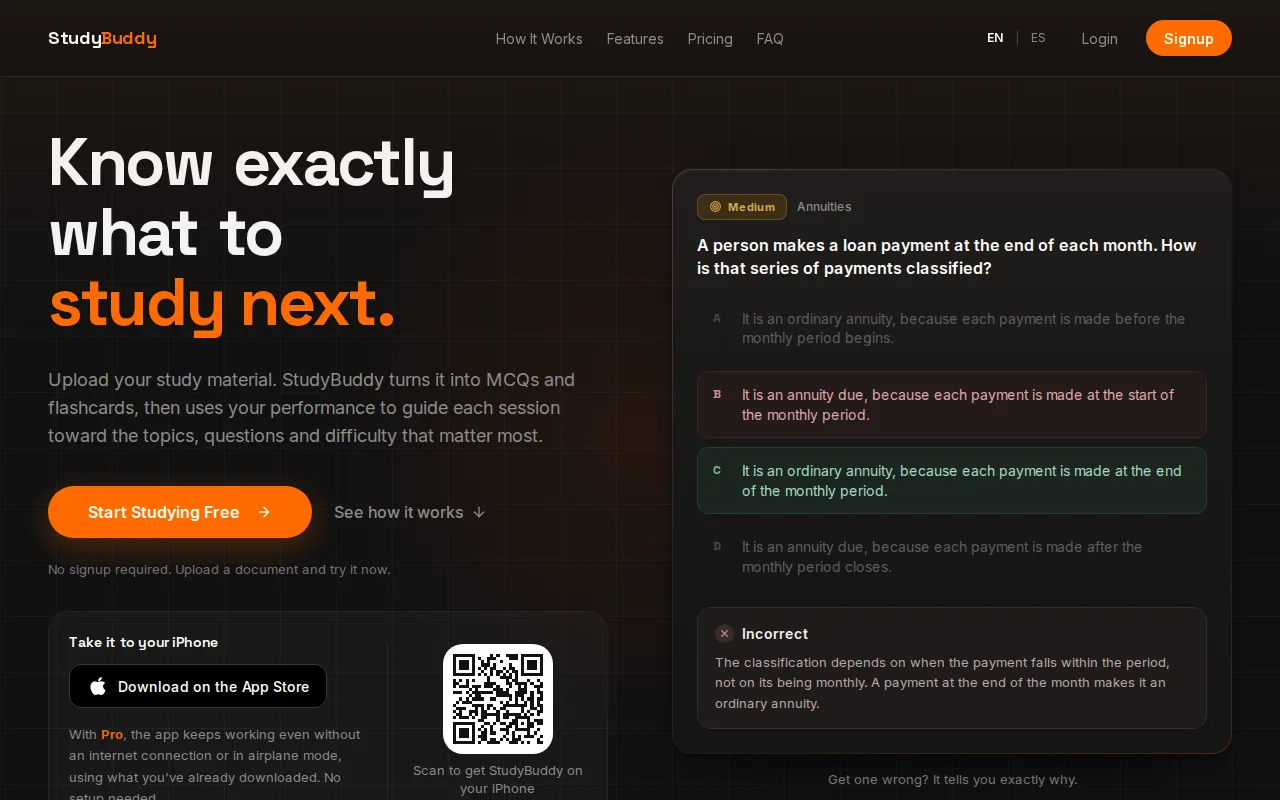
It’s a useful fit when an exam follows your professor’s material closely. A student reviewing contract law can upload class notes and test key rules with MCQs. Someone studying accounting can use the same file to make flashcards, then check explanations after a missed answer.
Practice changes based on your performance. Quizessa tracks topic mastery and exam readiness, so you can see which areas may need another pass. The Readiness Score is a planning aid, not a promise about your exam result. Generated explanations also deserve a quick check against the source material.
Quizessa is free to try, and browser guest sessions let you start without signup. Pro costs $8.99 per month or $89.90 per year. If you’re deciding how to use self-testing in a study session, this active recall study guide explains a simple way to begin.
Choose it when your source files matter as much as the question format. Upload once, then use generated practice to find what deserves more review.
2. Anki: flexible spaced-repetition flashcards
Anki is a flashcard program that schedules reviews based on how well you recall each card. It suits students who want control over their decks and are willing to make or import cards instead of starting with a quiz built from a course PDF.
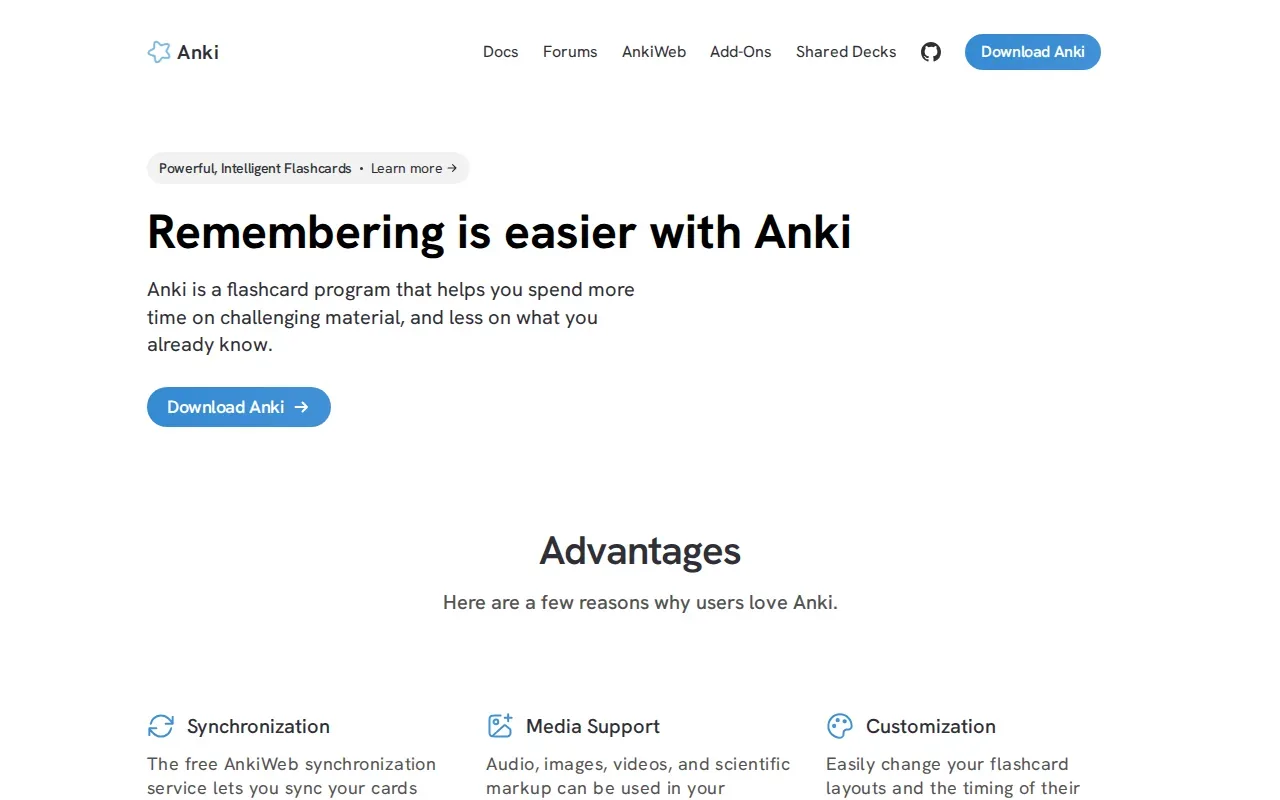
You can put text, images, audio, video, and scientific markup on cards. Decks let you group cards by course or topic, so a biology student could review cell structures without mixing them into a chemistry deck. After each card, rate your recall. Anki uses that response to plan a later review.
The main tradeoff is setup. Anki can be adjusted in detail, which is useful if you want to shape card layouts and review timing. It can also take time to learn. If you only need a short set for one exam, that control may be more than your workflow calls for.
The desktop version is free on Windows, Mac, and Linux, and AnkiDroid is free on Android. The official iOS companion costs $24.99 as a one-time purchase. Anki’s review schedule is a form of spaced repetition, where study items return over time rather than all at once.
Anki is a strong fit for steady, card-based recall, especially when you already have decks ready. For practice questions based on the exact wording and scope of a course handout, a source-based study tool may save a separate card-making step.
3. Knowt: AI flashcards from notes and PDFs
Knowt is a web study app that can generate flashcards from notes and PDFs. It’s a fit if you want to turn written course material into cards, then switch between different ways to test yourself.
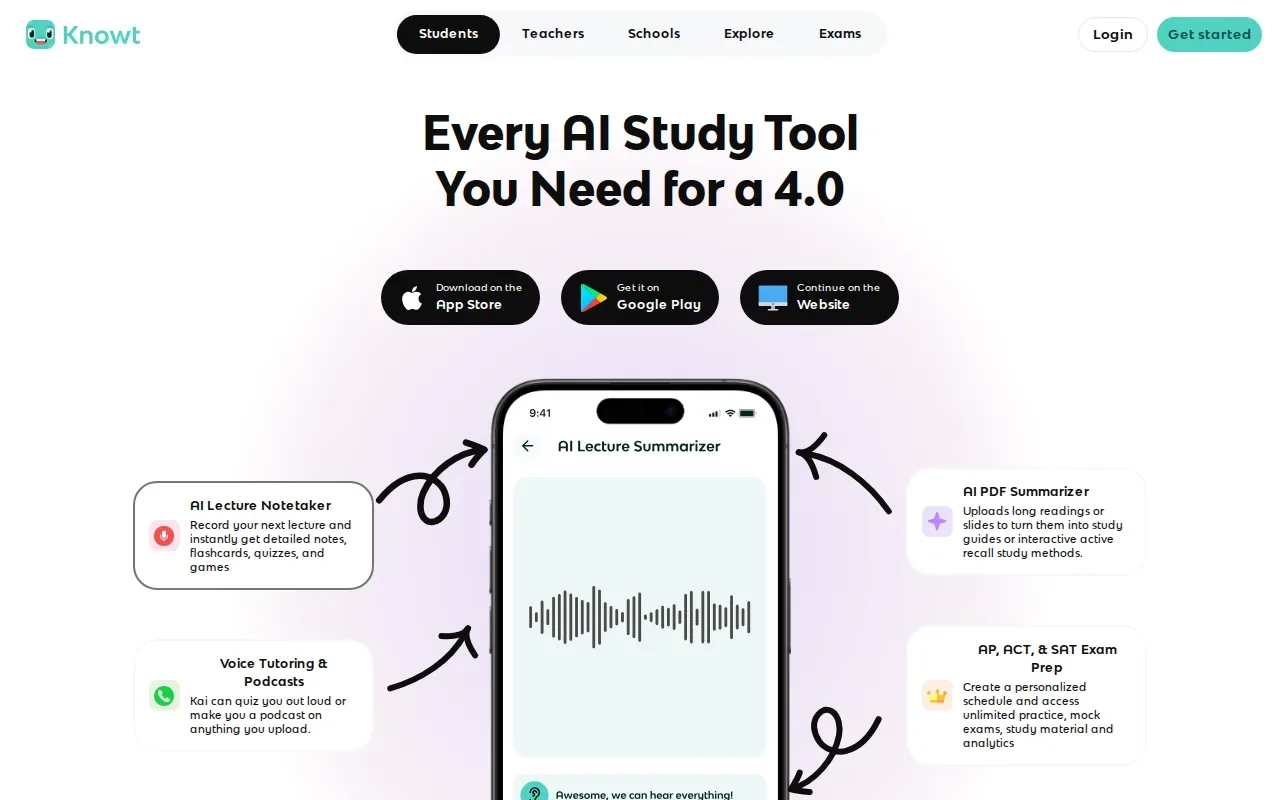
Knowt includes active recall study modes, such as Learn and Practice Test. That gives you a way to move beyond flipping through a deck. For example, you might make cards from a history reading, then use a practice test to check whether you can retrieve dates and ideas without seeing each answer first.
Its generated cards can cut down on the first round of typing, but still review them before relying on them. Check that terms match your professor’s usage and that the prompts ask a clear question, rather than copying whole notes onto the back of a card.
Knowt’s strength is variety: it pairs card creation from notes and PDFs with several study modes. If your main need is a quiz that tracks topic mastery and readiness across your own files, compare that workflow with Quizessa before choosing.
Pick Knowt if flashcards and familiar practice modes are your main goal. It’s worth testing a small set from one class before shifting all your notes into a new system.
4. Brainscape: confidence-rated flashcard review
Brainscape is a web flashcard app with a confidence-based rating system. After each card, you rate how well you knew the answer, and the app schedules review around that rating.
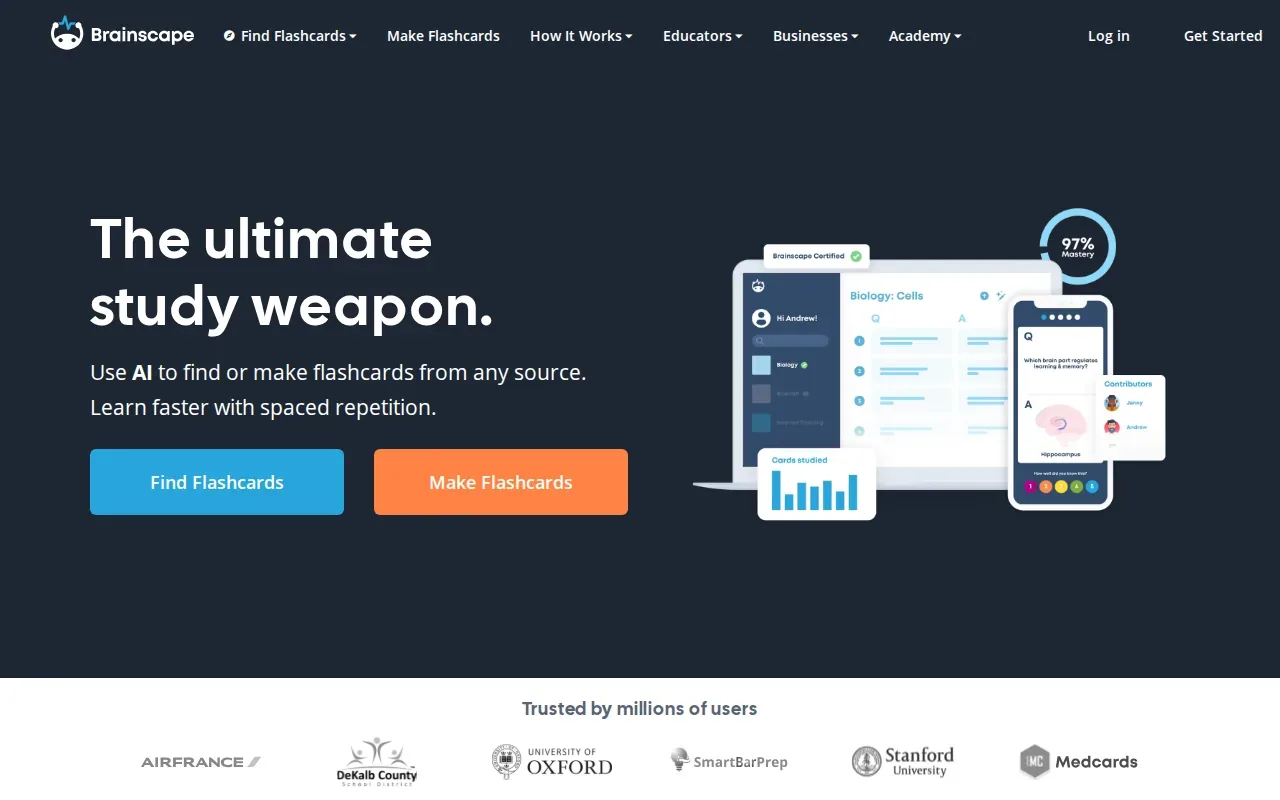
This method can help you notice the difference between an answer you knew quickly and one you guessed or recalled with effort. A student learning anatomy terms, for instance, can rate a card low when the label feels familiar but won’t come to mind. That gives the next review a more honest signal than a simple right-or-wrong check.
Brainscape’s content comes from user-created flashcards and a curated deck library. That can help when you want to study from an existing set or make your own cards. Before using a shared deck for a course, check that its terms and scope match your class materials.
Turn your notes into a practice exam
Upload a document and StudyBuddy builds questions, flashcards and explanations in minutes.
Try it freeBrainscape is best for students who like cards and want to judge their confidence after each prompt. If you need generated practice questions from your own files, card review alone may not cover the whole workflow.
Try it when confidence ratings would help you sort secure knowledge from shaky recall. Keep the cards focused, then make a separate note of course topics that need a fuller explanation.
5. Mochi: markdown-based cards with SM-2 scheduling
Mochi is a flashcard and notes app built around Markdown documents. It suits students who like writing notes in a structured format and want to turn those notes into cards for scheduled review.
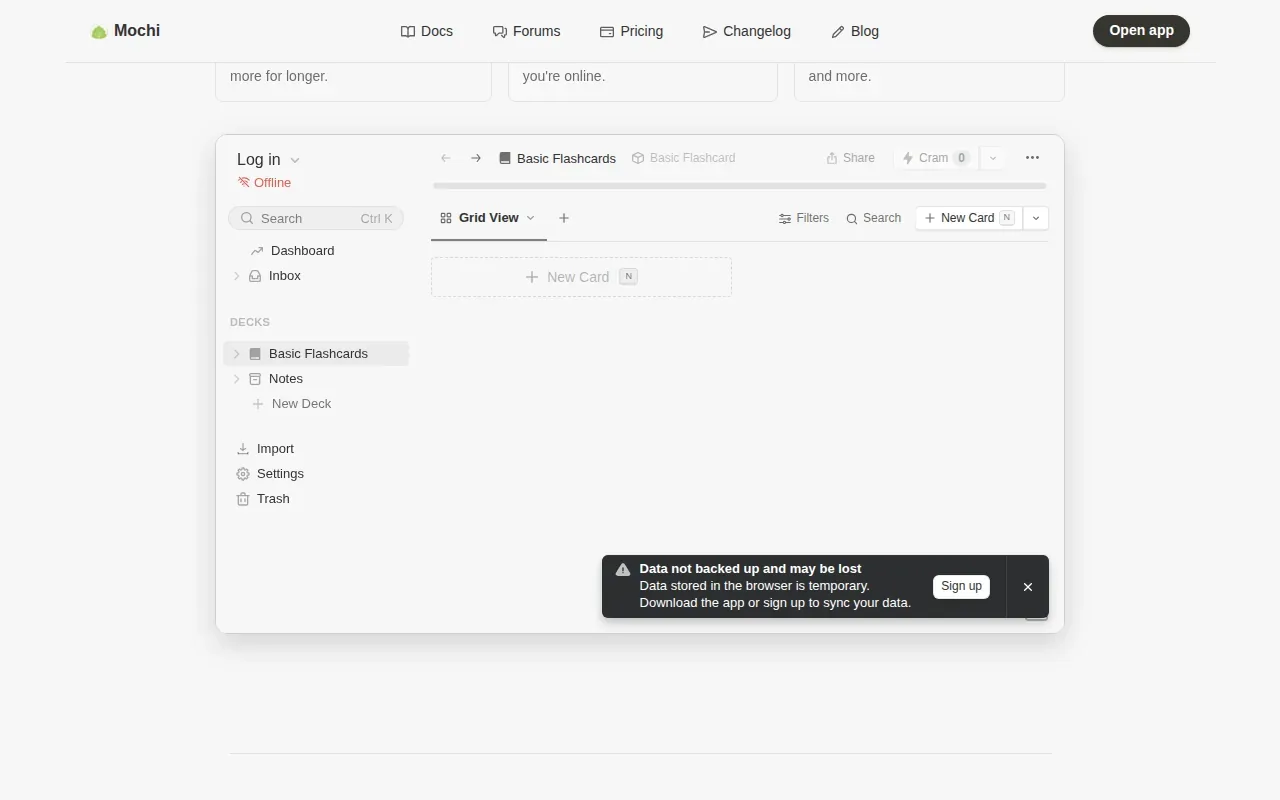
You can write a document, create cards from its content, and link related notes or cards. That can be handy for a humanities course where one concept connects to several readings. Rather than treating each prompt as an isolated fact, you can keep linked material close by as you study.
Mochi’s scheduler is a modern implementation of the SM-2 family. The schedule helps space out card reviews, while Markdown keeps the writing and card content in one workflow. Students who already organize course notes this way may find it more natural than entering every card through a separate form.
The key choice is how you want to prepare. Mochi is centered on your notes and cards, while an AI-generated quiz tool can draft practice from uploaded files. Choose Mochi if you want to shape the notes and card links yourself, then return to them on a schedule.
It’s a good match for note-focused study. If your priority is a ready-made batch of MCQs from lecture slides, focus on a tool with that specific input and output.
6. AlgoApp: AI-drafted cards from PDFs and photos
AlgoApp is a flashcard app that can draft cards from PDFs and photos with AI. It runs on iPhone, iPad, Android, Mac, Windows, and the web, which may suit students who move between a phone and a computer.
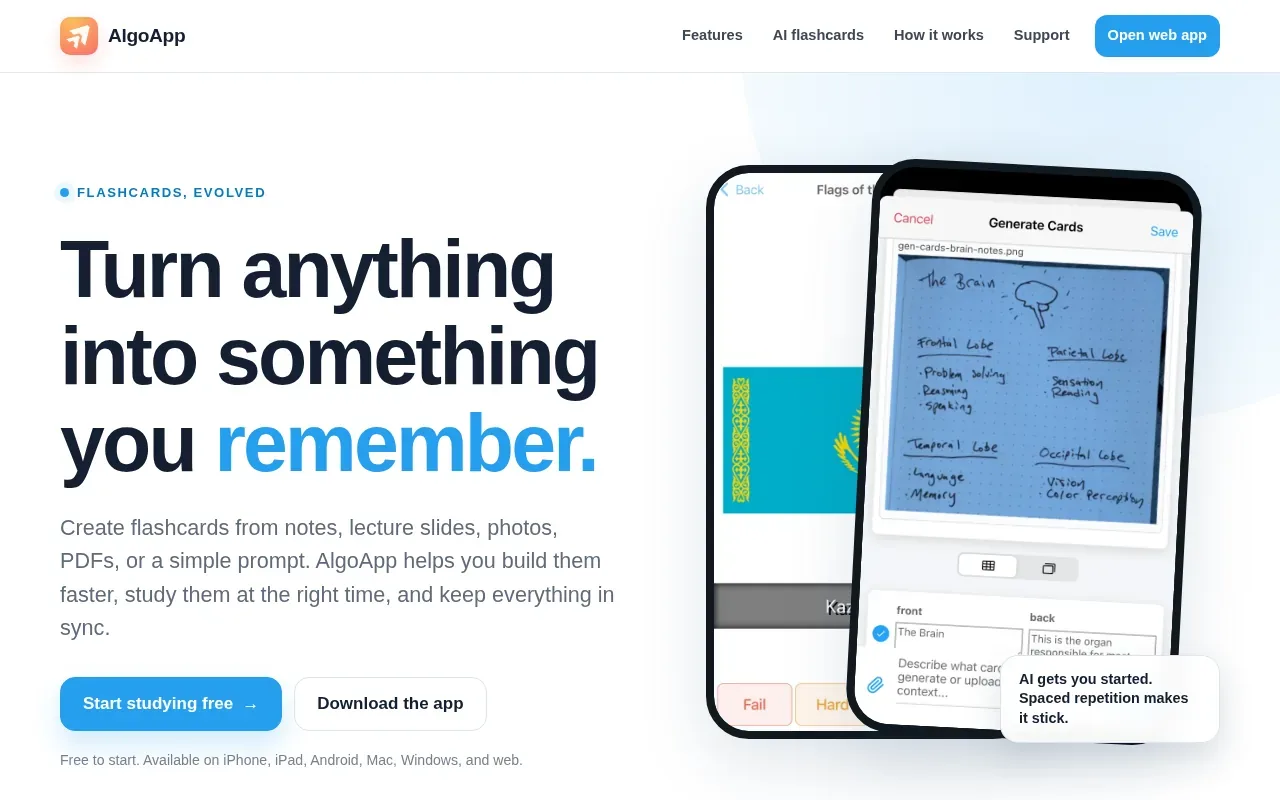
You can review and edit the draft cards before adding them to a deck. That review step matters: a generated prompt may need a clearer question, or a detail may need checking against the slide or page it came from. For an engineering class, confirm that a formula and its symbols were carried over correctly.
AlgoApp uses FSRS to schedule reviews based on your answers. It also supports cards made by hand, so you can choose AI drafting for a fast first pass and write a precise card yourself when the wording matters.
The free option includes unlimited cards. The Unlimited plan costs $29.99 per year in the US. AlgoApp makes sense when flashcards are the format you want and cross-device access is part of your study routine.
Its focus is card creation and review. If you want MCQs and answer explanations from your course files alongside flashcards, compare that need with Quizessa’s broader practice formats.
Active Recall Apps Compared: Formats, Sources, and Study Style
Use this comparison to match the app to the material you already have. The biggest difference is whether you want to build cards, generate them from files, or add more than flashcard review.
| App | Starting material | Main practice style | Best fit |
|---|---|---|---|
| Quizessa | PDFs, slides, notes, photos, videos | MCQs, flashcards, explanations | Course-file practice with mastery and readiness tracking |
| Anki | Cards you make or import | Scheduled flashcard review | Custom decks and repeated recall |
| Knowt | Notes and PDFs | AI flashcards, Learn, Practice Test | Cards plus varied study modes |
| Brainscape | User-made cards or curated decks | Confidence-rated card review | Students who want to rate how well they recall |
| Mochi | Markdown notes | Cards with SM-2-family scheduling | Note-first learners |
| AlgoApp | PDFs and photos | AI-drafted cards with FSRS review | Flashcards across several devices |
Active recall means trying to bring an answer to mind before checking it. You can learn how to study with flashcards using active recall. Whatever tool you use, answer first, then check the source or explanation.
Frequently Asked Questions
What is the best active recall app for studying from PDFs?
Quizessa is a strong choice if you want practice generated from your own PDFs. It turns uploaded course material into MCQs, flashcards, and answer explanations, then adapts practice to your performance. Knowt and AlgoApp can also generate flashcards from study files, but their workflows focus on cards rather than the same mix of practice formats.
Can an app make flashcards from lecture slides?
Yes, some study apps can draft cards from course files. Quizessa works from slides and other materials, while Knowt generates flashcards from notes and PDFs. AlgoApp can draft cards from PDFs and photos. Review the result before studying, especially for formulas, dates, or terms where one small error could change the meaning.
Are flashcards enough for active recall?
Flashcards can support active recall when you try to answer before revealing the back. They work well for short prompts, such as a definition or a formula. If your exam asks you to apply ideas or choose between close answers, add practice questions too. The useful format depends on what you’ll need to retrieve during the exam.
Which app is best for spaced repetition?
The best fit depends on how much control you want and what you’re reviewing. Anki gives you flexible flashcard scheduling. Mochi uses an SM-2-family scheduler, while AlgoApp uses FSRS. Brainscape schedules based on your confidence rating. If you want practice from course files as well, consider that alongside the review schedule.
Conclusion
If you study from your own lecture slides, PDFs, and notes, start with Quizessa: upload one course file and try its MCQs, flashcards, and explanations. Use the results to decide which topics need another review, then choose a card-first app if scheduled flashcard drilling is your main need.
Turn your notes into a practice exam
Upload a document and StudyBuddy builds questions, flashcards and explanations in minutes.
Try it freeRelated articles
-
Best AI Study Guide Maker Tools for Students
A pile of lecture slides or a long course PDF can take hours to turn into study material. An AI study guide maker can turn your own files into practice, but the tools differ in what they make and how...
-
How to Study for the LSAT: A Step-by-Step Plan
Figuring out how to study for the LSAT can feel hard when you’re not sure what to practice first. Start with an official timed test, learn the current question types, then build a steady routine...
-
How to Study for the SAT: A Step-by-Step Plan
If you’re working out how to study for the SAT, start with evidence, not a stack of review books. A full-length diagnostic shows what to work on; focused practice helps you fix it. Use this five-step...